Mural wins guided facilitation. NuromBoard wins structure that lasts after the workshop — on one shared working file.
Bring PDFs, briefs, strategy notes, or workshop fragments into an editable map or flow you keep refining.
Comments, versions, and decisions stay with the structure — not a freeze-frame workshop board.
在尋找 Mural 替代方案?先釐清工作目標
不要只比較功能清單。先判斷你需要即時工作坊,還是一個能在會議後繼續沉澱結構的共享工作檔。
每個平台都有擅長的場景。NuromBoard 專注於把材料變成團隊可以持續編輯的結構。
會議或工作坊結束後,團隊仍需要可編輯的地圖、流程與決定,而不是一張靜態截圖。
PDF、簡報與會議筆記應當成為團隊可以繼續完善的共享結構,而不是一次性圖表。
让協作成果继续向前推进
Support open co-creation, then turn workshop and business discussion into a structure your team keeps editing after the session.
Structure that lasts after the workshop
Turn discussion output into mind maps, flowcharts, and action plans the team keeps editing days later.
免費開始From materials to editable outcomes
Move from PDFs, notes, and board fragments into maps, flows, and cards — without competing on Mural’s facilitation method library.
免費開始One shared working file
Individuals start the structure; teams review, comment, and hand off on the same file with version history.
免費開始NuromBoard 與 Mural 比較
| Dimension | NuromBoard | Mural |
|---|---|---|
| 工作目標 | 把文件與會議變成團隊在會後繼續編輯的結構。 | 適合即時協作、討論或繪圖的場景。 |
| 起點 | 從 PDF、文件、筆記或會議記錄開始,由 AI 協助擷取結構。 | 從空白畫布或範本開始,在協作過程中加入內容。 |
| 會議之後 | 結構保存在一個共享工作檔中,團隊可以繼續編輯地圖、流程與決定。 | 即時協作體驗突出,後續結構取決於團隊的跟進方式。 |
| 我們不重點競爭的部分 | 不以投票計時器、破冰活動或最大範本庫為核心。 | 在即時協作、活動輔助或平台生態方面各有優勢。 |
| 開始使用 | 瀏覽器中即可免費開始,準備好後邀請團隊進入同一個工作檔。 | 通常從帳號、範本或團隊工作區開始。 |
保留上下文和版本
一鍵分享連結
即時協同編輯
線上評論與回饋
線上語音會議
白板與頁面簡報
雲端內容同步
靈活的權限設定
版本歷史
靈活匯入與匯出
什麼時候選擇 Mural,什麼時候選擇 NuromBoard
如果符合以下情況,選擇 NuromBoard
- 你的工作經常從 PDF、文件與會議筆記開始
- 你希望結構在會議後仍保存在同一個共享檔中
- 團隊需要持續完善心智圖、流程圖與計畫
如果符合以下情況,繼續使用 Mural
- 你主要組織即時工作坊或現場活動
- 你需要特定平台的生態或深度整合
- 你的團隊已經圍繞另一套工具建立完整流程
选择一个工作範本
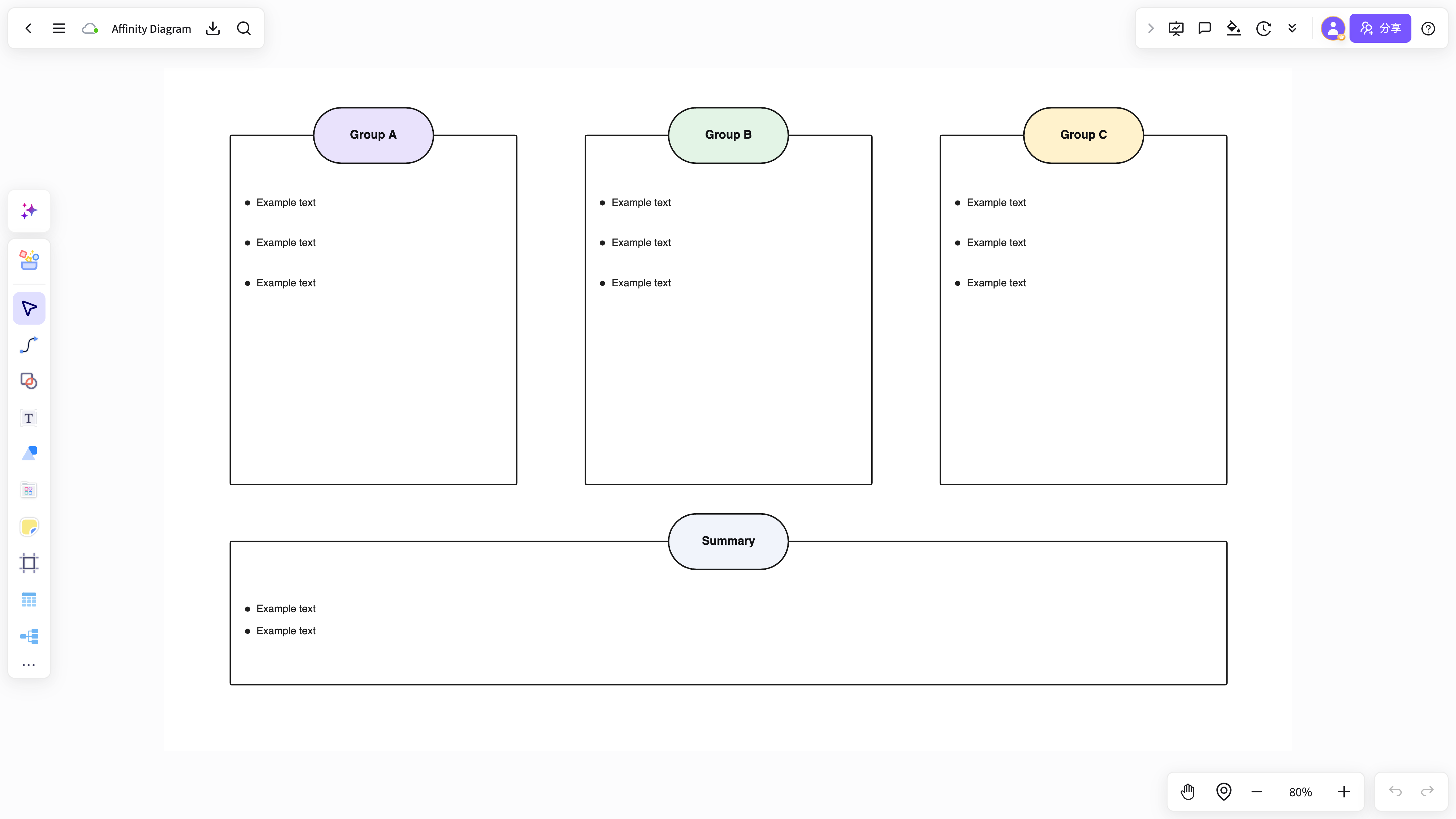
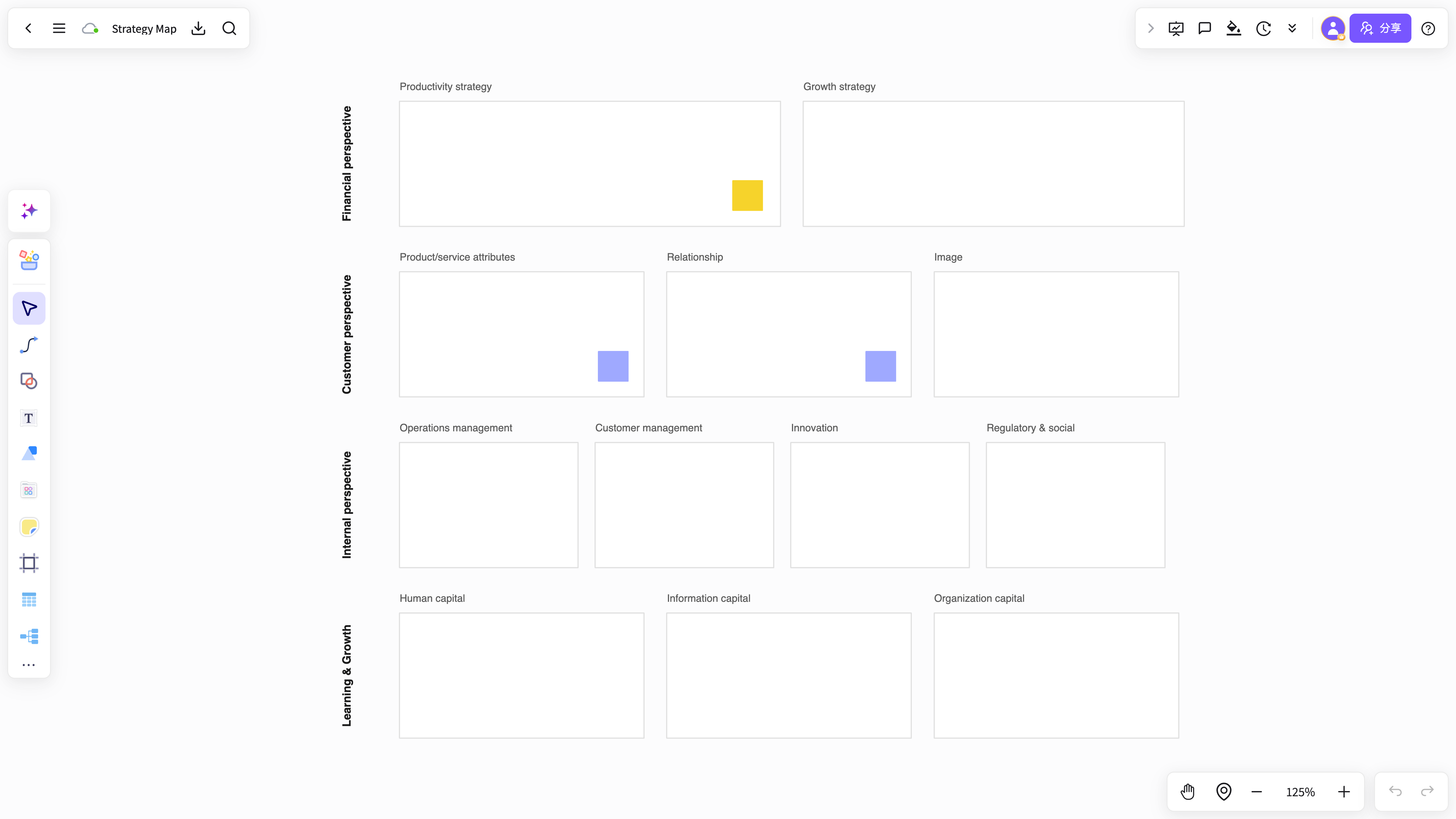
From strategy co-creation and process breakdowns to captured conclusions — keep outcomes editable on the same shared file.
 策略共創白板
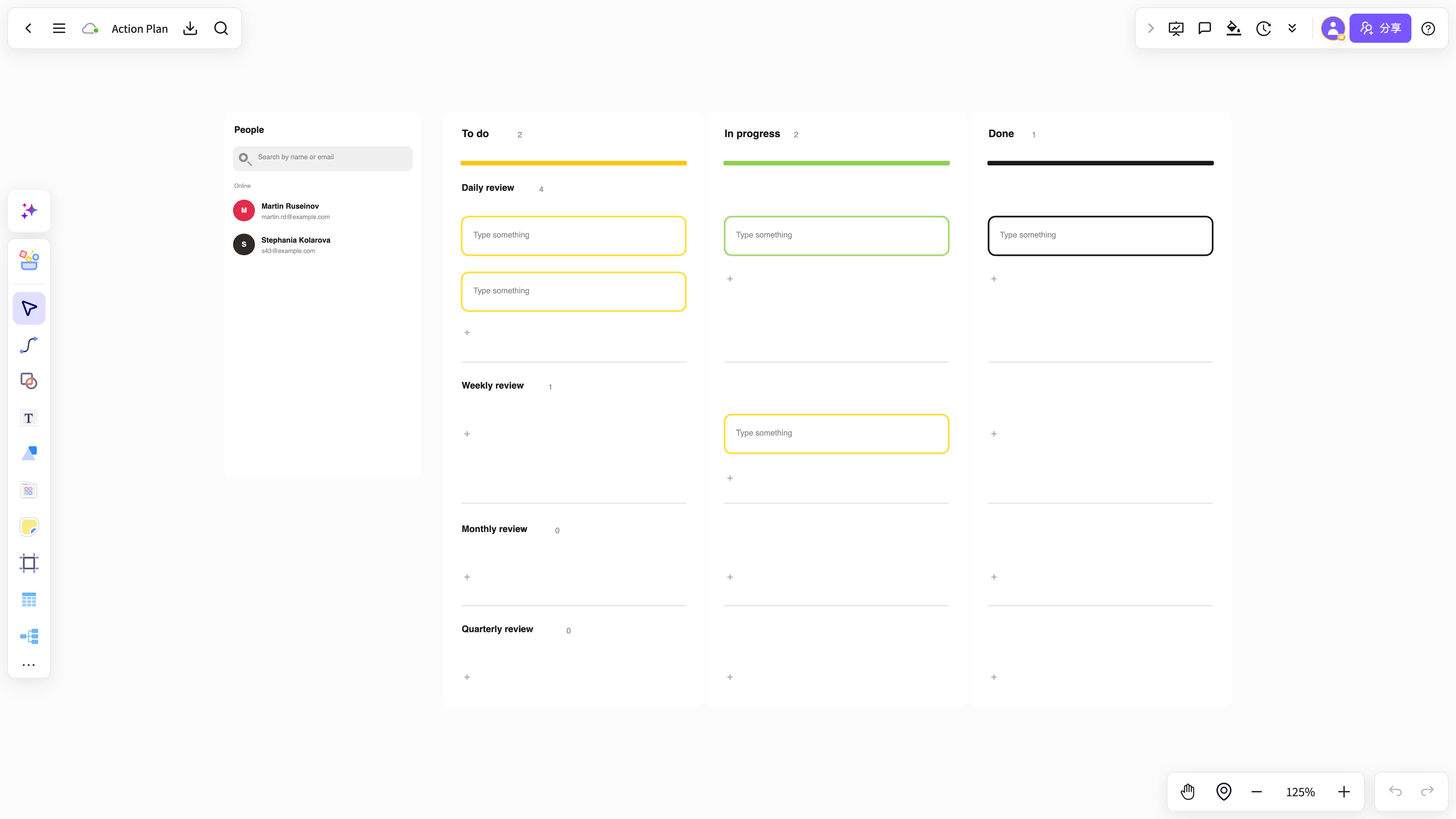 會議行動計畫
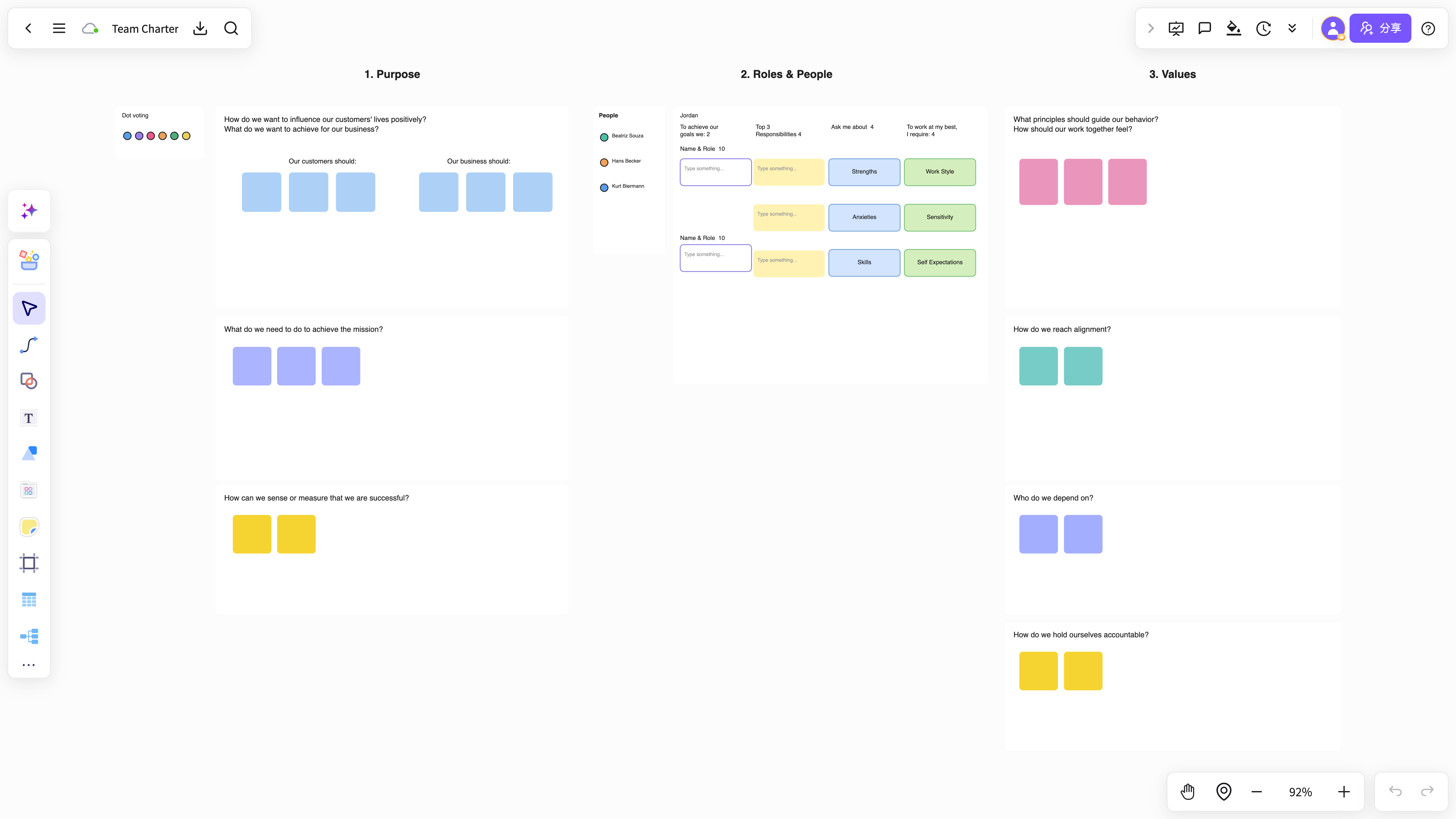 團隊工作坊範本
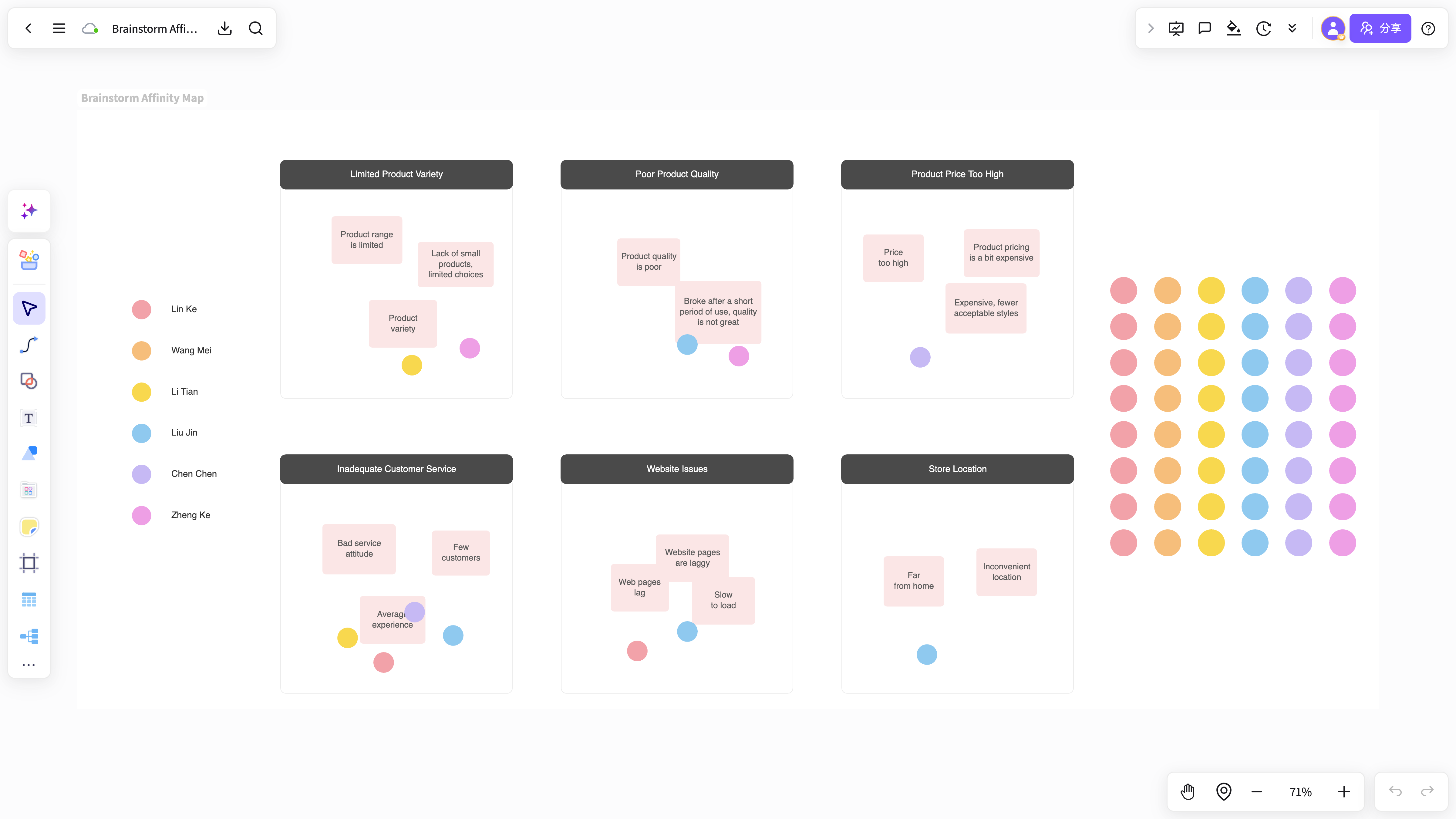 腦力激盪畫布
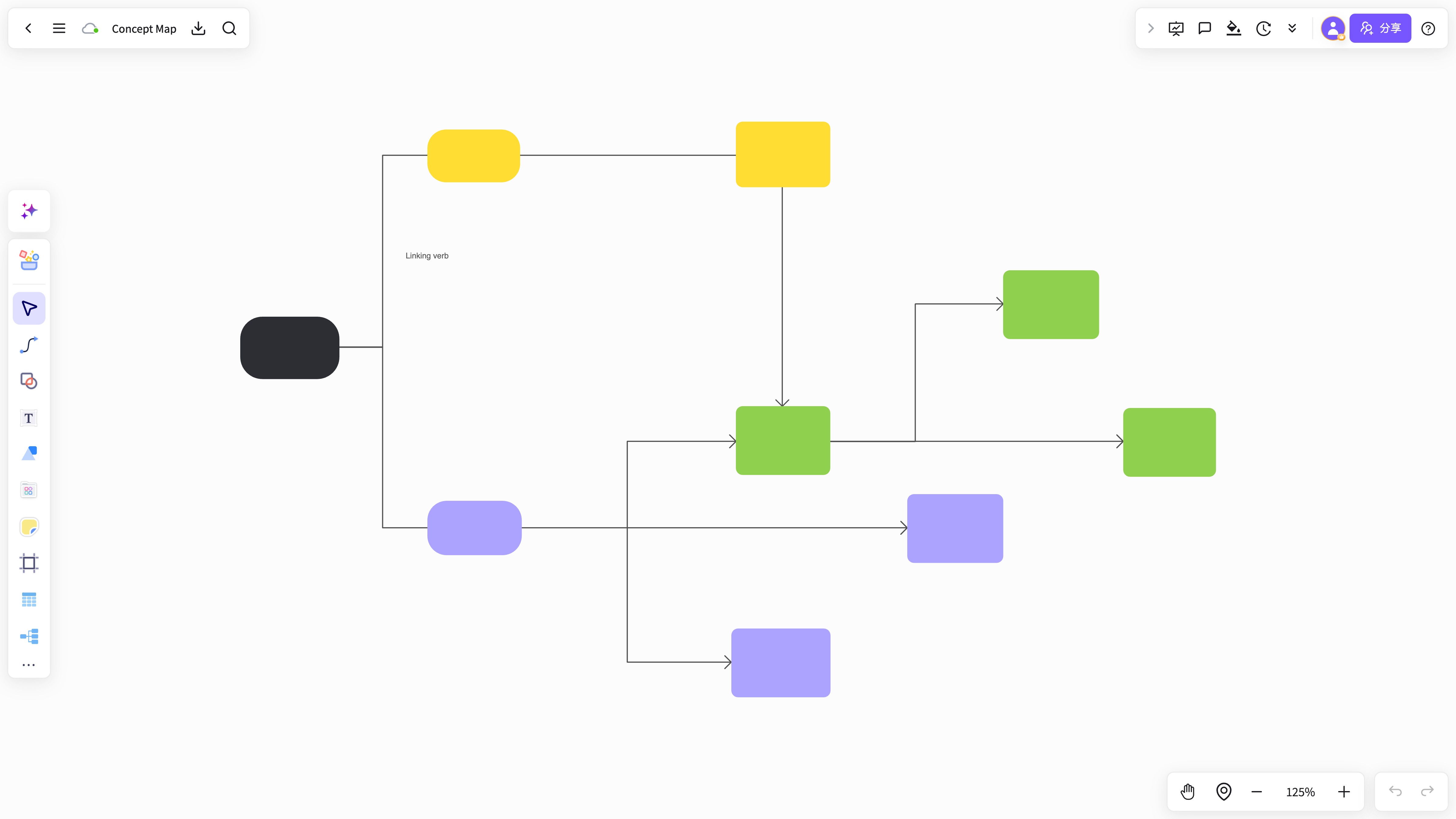 知識卡片整理器
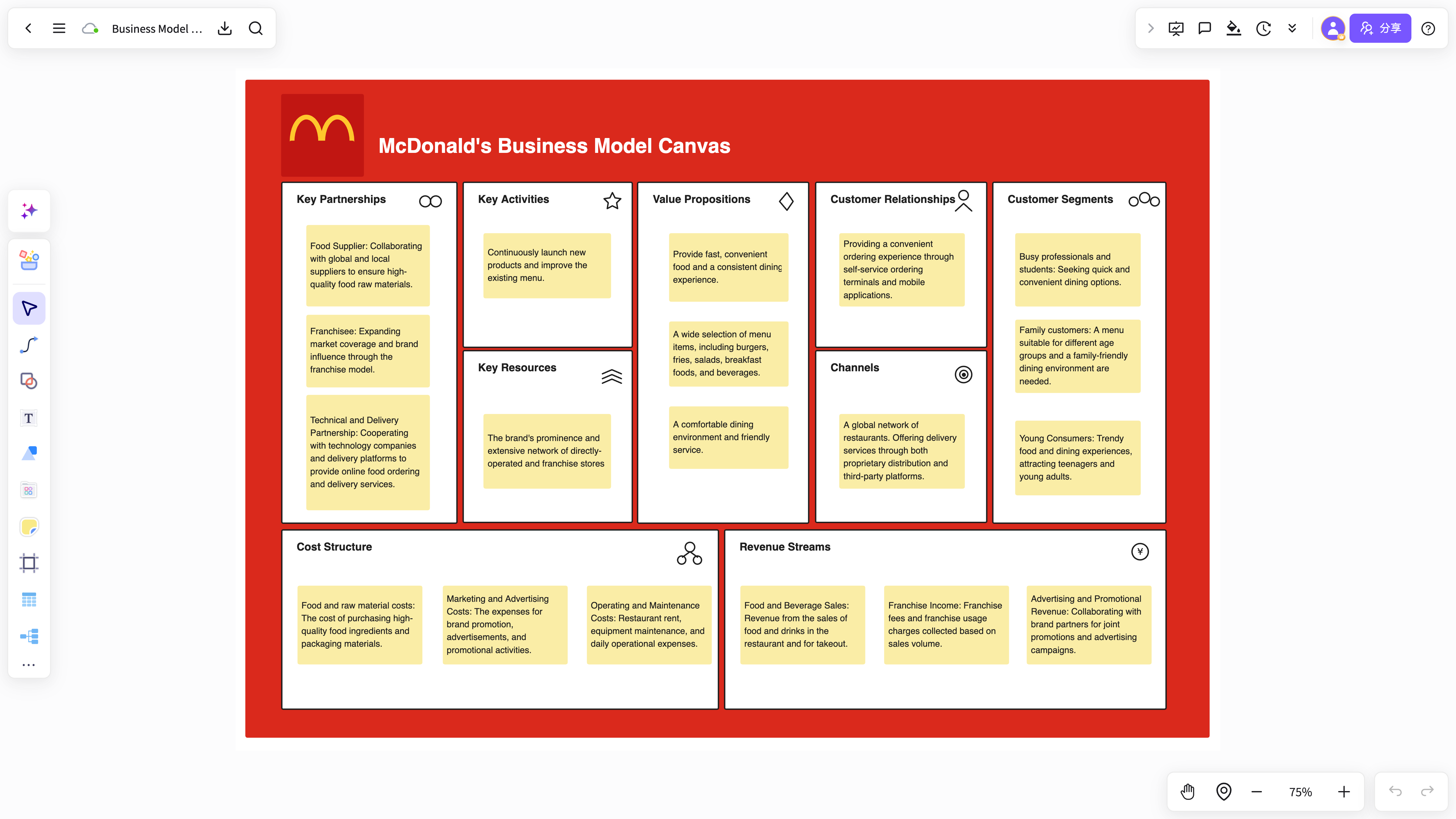 內容整理工作區
從 Mural 遷移到 NuromBoard
匯入現有內容,再在一個共享工作檔中持續完善結構。
- 01帶入現有內容
匯入白板、文件、PDF 與圖片,或貼上筆記與連結開始新的工作區。
- 02讓 AI 產生第一版結構
總結材料、擷取重點,並產生可編輯的心智圖、流程圖與卡片。
- 03會後與團隊繼續完善
在同一個檔案中評論、協同編輯並查看版本,讓工作不會停留在截圖。
- 04沉澱為團隊知識
保留版本與脈絡,讓下一次審查從上一次結論繼續。
Mural Alternative FAQ
Answers about workflows, collaboration, and AI-assisted visual work.
What is Mural Alternative useful for?
Mural Alternative helps with brainstorming, planning, business analysis, project work, and team collaboration when ideas need to become a clear result.
Why use NuromBoard for Mural Alternative?
NuromBoard combines AI generation, reusable templates, collaboration, presentation, and long-term project context so Mural Alternative can move from a draft to a usable result.
Does Mural Alternative support team collaboration?
Yes. Teams can edit together, leave feedback, share work online, and review versions so discussion and decisions stay connected.
Do consultants and teams use it for client work?
Yes. Consultants use Mural Alternative alongside frameworks like SWOT, PEST, and competitor analysis to structure findings and present recommendations, and teams can invite clients to review shared boards.