Common input material
User interviewsSupport ticketsSurvey responsesApp store reviewsProduct discussion notes
Feedback mixes emotion, feature requests and actual usage paths. NuromBoard groups the raw quotes by scenario, then extracts user actions, blockers and product opportunities into a flowchart your team can discuss.
Users report many problems, but it is hard to see which step of the journey each one happens at.
Raw quotes have to be split into scenario, action, blocker and expected outcome.
Without a flow-shaped expression, feedback conclusions stay hard for developers to act on.
Drop interviews, support logs, reviews and open survey answers into one project.
Shape flow nodes from the trigger scenario, user action, blocker and expected result.
Turn the problem path into a flowchart, then add priority, evidence and next steps.
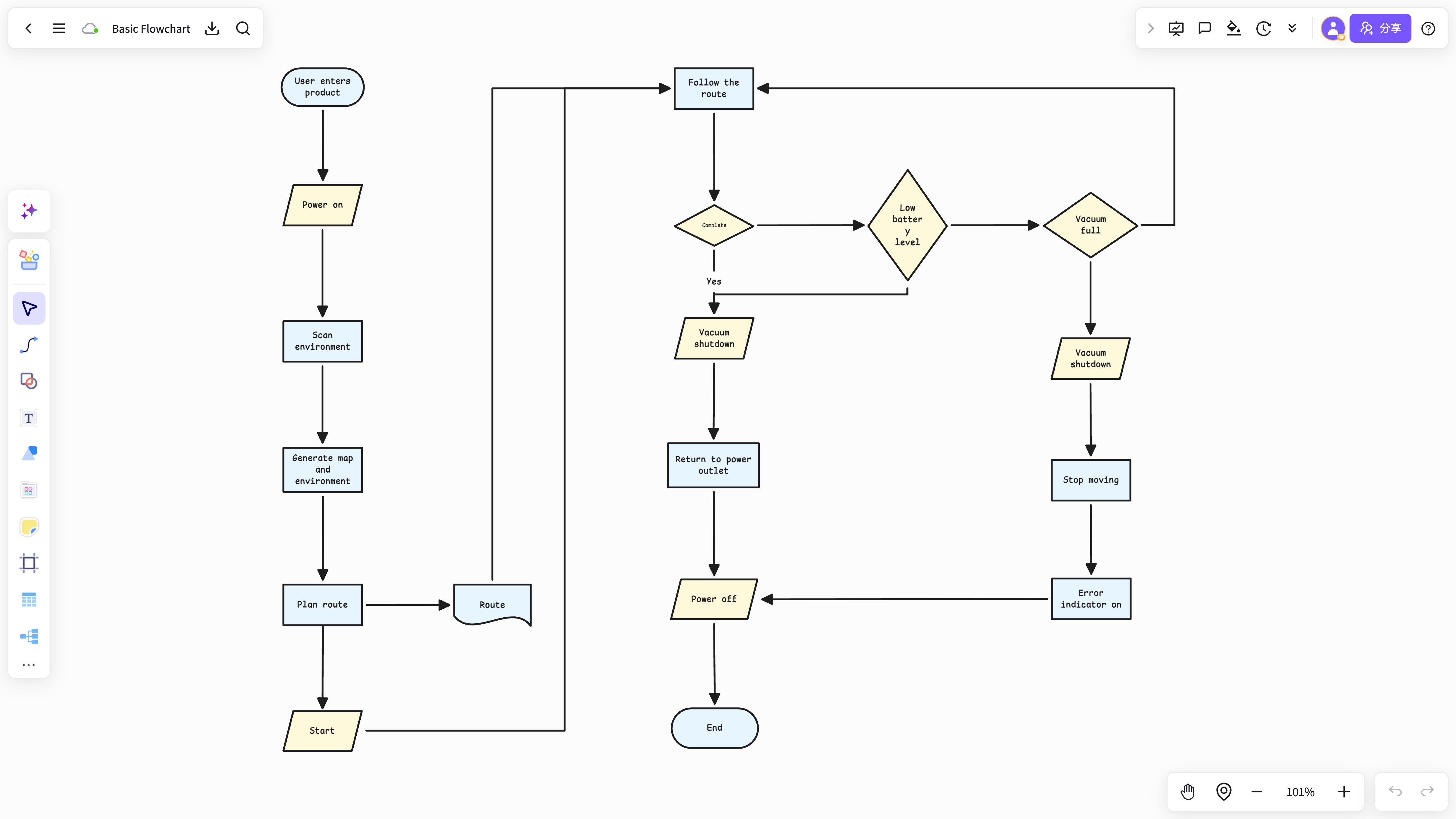
NuromBoard holds the feedback material and organizes the path relationships inside it into a flowchart.
The flowchart sits beside user quotes, evidence cards, the PRD and meeting notes in the same project.
Fits mapping user paths and problem nodes into a single flowchart.
View and use the template →Fits extracting requirement actions and boundary conditions from feedback.
View and use the template →The scenario page answers how the work starts; the method articles continue with the steps, the criteria, and where NuromBoard fits.
No. A flowchart only pays off when the feedback involves an operation path, state changes or several roles working together.
Keep the quotes as evidence cards or project material; the flowchart only expresses the path and its key nodes.