Extract stages, touchpoints, and emotional changes from interviews, requirements, and service flows.
Build customer journey maps onlineLet AI clarify your experience map
Use NuromBoard to place user stages, touchpoints, emotional changes, and opportunities in one journey map, with online co-creation, AI assistance, and reusable templates.
Generate journey maps from interviews, service flows, product experiences, and research findings
Discover
Learn
Try
Buy
Repurchase
User actions
Touchpoints
Pain points
Keep stages, goals, issues, opportunities, and actions in one journey map for presentations and reviews.
Product, operations, design, and service teams can add insights, annotate pain points, and plan improvements together.
Built for experience research, product analysis, and service improvement
From business insights to experience improvements, journey maps support co-creation and ongoing work, not just presentation.
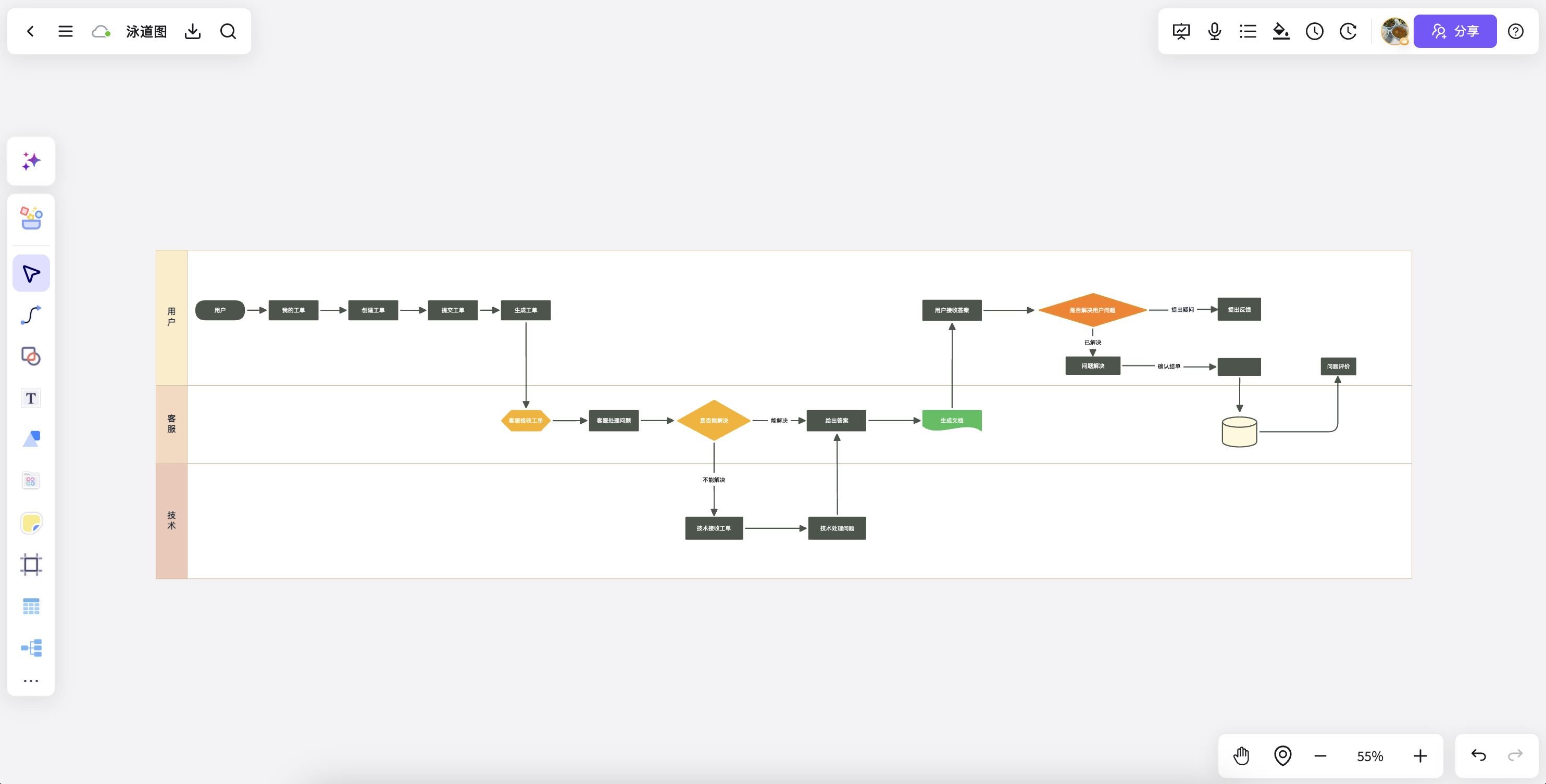
Customer service experience mapping
Organize touchpoints, feedback, and service opportunities into a journey structure for discussion.
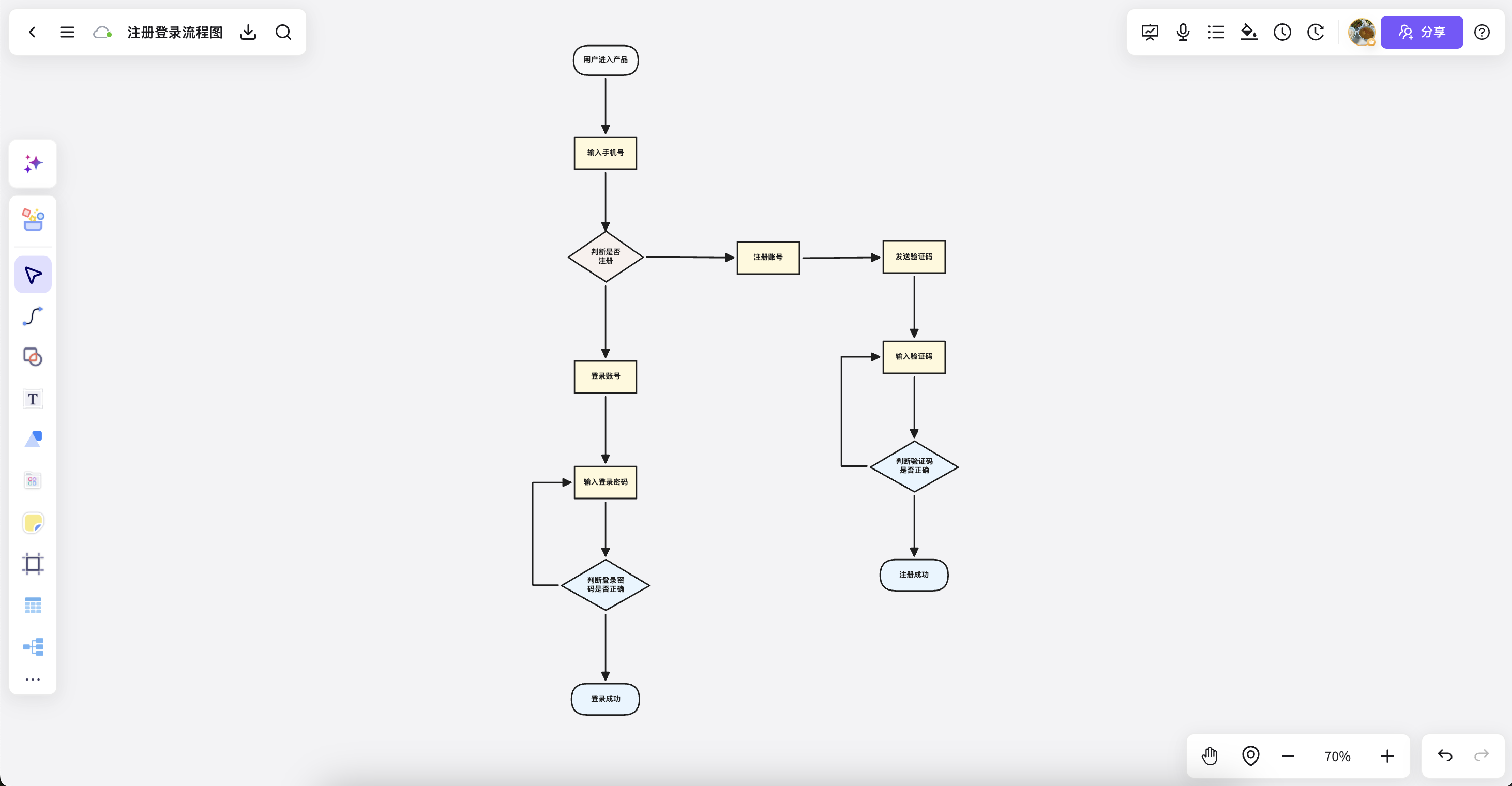
Product growth journey analysis
Map behavior and friction across reach, conversion, retention, and repeat purchase.
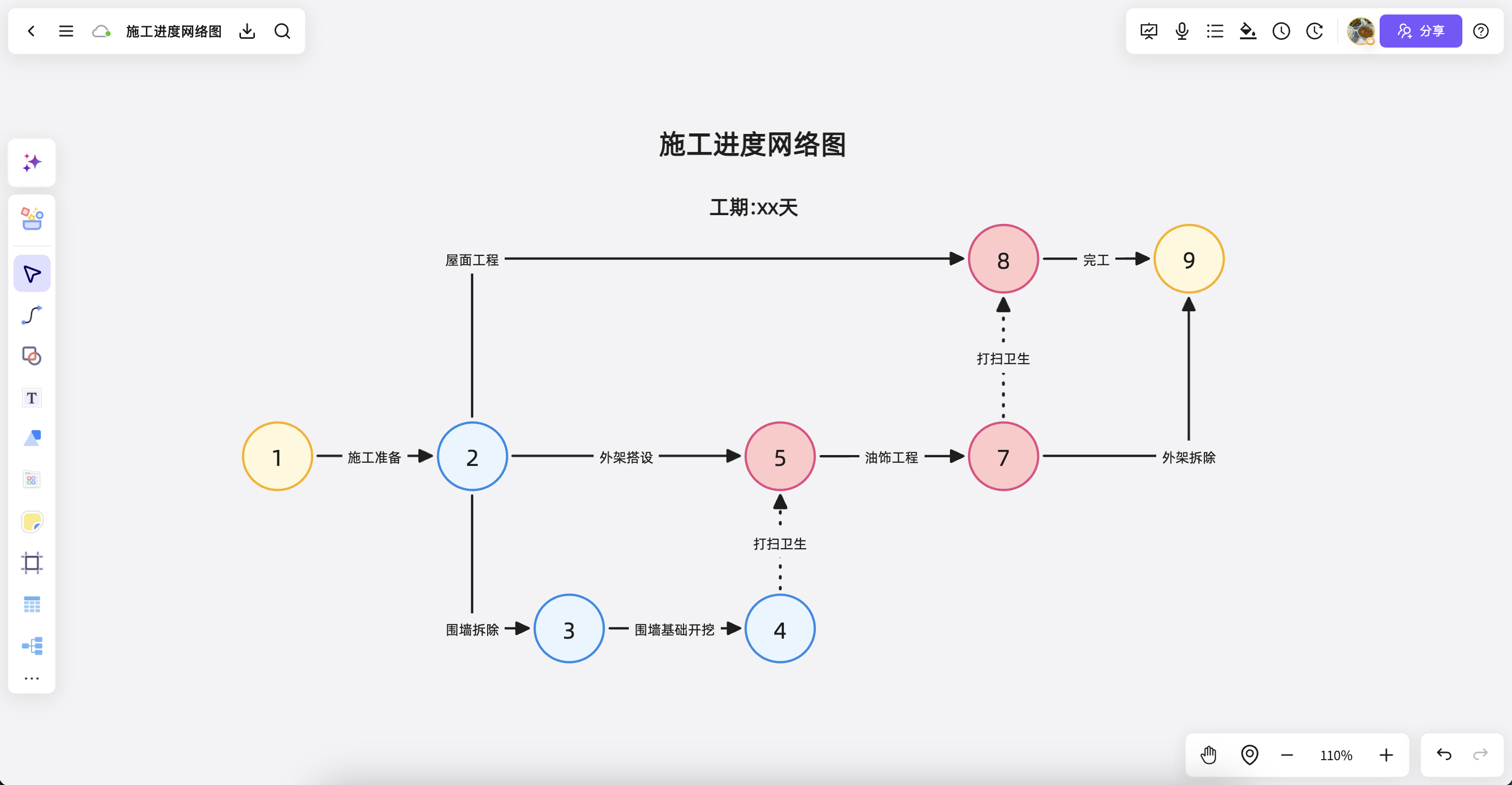
Plan reviews and co-creation
Journey maps are more than presentation tools: keep team discussions, annotations, and next actions with them.
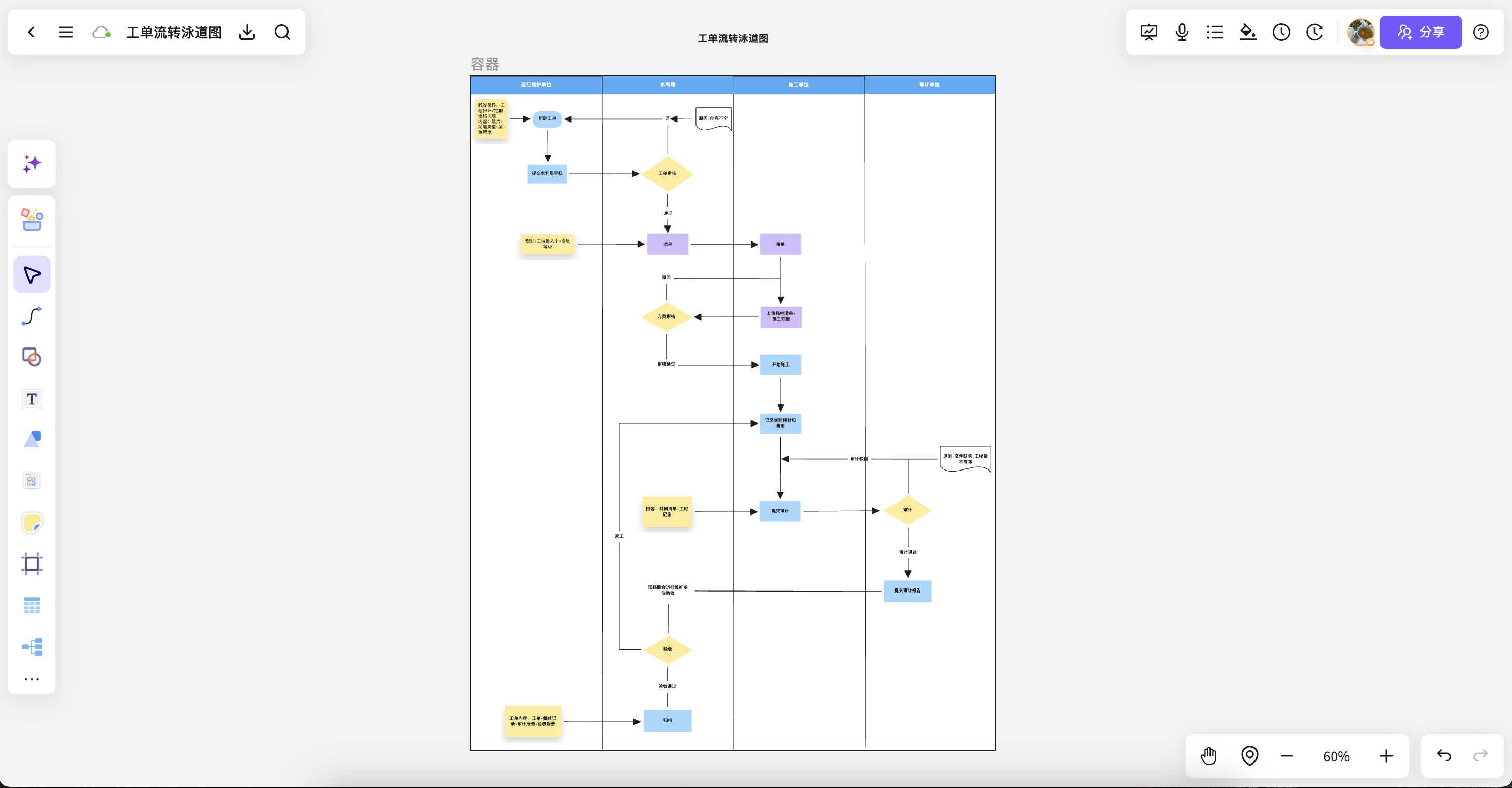
Mobile experience review
Keep key moments, interface screenshots, and feedback on the journey map for reviews and presentations.
Creating journey maps in NuromBoard has never been easier
Journey stagesRole perspectivesOpportunity mappingEmotional changesService blueprintDelivery plan
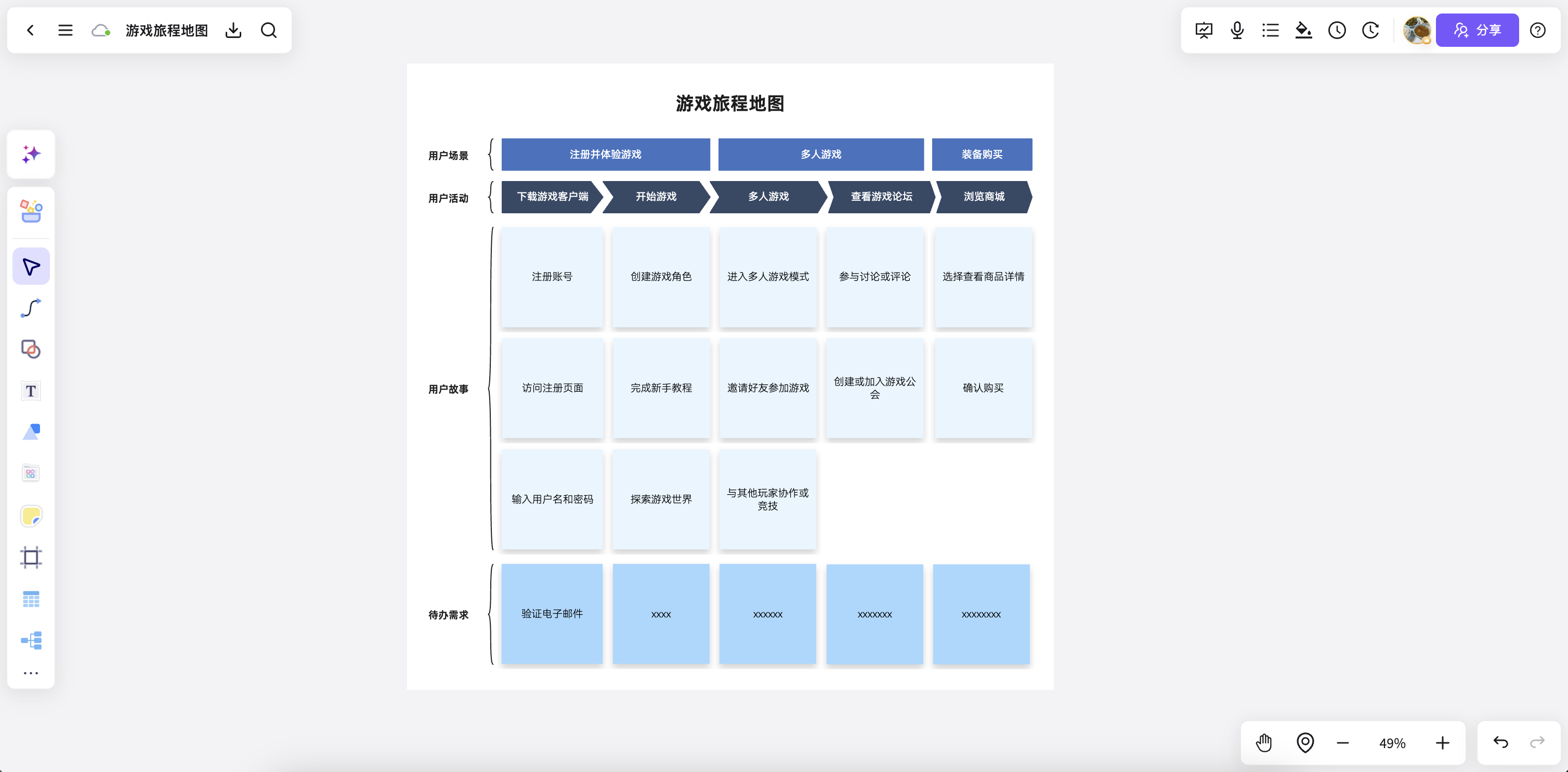
Journey map templates for clearer experiences
Start with a common scenario, then adapt it to your processes, touchpoints, and research findings.
Customer touchpoint journeyStage mapping / touchpoint analysis / emotions
E-commerce purchase journeyBrowse to purchase / friction / conversion opportunities
Learning service journeyContact to feedback / interactions / issue records
Product onboarding journeySignup flow / first activation / retention path
Member service journeyPerceived value / service moments / experience improvements
Multi-role service blueprintUser actions / team actions / system support
More than a customer journey map
Turn experience maps into durable knowledge, from co-creation through presentation.
Generate stages, touchpoints, issues, and opportunities from research and interviews.
Add interview excerpts, screenshots, notes, and analysis beside the journey map.
Keep layouts and color hierarchy consistent from co-creation drafts to presentation-ready maps.
Make stage rhythm, information hierarchy, and focus areas clearer for reviews and presentations.
Let multiple people add annotations, comment on issues, and develop experience improvements together.
Turn the journey map into a presentation-ready format for reviews and solution discussions.
Import interview text, spreadsheets, screenshots, and PDFs, then organize them into a journey map.
Keep experience analyses and solution changes from each version for review and retrospectives.
Add visual cues for touchpoints, roles, devices, and action moments.
A faster way to create customer journey maps
Keep experience analysis, insights, and improvement plans in one workspace so research turns into action.
Start freeUser journey map FAQ
Answers about workflows, collaboration, and structure that lasts after the meeting.
What is User journey map useful for?
User journey map helps with brainstorming, planning, business analysis, project work, and team collaboration when ideas and materials need to become a clear, editable result.
Why use NuromBoard for User journey map?
NuromBoard turns documents and meetings into editable structures on one shared working file — so User journey map moves from a draft into something the team keeps refining after the session.
Does User journey map support team collaboration?
Yes. Teams edit together, leave feedback, share work online, and review versions on the same working file so discussion and decisions stay connected after the meeting.
Do consultants and teams use it for client work?
Yes. Consultants use User journey map alongside frameworks like SWOT, PEST, and competitor analysis to structure findings and present recommendations, and teams can invite clients to review the same shared working file.