Common input material
Long documentsPRD documentsMeeting notesOperations plansContract excerpts
Not every paragraph deserves to become a process node. A more reliable method is to identify the roles involved, the trigger conditions, the action sequence, the decision branches and the exception handling before you generate a diagram you can keep editing.
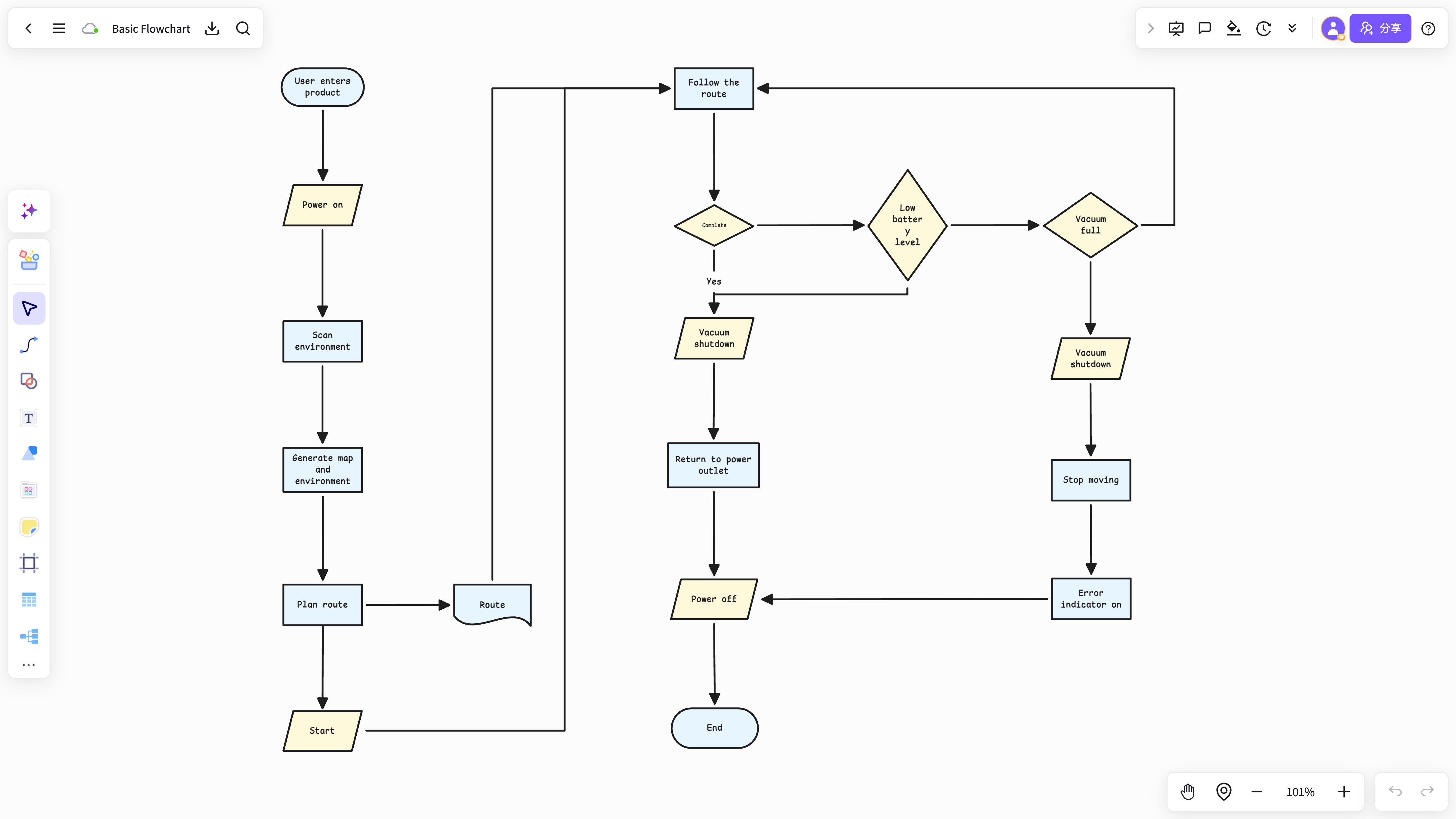
Generate a flowchart straight from a document and explanations, causes and examples get mistaken for process nodes.
The real complexity of a process usually sits in its conditions, states and exception handling.
AI can produce a first draft, but business boundaries and real rules still need to be confirmed by the people who own them.
Start by selecting only the text that carries actions, sequence, conditions and outcomes — you do not have to process the whole document at once.
Break the roles, actions, decision conditions, exception paths and end states into a structure.
Once the first draft exists, add missing nodes, fix the order and keep the source material attached as context.
NuromBoard takes long documents and scattered fragments and shapes them into a process structure step by step.
Your flowchart is not a flat image — you can keep refining it, save it and store it next to the original text.
Built for splitting paragraphs into process nodes.
View and use the template →Best for first sorting roles, actions and decision conditions.
View and use the template →The scenario page answers how the work starts; the method articles continue with the steps, the criteria, and where NuromBoard fits.
You can generate a first draft, but it is better to select the paragraphs that describe the process and then confirm the roles, actions, conditions and exception paths yourself.
Text that contains steps, approvals, state changes, collaboration between roles, decision conditions and exception handling makes the best flowchart material.