Bring sticky notes, screenshots, document fragments, and sketches onto one canvas without losing the thread.
Spread ideas out, keep the structure after the meeting
Collect ideas, sketches, and discussion on the NuromBoard whiteboard, then turn exploration into maps and flows your team keeps refining on the same working file.
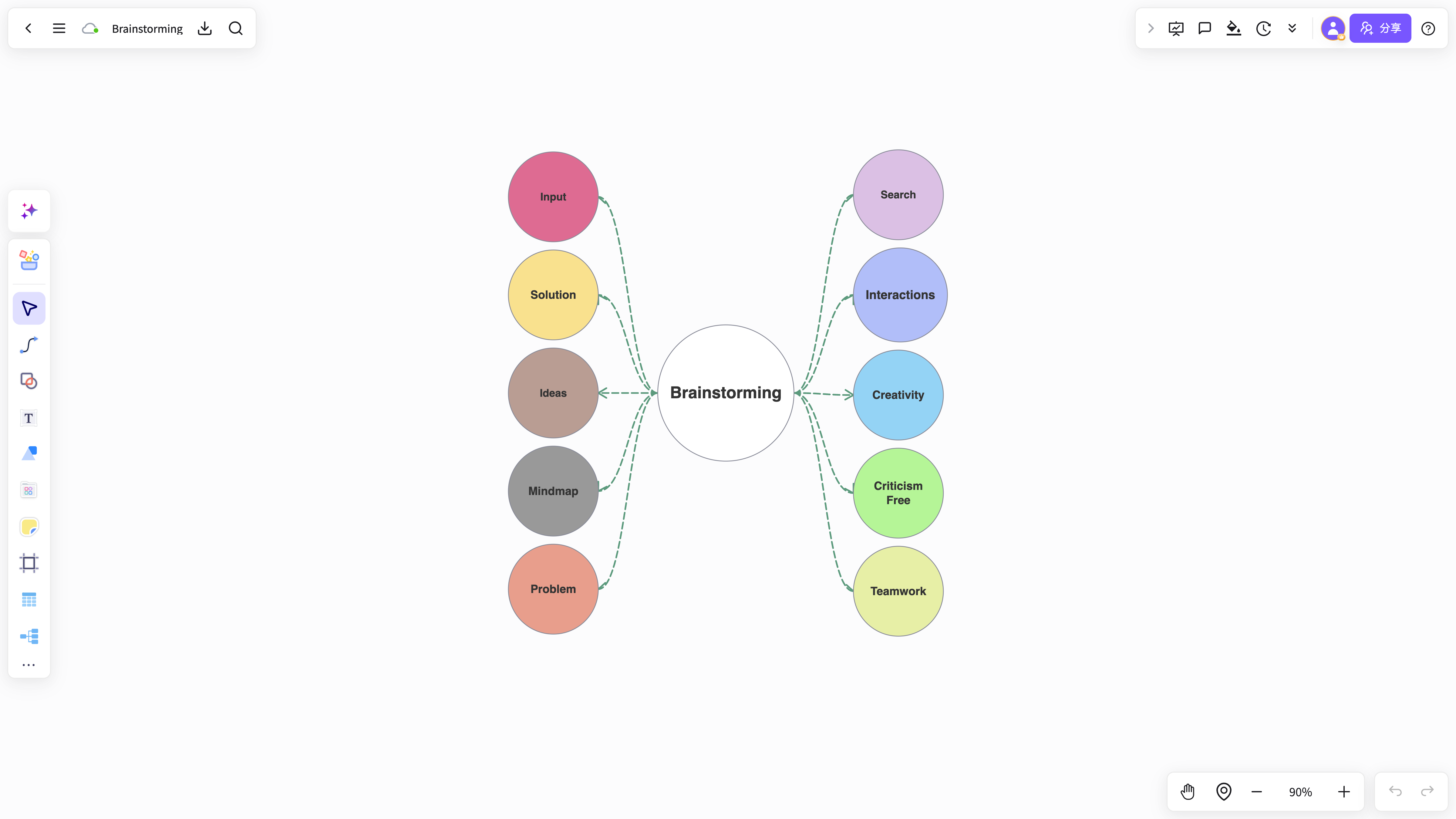
Use AI to group, summarize, and turn scattered content into maps and flows you keep editing after the session.
Review, comment, and hand off on one shared file — not a freeze-frame workshop board.
NuromBoard AI takes the whiteboard beyond sticky notes
Capture ideas, summarize discussion, and turn canvas content into a structure your team keeps using after the meeting.
Capture ideas quickly
Organize thinking
Summarize key points
Present ideas clearly
Generate content with AI
Manage information
A whiteboard is more than a meeting surface
Keep ideas, discussion, source material, and structured outcomes in one connected workflow.
Brainstorming and co-creation
Spread out ideas, questions, and options before grouping them into a clear direction.
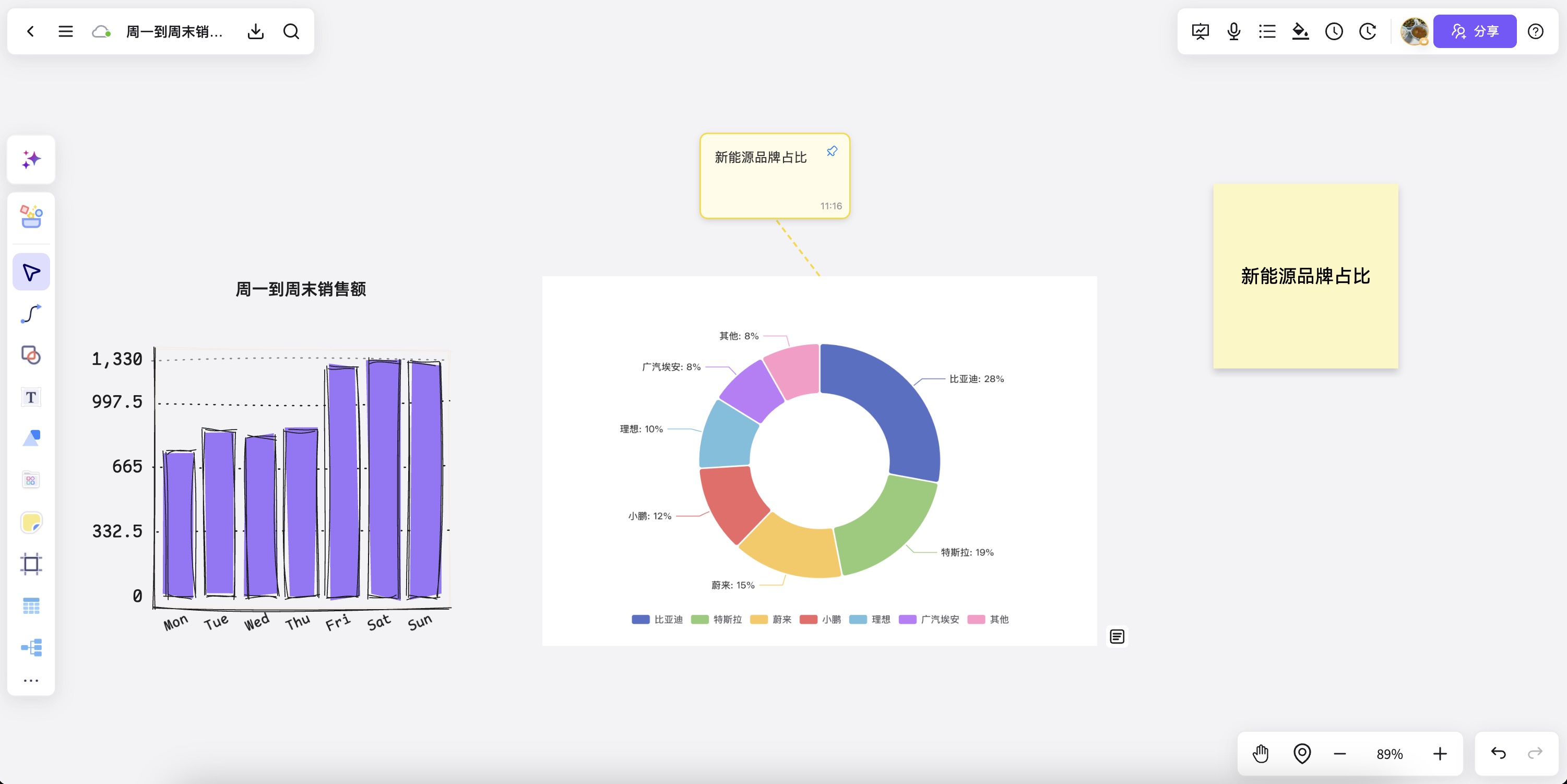
Meeting board to action plan
Turn meeting notes, decisions, and owners into a structured plan after the session.
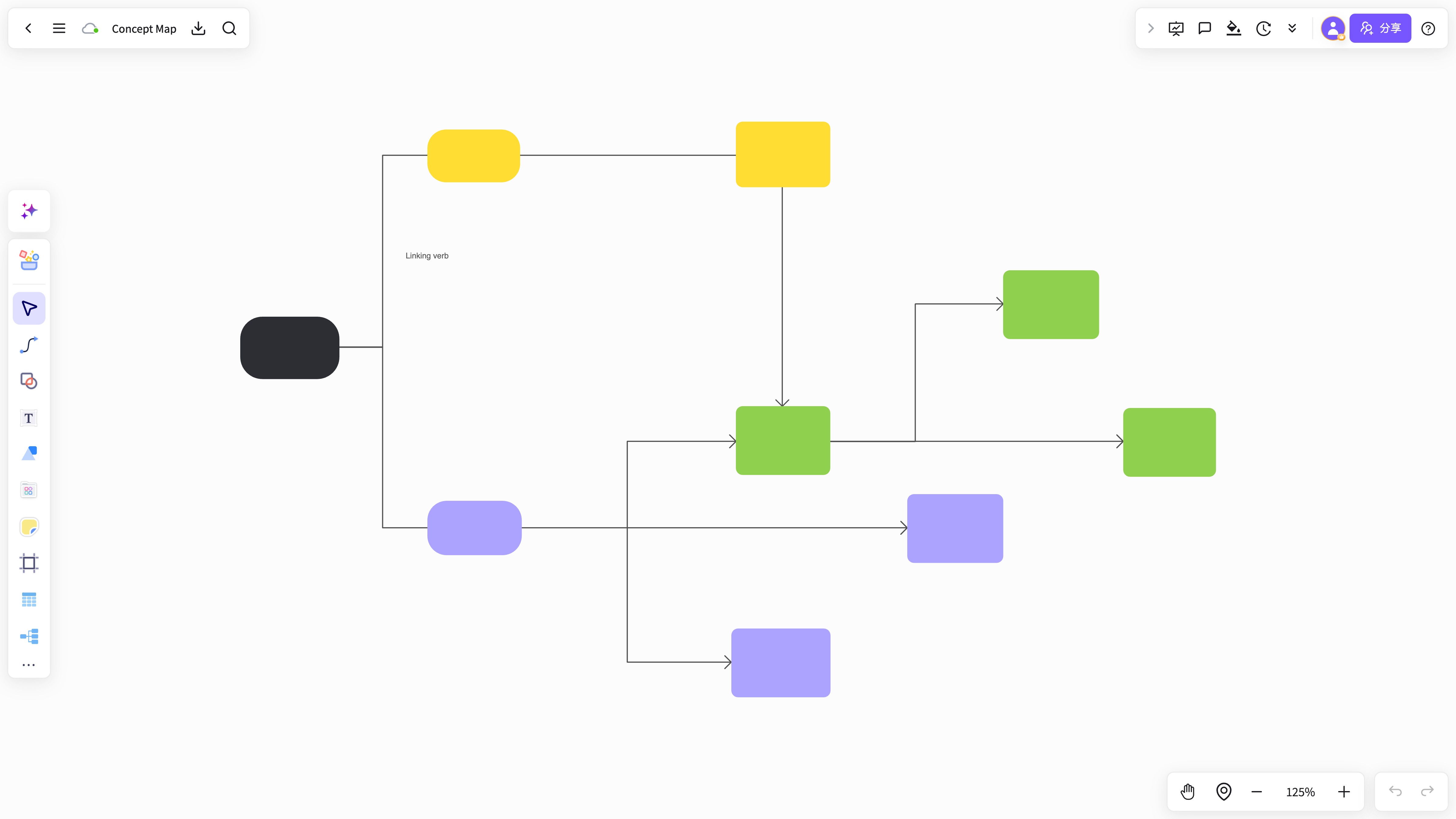
Whiteboard to knowledge cards
Turn scattered ideas and source fragments into reusable cards and project knowledge.
Explore together without a rigid sequence
NuromBoard lets ideas, source material, and structure evolve together from exploration to refinement.
Simplify organization and improve clarity
Turn canvas content into maps, flowcharts, cards, and explanations without switching between tools.
Keep discussion and decisions traceable
Capture the process and preserve the structured result from a workshop, meeting, or project review.
As free as paper, easier to collaborate
Mix sketches, notes, sticky cards, and text when you need fast expression and future reuse.
A whiteboard built for work that continues
Go beyond a freeform canvas and turn collaboration into reusable, explainable, deliverable results.
Place content freely, expand ideas, and hold complex material without interrupting your thinking.
Shape whiteboard content into maps, flows, and structured explanations for long-term reuse.
Clear spacing, grouping, and reading order make explanation and presentation easier.
Start with a request, meeting notes, or a summary and let AI create a first board draft.
Bring images, PDFs, text, and screenshots onto the board and keep refining them.
Add content together, discuss open questions, and align on a shared plan.
Ready for a whiteboard that lasts after the meeting?
Start free, spread out your ideas and source material, then shape them into a shared structure your team keeps editing on one working file.
Start nowOnline whiteboard FAQ
Answers about workflows, collaboration, and structure that lasts after the meeting.
What is Online whiteboard useful for?
Online whiteboard helps with brainstorming, planning, business analysis, project work, and team collaboration when ideas and materials need to become a clear, editable result.
Why use NuromBoard for Online whiteboard?
NuromBoard turns documents and meetings into editable structures on one shared working file — so Online whiteboard moves from a draft into something the team keeps refining after the session.
Does Online whiteboard support team collaboration?
Yes. Teams edit together, leave feedback, share work online, and review versions on the same working file so discussion and decisions stay connected after the meeting.
Do consultants and teams use it for client work?
Yes. Consultants use Online whiteboard alongside frameworks like SWOT, PEST, and competitor analysis to structure findings and present recommendations, and teams can invite clients to review the same shared working file.