Miro wins live workshops. NuromBoard wins structure that lasts after the meeting — on one shared working file.
A Miro alternative for structure that lasts after the meeting
Do not compare feature checklists. Use Miro for live workshops. Use NuromBoard when documents and meetings need to become editable maps and flows on one shared working file — the structure your team keeps refining after the session.
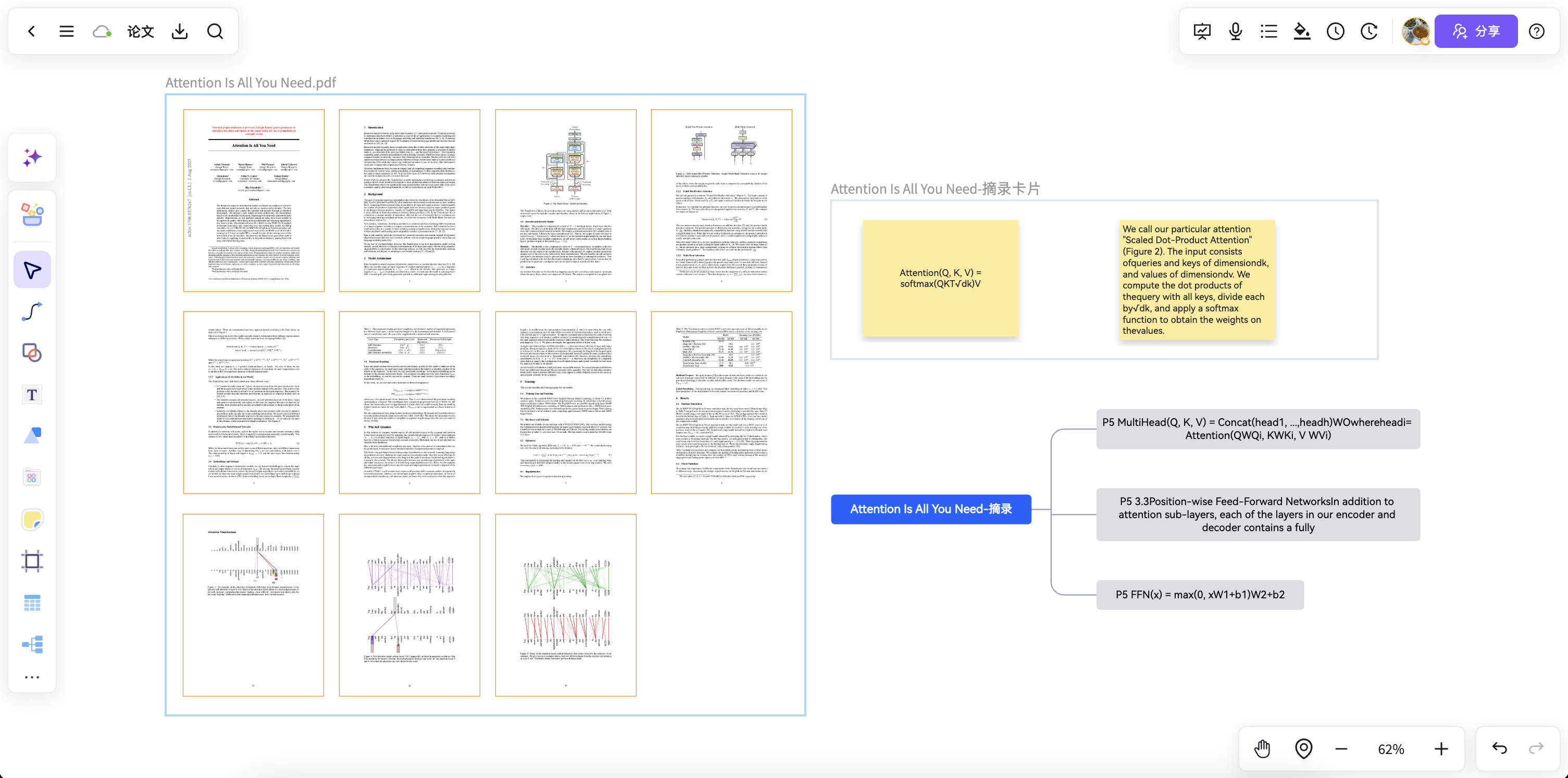
Bring PDFs, briefs, notes, or imported board content into an editable map or flow your team keeps refining.
Comments, versions, and decisions stay with the structure — no freeze-frame board, no export-and-restart.
Looking for a Miro alternative? Split the job first
Do not start with Miro’s feature checklist. Decide whether you need a live workshop board — or a structure that lasts after the meeting on one shared file.
Template libraries, voting timers, and deep integrations are Miro strengths. NuromBoard does not try to win there.
Live boards often freeze when the session ends. Teams still need editable maps, flows, and decisions on one working file.
PDFs, briefs, and meeting notes should turn into shared structures the team keeps refining — not a one-shot diagram.
Bring board content into a lasting working structure
Import existing boards or start from documents and meeting notes, then keep refining maps, flows, and decisions on the same file after the workshop ends.
Structure that lasts after the meeting
Turn session output and source materials into mind maps, flowcharts, and action plans the team keeps editing days later.
Start freeFrom materials to editable outcomes
Move from PDFs, notes, and board fragments into maps, flows, and cards — without competing on Miro’s template library or voting timers.
Start freeOne shared working file
Individuals start the structure; teams review, comment, and hand off on the same file with version history.
Start freeNuromBoard and Miro at a glance
| Dimension | NuromBoard | Miro |
|---|---|---|
| Job to be done | Turn documents and meetings into a structure the team keeps editing after the session. | Run live workshops, remote co-creation, and facilitated sessions. |
| Starting point | Start from PDFs, documents, notes, or meeting records; AI helps extract the structure. | Start from a blank board or workshop template; content is added in the live session. |
| After the meeting | Structure lasts on one shared working file — editable maps, flows, and decisions the team keeps using. | Strongest during live workshops; lasting structure depends on how teams follow up. |
| What we do not compete on | Not competing on voting timers, icebreakers, or the largest template library. | Mature workshop accessories, large template libraries, and enterprise integrations. |
| Getting started | Free to start in the browser; invite your team to the same working file when ready. | Free tier with limits; paid plans priced per member. |
Collaboration that continues on one working file
One-click link sharing
Real-time co-editing
Online comments and feedback
Online voice meetings
Whiteboard and page presentations
Cloud content sync
Flexible permissions
Version history
Flexible import and export
AI assistance from materials to structure
When to use Miro vs NuromBoard
Choose NuromBoard if
- Your week is full of PDFs, documents, and meeting notes that need lasting structure
- You want structure that lasts after the meeting — on one shared working file
- You need editable mind maps, flowcharts, and plans the team keeps refining after the session
Stay with Miro / use Miro if
- You mainly run facilitated workshops for large groups
- You need voting timers, icebreakers, and deep app integrations
- Your toolchain already depends on Miro’s enterprise collaboration stack
Workflows that continue after the meeting
From brainstorming and project co-creation to diagrams and knowledge capture — keep outcomes editable on the same shared file.
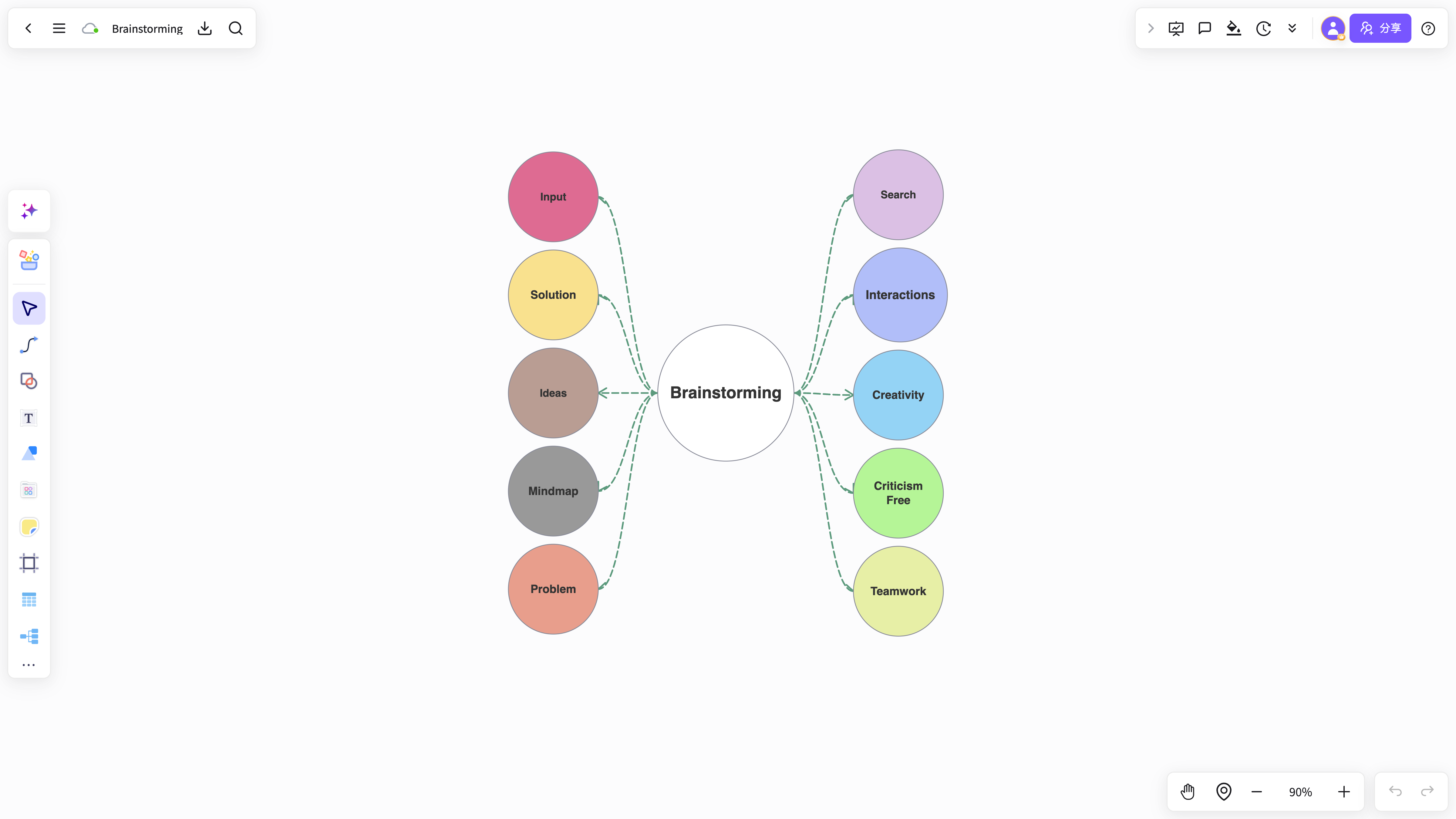 Brainstorming template
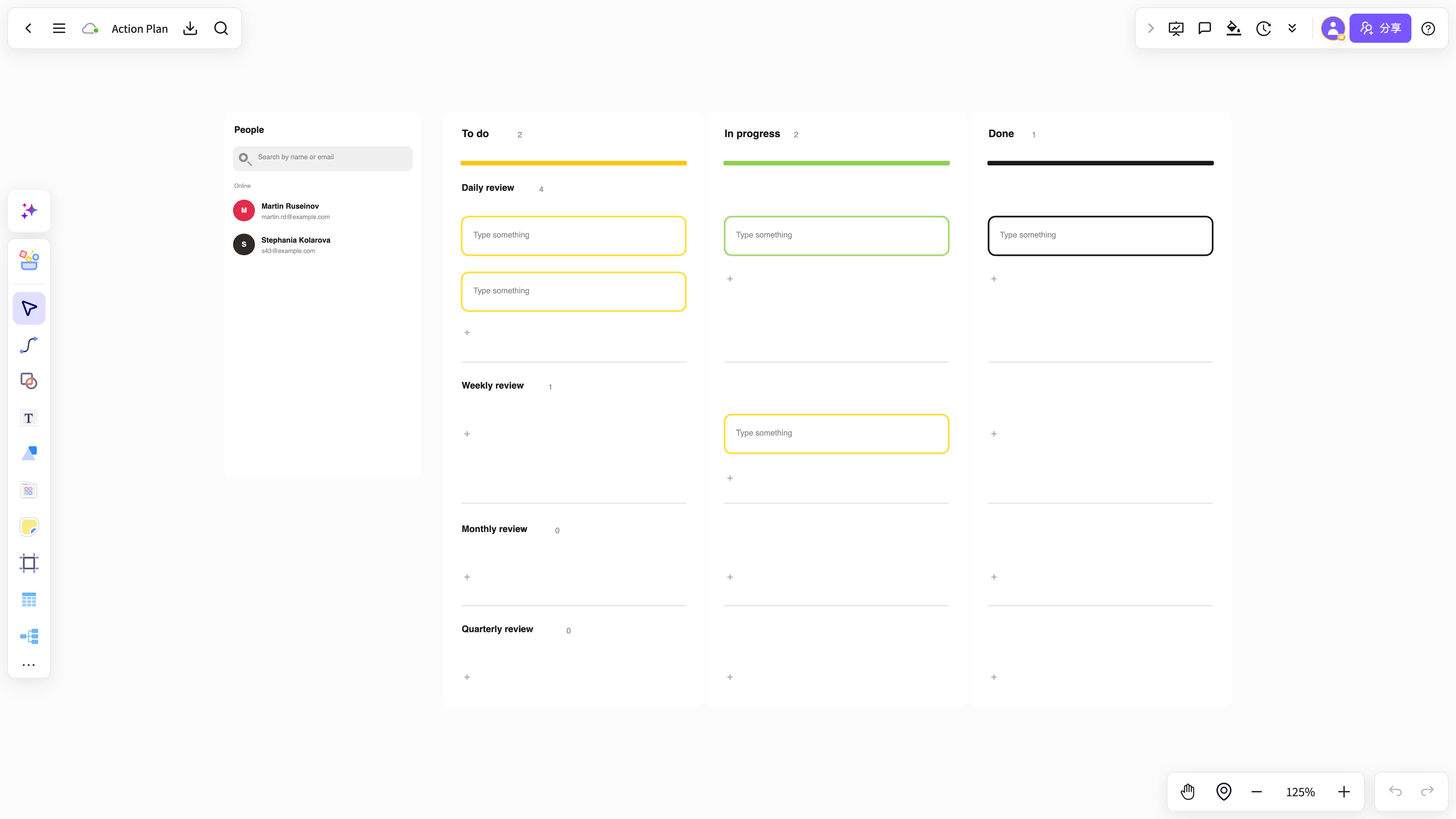 Meeting action plan
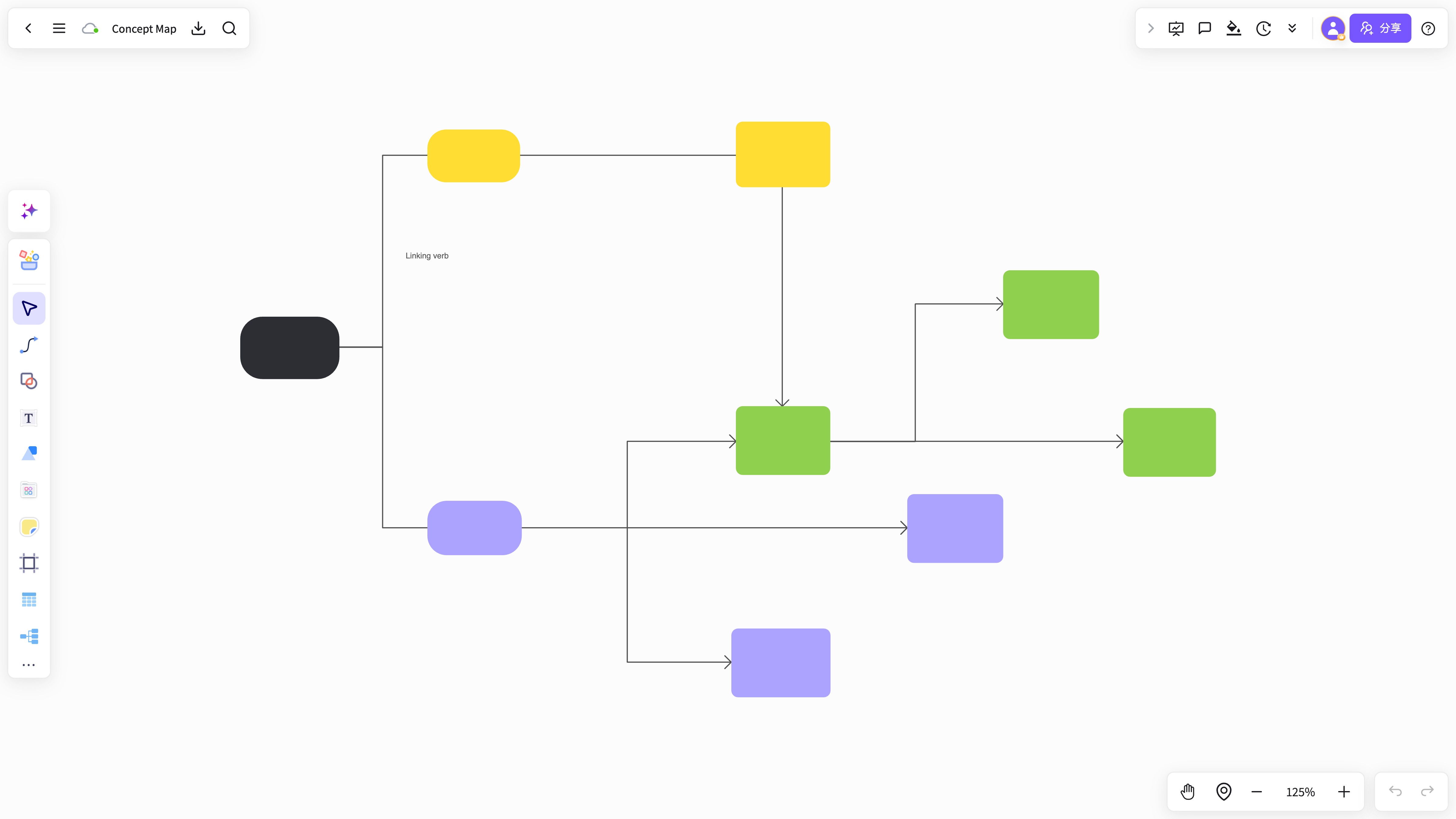 Knowledge card organizer
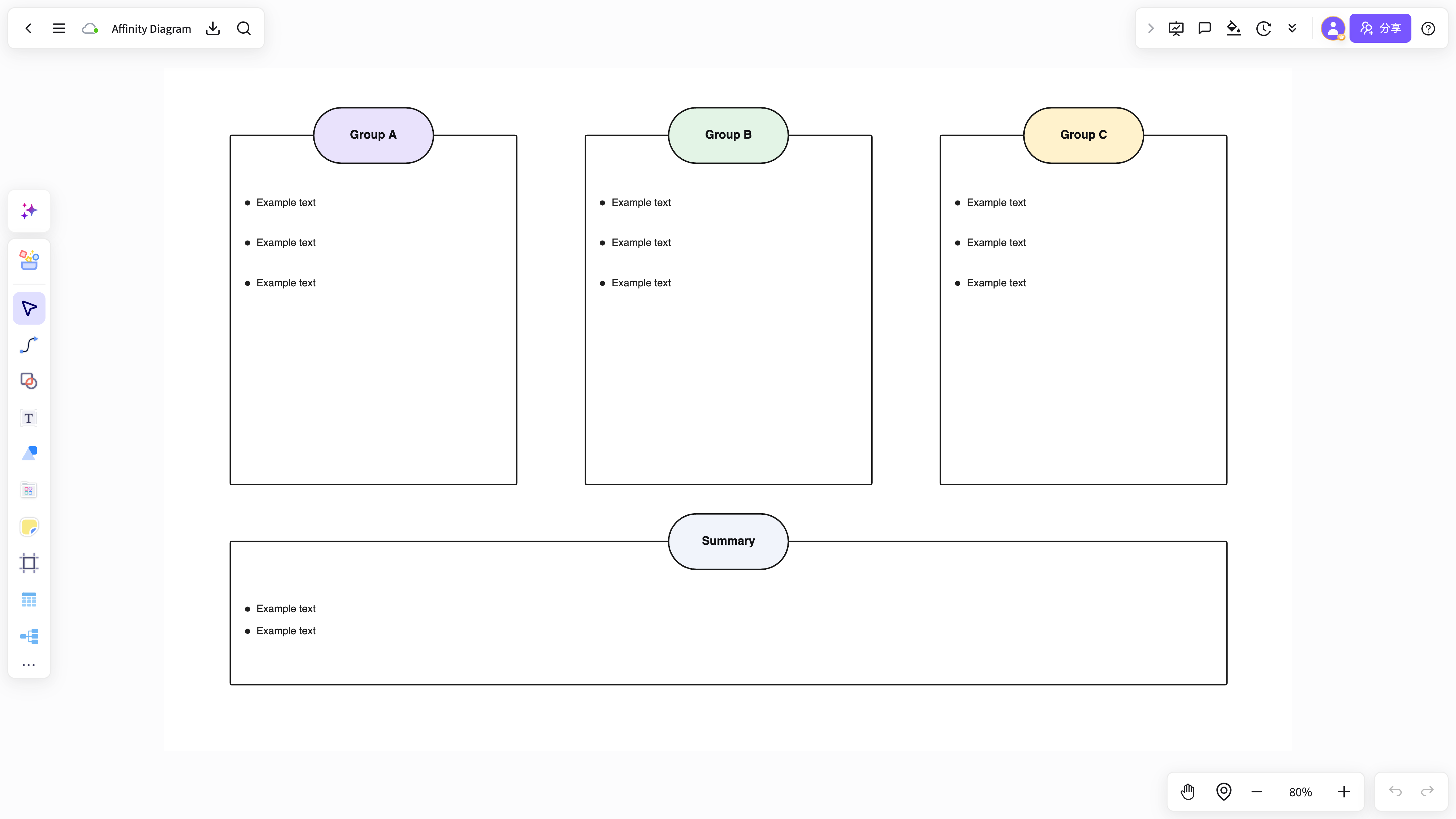 Analysis workspace
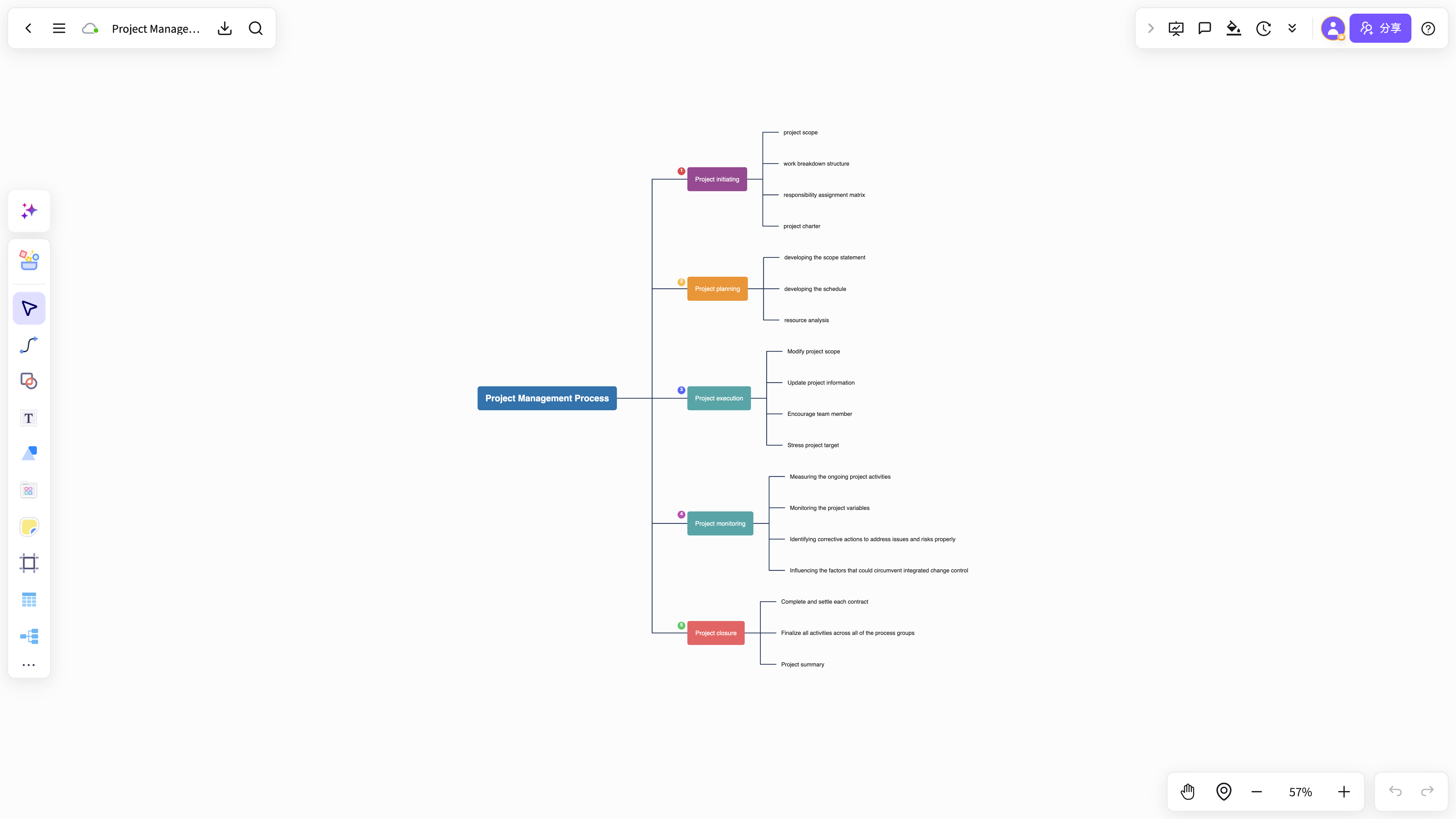 Project collaboration board
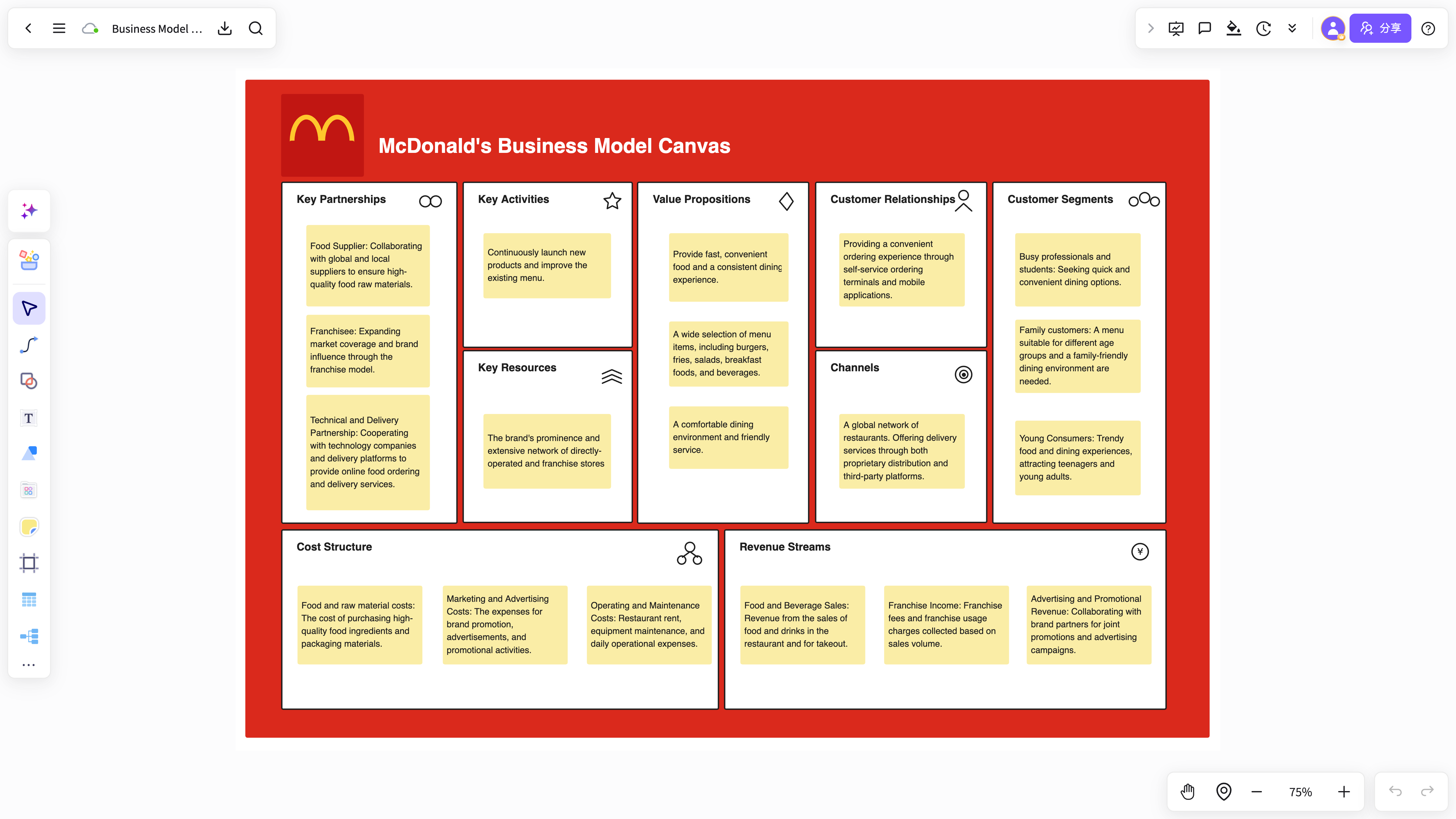 Content organization canvas
Moving from Miro to NuromBoard
Bring existing content over, then keep refining the structure on one shared working file after the session.
- 01Bring your content
Import boards, documents, PDFs, and images, or paste notes and links to start a new workspace.
- 02Let AI shape a first structure
Summarize materials, extract key points, and generate editable mind maps, flowcharts, and cards.
- 03Refine with your team after the meeting
Keep editing on the same file with comments, co-editing, and version review — not a freeze-frame board.
- 04Keep it as team knowledge
Save results with versions and context so the next review starts from the last conclusion on one working file.
Compare more alternatives
FigJam alternative
See where FigJam fits — and where NuromBoard wins on structure after the meeting.
Mural alternativeSee where Mural fits — and where NuromBoard wins on structure after the meeting.
Excalidraw alternativeSee where Excalidraw fits — and where NuromBoard wins on structure after the meeting.
All comparisonsBrowse NuromBoard vs XMind, ProcessOn, boardmix, Miro, and more by workflow fit.
Keep the structure alive after the meeting
Start free. Turn documents and meetings into a shared structure, then invite your team to the same working file.
Start free onlineMiro Alternative FAQ
Answers about workflows, collaboration, and AI-assisted visual work.
What is Miro Alternative useful for?
Miro Alternative helps with brainstorming, planning, business analysis, project work, and team collaboration when ideas need to become a clear result.
Why use NuromBoard for Miro Alternative?
NuromBoard combines AI generation, reusable templates, collaboration, presentation, and long-term project context so Miro Alternative can move from a draft to a usable result.
Does Miro Alternative support team collaboration?
Yes. Teams can edit together, leave feedback, share work online, and review versions so discussion and decisions stay connected.
Do consultants and teams use it for client work?
Yes. Consultants use Miro Alternative alongside frameworks like SWOT, PEST, and competitor analysis to structure findings and present recommendations, and teams can invite clients to review shared boards.