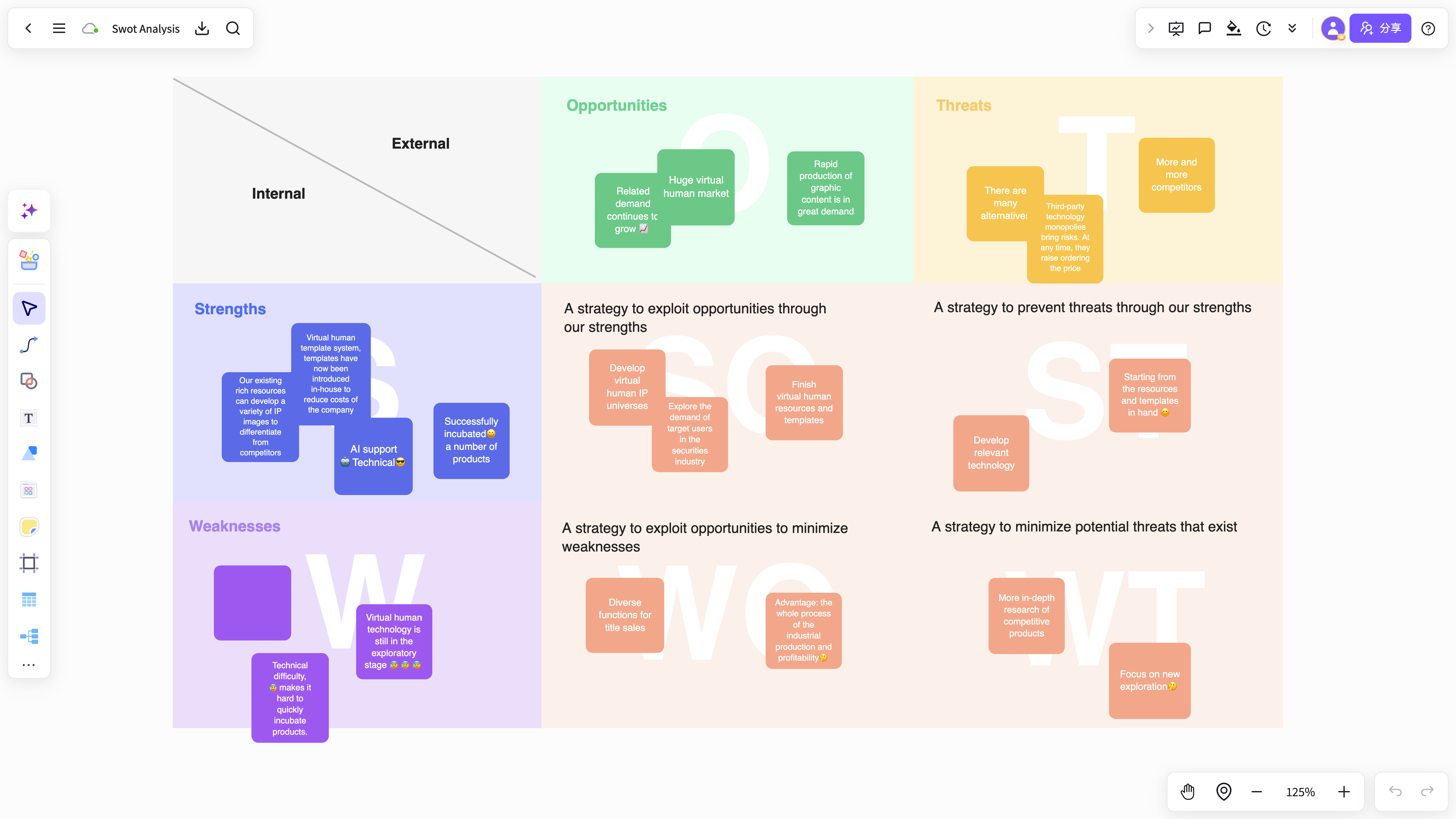
AI-generated SWOT analysis
Turn strengths, weaknesses, opportunities, and threats into a clear structure for business analysis and planning.
Use NuromBoard to organize strengths, weaknesses, opportunities, and threats into a clear SWOT analysis, with online editing, reusable templates, and team collaboration.
Start with a draft for SWOT analysis, competitor decisions, or strategy planning, then refine it.
Turn strengths, weaknesses, opportunities, and threats into a clear structure for business analysis and planning.
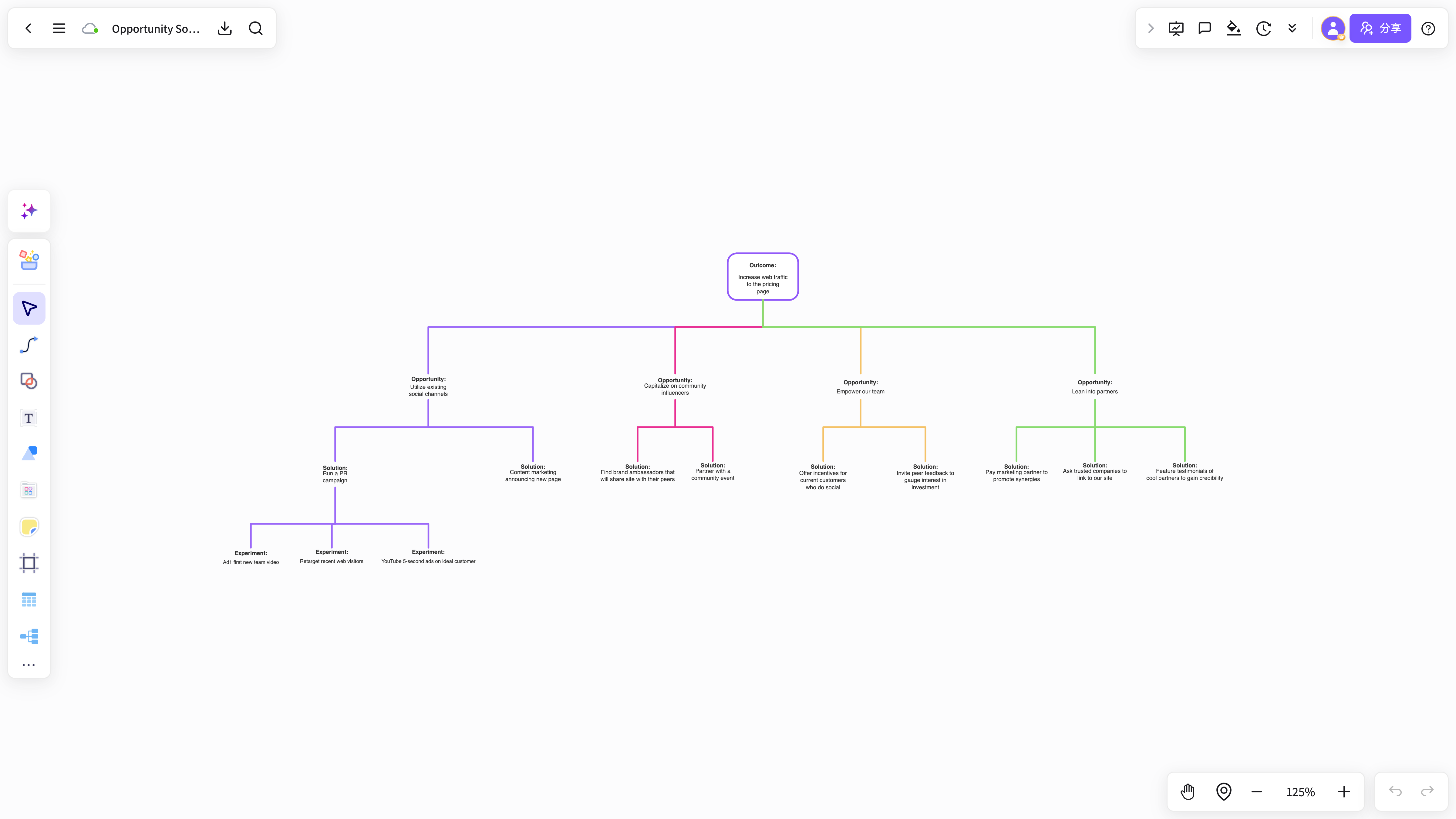
Extract comparison dimensions from research and business context for competitor evaluation and strategy discussions.
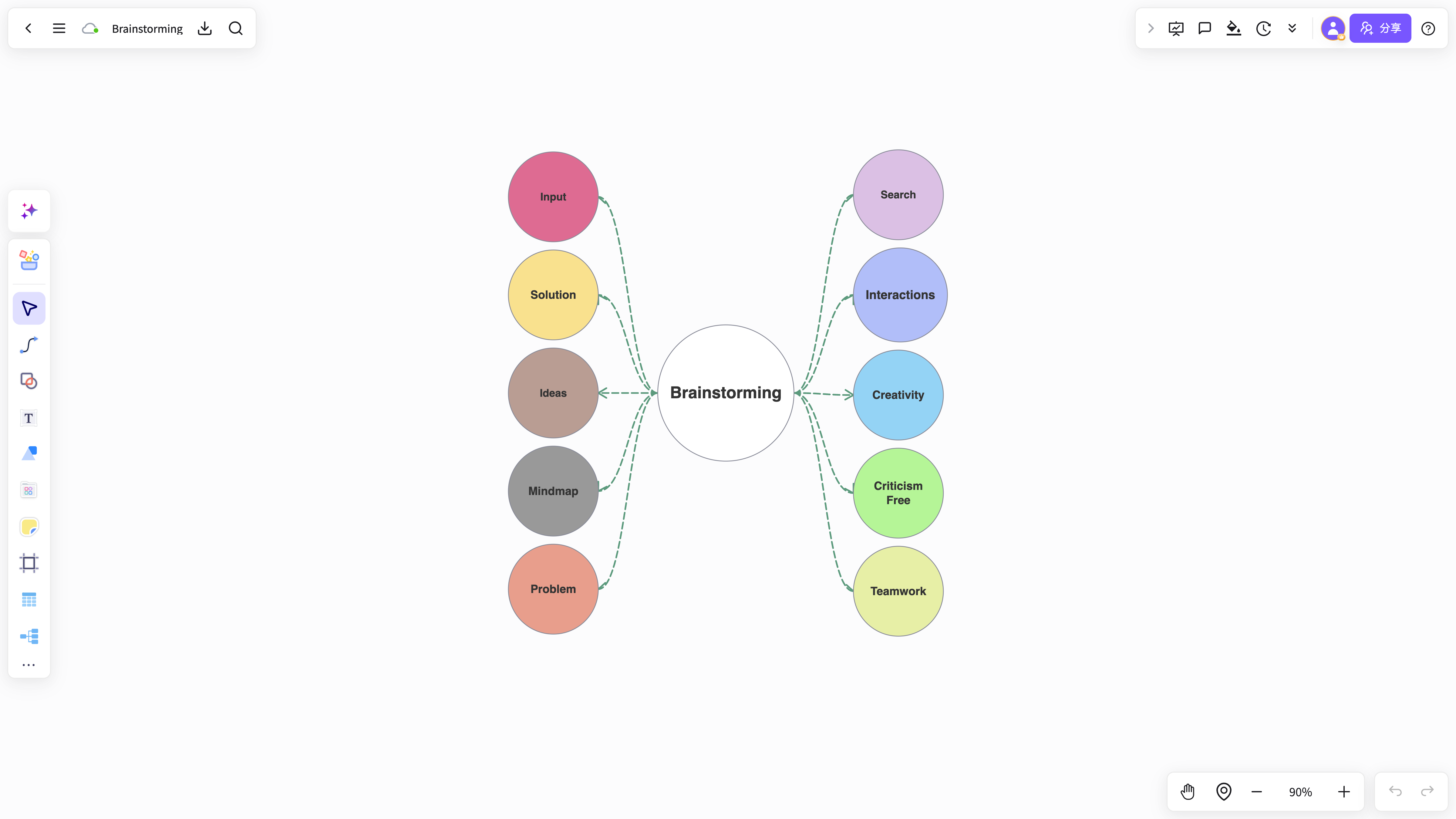
Expand analysis results into mind maps and action paths so your thinking keeps moving beyond one output.
Start with a business description, meeting notes, or report summary and get an editable SWOT framework.
Start freeAdd screenshots, text, notes, and evidence around the SWOT quadrants for a complete analysis.
Start freeProduct, operations, consulting, and leadership teams can share perspectives, align decisions, and move strategy forward.
Start freeFrom AI generation and team collaboration to long-term knowledge capture, keep analysis moving beyond one diagram.
Create a four-quadrant analysis structure from industry context and business descriptions.
Start with templates for different businesses, strategies, and projects, then add your own information.
Arrange strengths, weaknesses, opportunities, and threats clearly for analysis and presentations.
Team members can comment and add evidence and action recommendations together.
Keep decisions and strategy evolution from every stage for review and retrospectives.
Import reports, screenshots, PDFs, and text, then organize them into an analysis framework.
Turn industry context and business descriptions into an analysis framework built for discussion and action.
Start freeAnswers about workflows, collaboration, and structure that lasts after the meeting.
AI SWOT analysis helps with brainstorming, planning, business analysis, project work, and team collaboration when ideas and materials need to become a clear, editable result.
NuromBoard turns documents and meetings into editable structures on one shared working file — so AI SWOT analysis moves from a draft into something the team keeps refining after the session.
Yes. Teams edit together, leave feedback, share work online, and review versions on the same working file so discussion and decisions stay connected after the meeting.
Yes. Consultants use AI SWOT analysis alongside frameworks like SWOT, PEST, and competitor analysis to structure findings and present recommendations, and teams can invite clients to review the same shared working file.