Common input material
Interview audio transcriptsVerbatim user quotesObservation notesOpen-ended survey answersSupport team feedback
Interview synthesis should not stop at a summary. A more reliable path is to preserve the user's own words and scenarios first, then organise pain points, motivations, blockers and opportunities into an insight map.
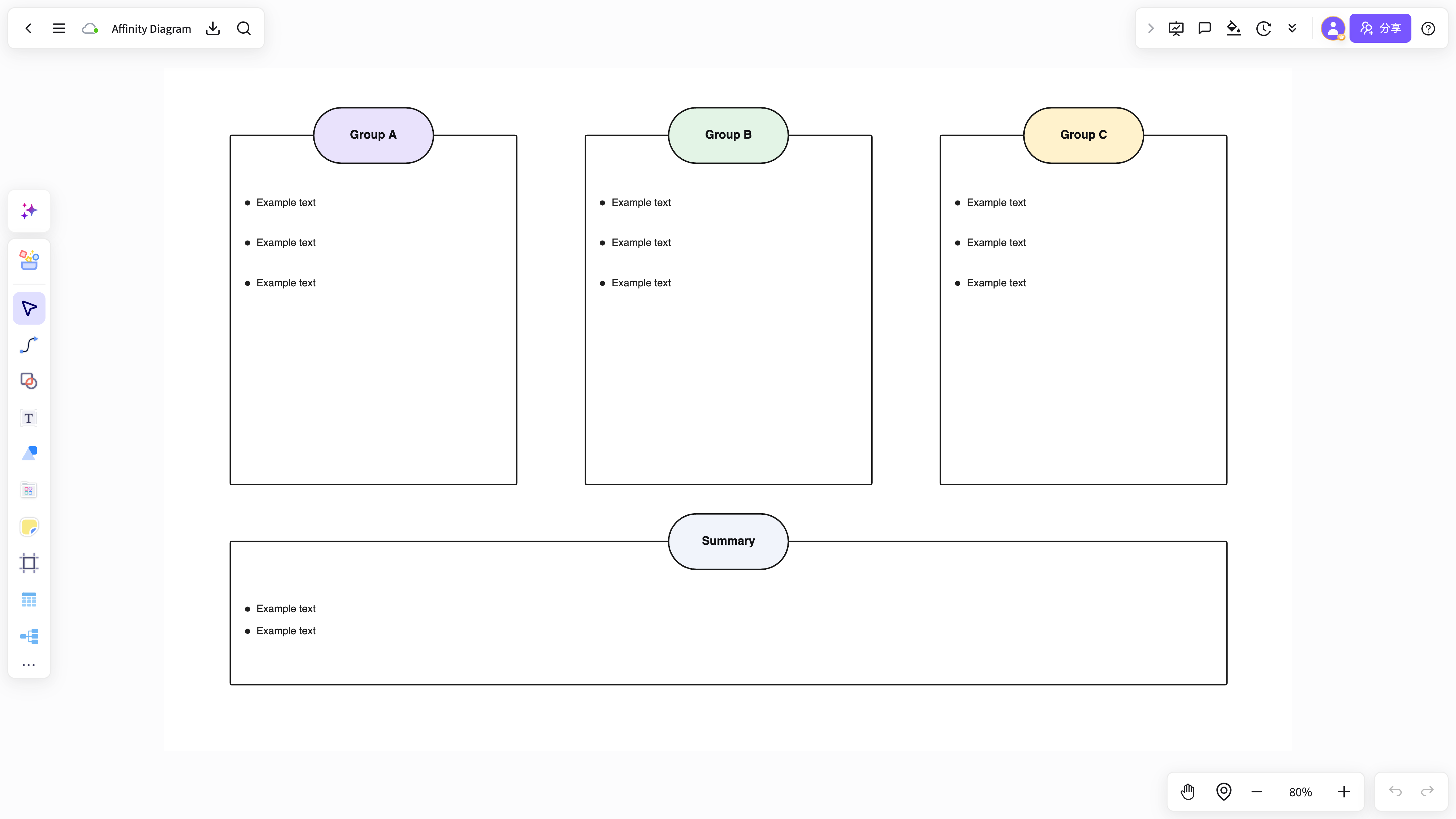
Interview notes are long, and pain points, emotions, suggestions and real needs all get mixed together.
Insights written without the user's own words lose their force the moment someone challenges them in review.
Without a link to needs and opportunities, interview findings rarely make it into product decisions.
Excerpt the key quotes, scenarios and observed behaviour, keeping the source attached to each one.
Group the material by user type, usage scenario, pain point, motivation and blocker.
Produce the insight map, evidence cards and a follow-up list of opportunity areas.
The map carries the structure while cards preserve the original quotes, which suits lightweight research that still needs a traceable trail.
Interview material flows straight on into PRDs, flowcharts and product reviews.
Turns verbatim interview quotes into a clear insight structure.
View and use the template →Groups user feedback by scenario and problem.
View and use the template →Converts insights into the next product actions.
View and use the template →The scenario page answers how the work starts; the method articles continue with the steps, the criteria, and where NuromBoard fits.
Yes. The map shows themes and hierarchy while cards keep the user's own words and evidence intact next to each insight.
Not necessarily. Start with quotes and themes, then grow them into an insight map and a report structure when the findings hold up.