Plenty of input, no visible path
Requirements, roles, nodes and exceptions sit in separate documents, so the team struggles to agree on sequence.
Start from a PRD, meeting notes, a business brief or a rough project idea, and pull out the steps, roles, decisions and exception branches. What comes back is a process map your team can review, execute and learn from.
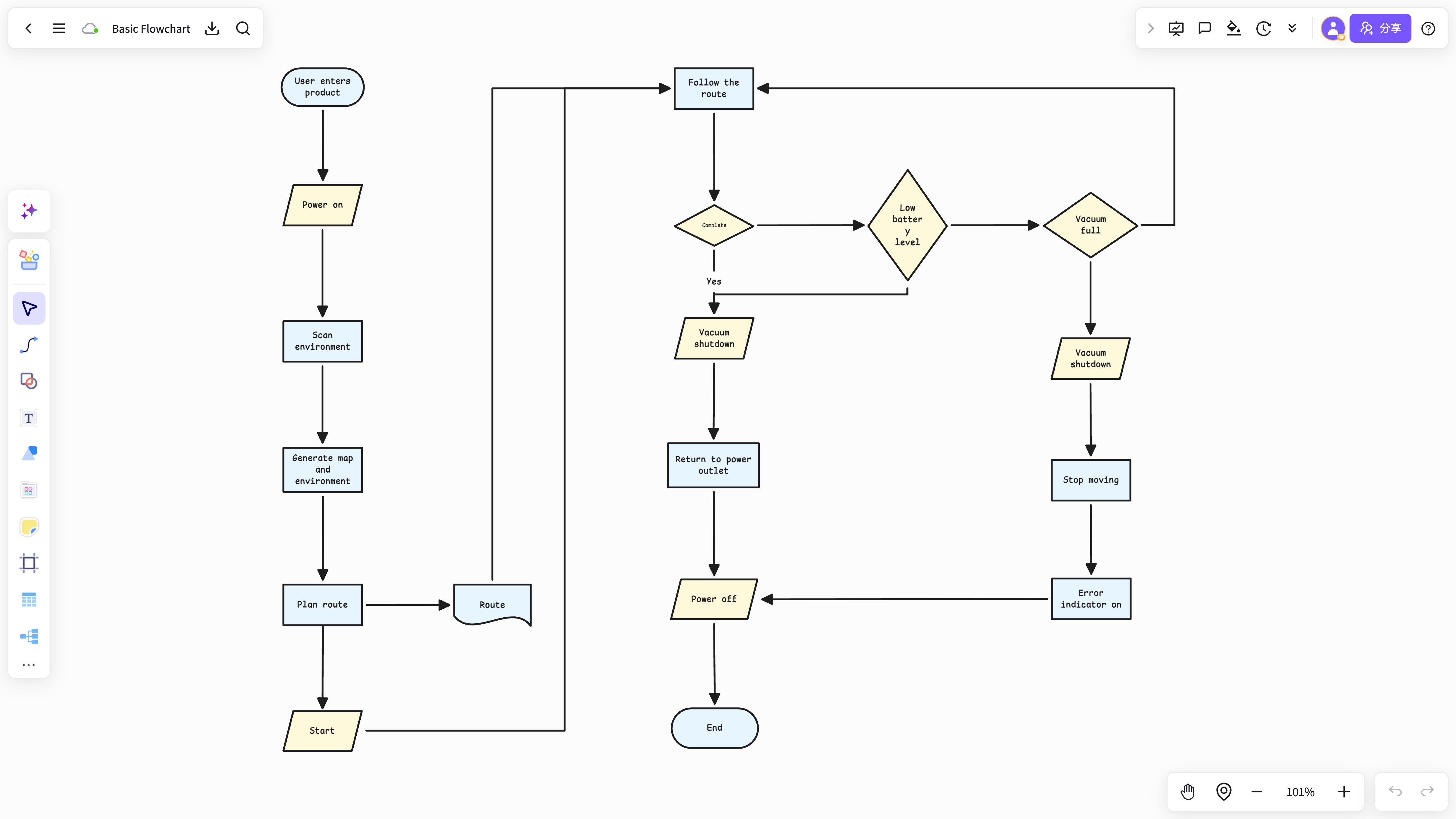
Requirements, roles, nodes and exceptions sit in separate documents, so the team struggles to agree on sequence.
Many tools can draw the chart, but the drawing is cut off from the source material, notes and comments, so refining or reusing it later is painful.
In study and research work the flow shifts while you are still thinking it through, so the picture has to express the logic and preserve how you got there.
A flowchart can list the steps without connecting them to the brief, notes and method description, so explaining or reusing it means switching tools again.
Begin with the PRD, meeting notes or business brief, then place the core nodes, the people involved and the upstream and downstream relationships.
Add decision criteria, exception branches, owners and deliverables to the structure so the team shares one view of how the work runs.
Link the map back to the project plan, meeting conclusions and action list so it supports both delivery and the retrospective.
NuromBoard keeps the process map working alongside source documents, notes, mind maps and annotations instead of producing a single static drawing.
Well suited to study flows, paper methodology, experiment steps and solution paths that need explaining and reuse, not only standardized diagramming.
Map the key steps, branches and touchpoints from first entry to a completed goal.
Ideal for laying out phases, owners and deliverables from requirement and review through to handover.
Turn decision criteria, the choices available and the matching actions into one path the team can follow.
For consultants, educators and teams mapping service steps, role split and retrospective checkpoints.
A PRD, meeting notes, a business brief, a rough project idea or an existing process draft all work; the first pass is about extracting nodes and relationships.
Yes. Beyond sequential steps you can capture decision criteria, exception branches, role ownership and upstream and downstream deliverables.
Yes. The map stays next to the plan, source material, comments and action list, which makes review, execution and retrospective straightforward.
From reading and annotation to mind-map notes and knowledge capture, NuromBoard turns high-frequency knowledge work into reusable outcomes.