AI-generated portraits
Create professional avatars, brand characters, social covers, and stylized portraits.
Generate portraits, product images, illustrations, posters, and scenes on your whiteboard with one prompt, then keep editing, organizing, and collaborating on them.
Choose the visual direction that fits your brief, then refine style, composition, and mood.
Create professional avatars, brand characters, social covers, and stylized portraits.
Create product hero images, e-commerce visuals, packaging previews, and ad concepts.
Create creative posters, campaign key visuals, social graphics, and brand visuals.
Add a person, product, scene, or style brief and AI will create an editable image without complex setup.
Start free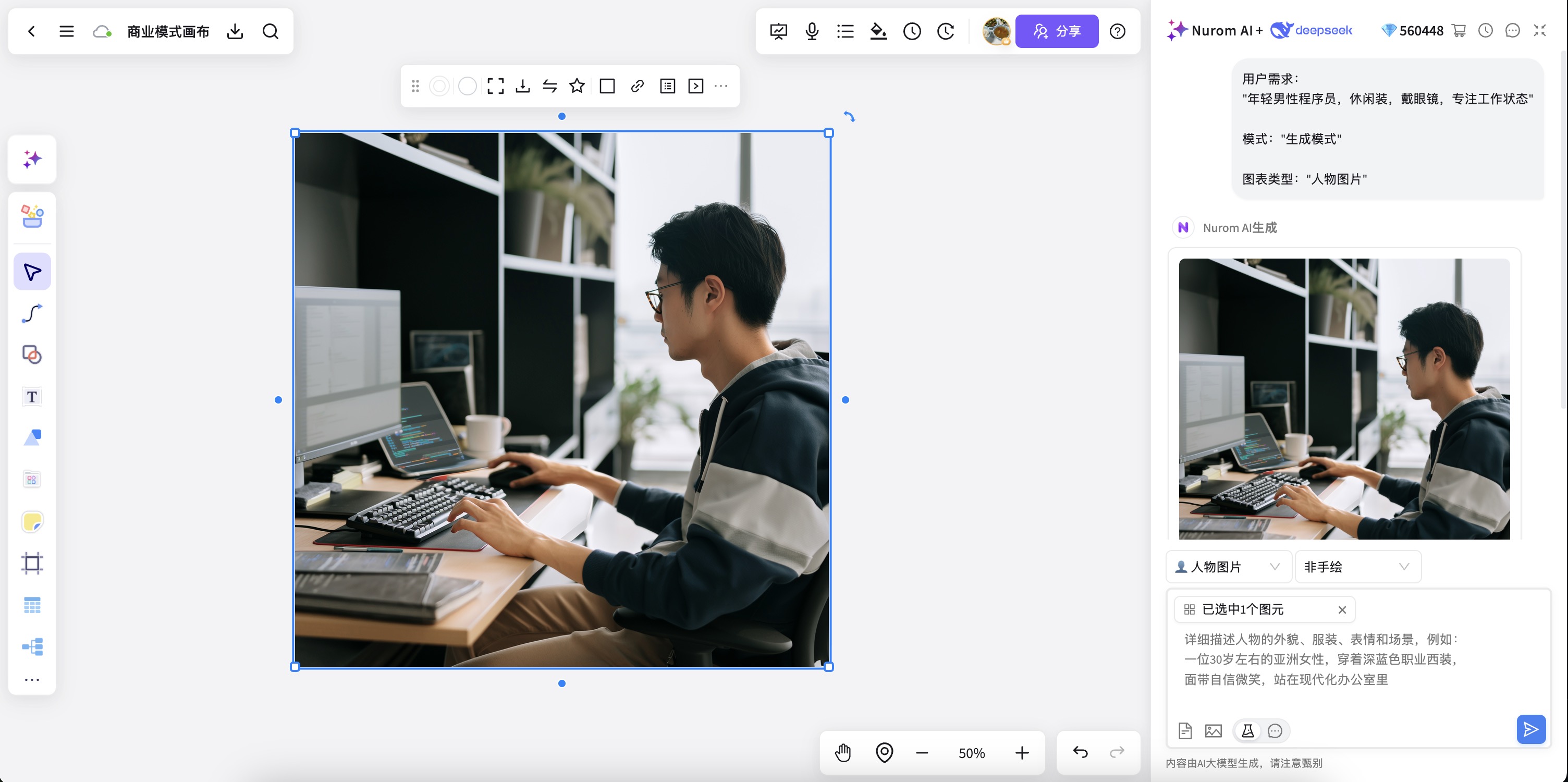
Refine composition, colors, mood, and focus across portraits, products, illustrations, posters, and scenes.
Start free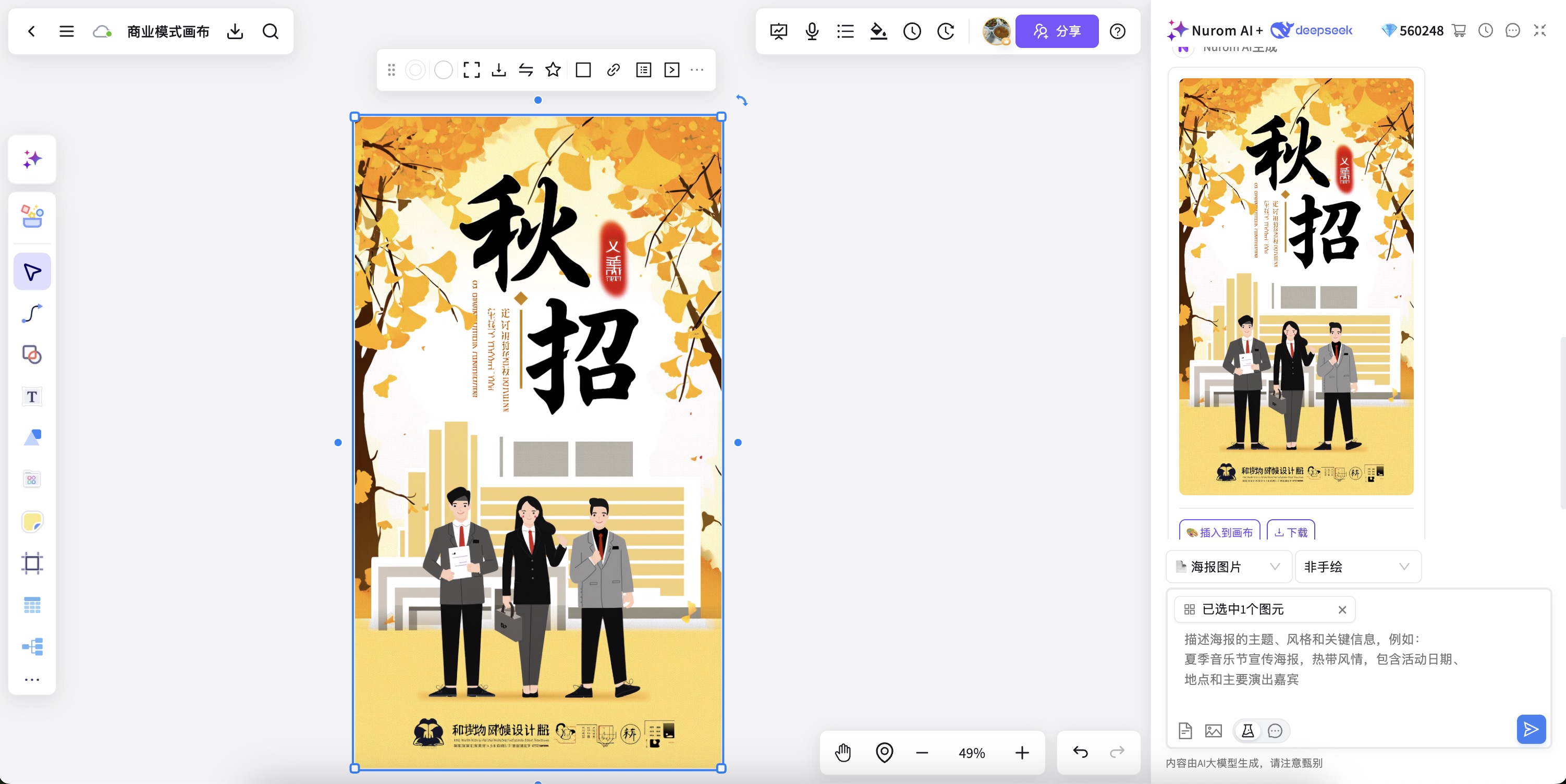
Add notes, references, feedback, and versions beside generated images for a smoother visual workflow.
Start free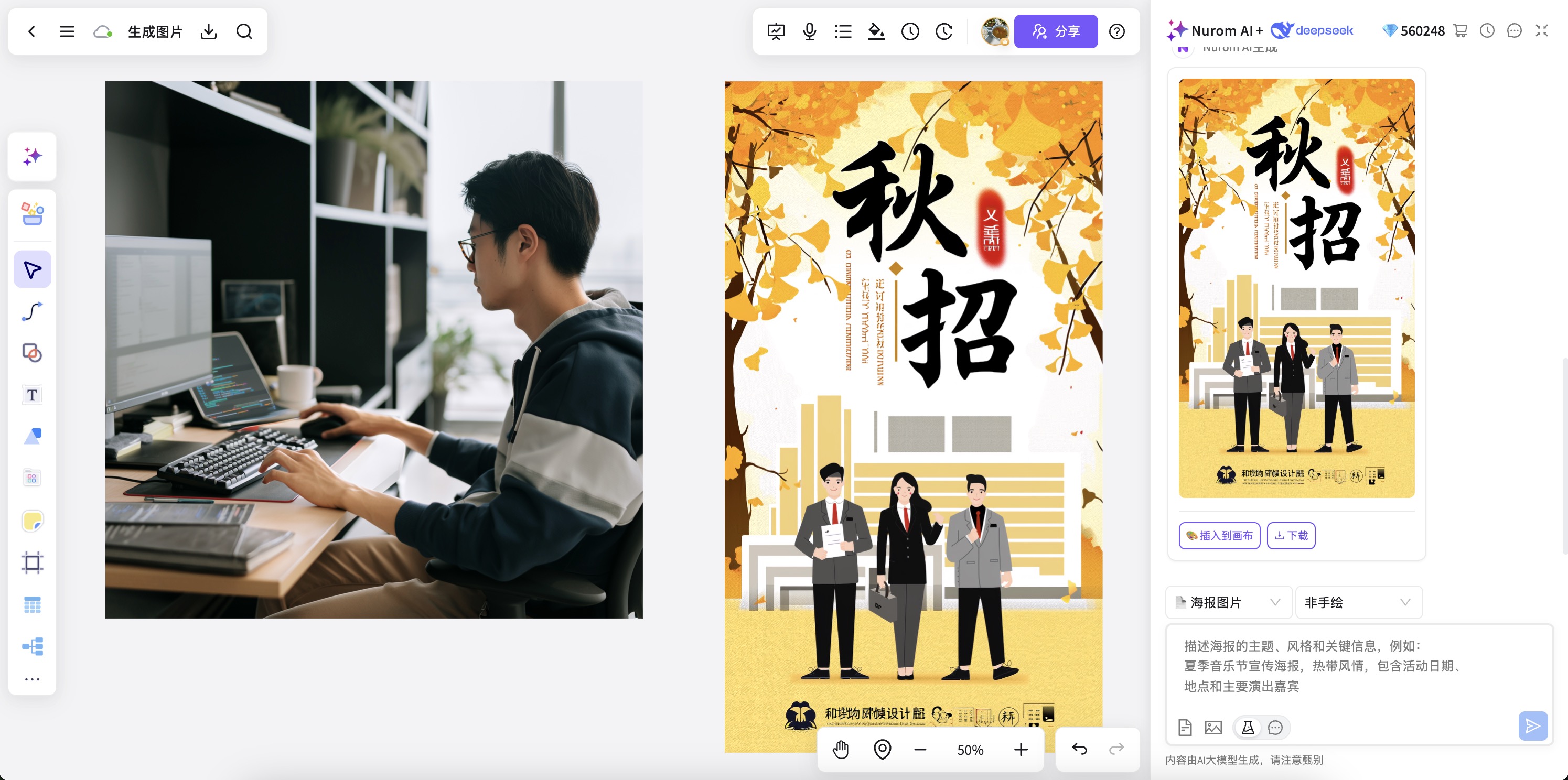
From AI image generation to collaboration, versioning, and delivery, keep visual creation complete.
Create and extend portraits, product images, illustrations, posters, and landscape scenes quickly.
Add ideas, keywords, style requirements, or use cases to get an image concept directly.
After generation, add reference images, style notes, versions, and delivery highlights.
Let multiple people review images, comment on revisions, add requirements, and align visual direction.
Move from inspiration to posters, covers, and marketing drafts in one workspace.
Reuse successful image styles and compositions for continuous brand and content production.
Generate images, add context, collaborate, and align delivery in NuromBoard to move ideas forward.
Start free onlineAnswers about workflows, collaboration, and structure that lasts after the meeting.
AI image generator helps with brainstorming, planning, business analysis, project work, and team collaboration when ideas and materials need to become a clear, editable result.
NuromBoard turns documents and meetings into editable structures on one shared working file — so AI image generator moves from a draft into something the team keeps refining after the session.
Yes. Teams edit together, leave feedback, share work online, and review versions on the same working file so discussion and decisions stay connected after the meeting.
Yes. Consultants use AI image generator alongside frameworks like SWOT, PEST, and competitor analysis to structure findings and present recommendations, and teams can invite clients to review the same shared working file.