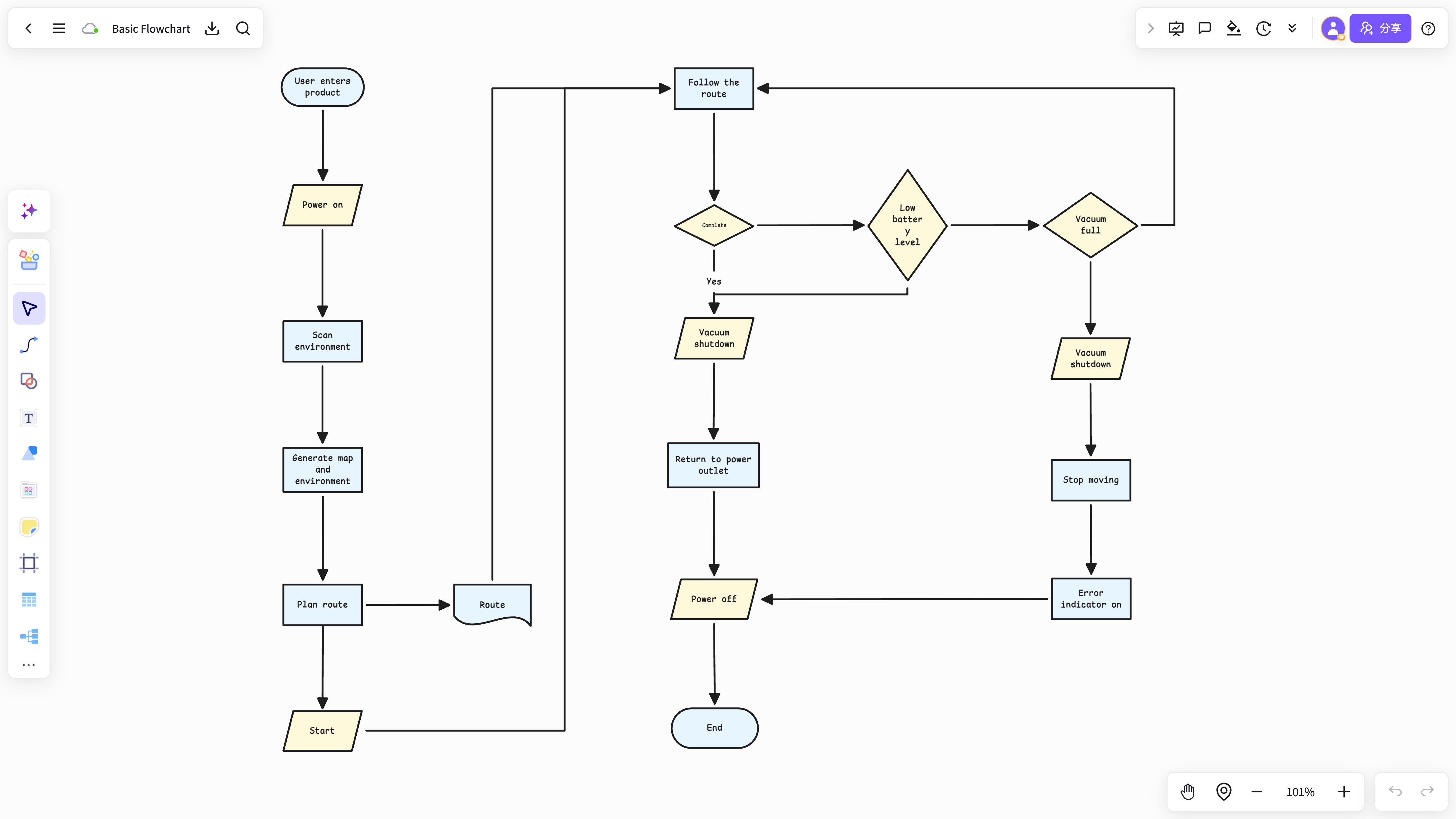
E-commerce purchase approval
Approval steps / purchasing roles / fallback branches
Describe a product, business, or project idea. AI extracts steps, roles, and decision branches into an editable flow you keep refining with your team after the session.
Approval steps / purchasing roles / fallback branches
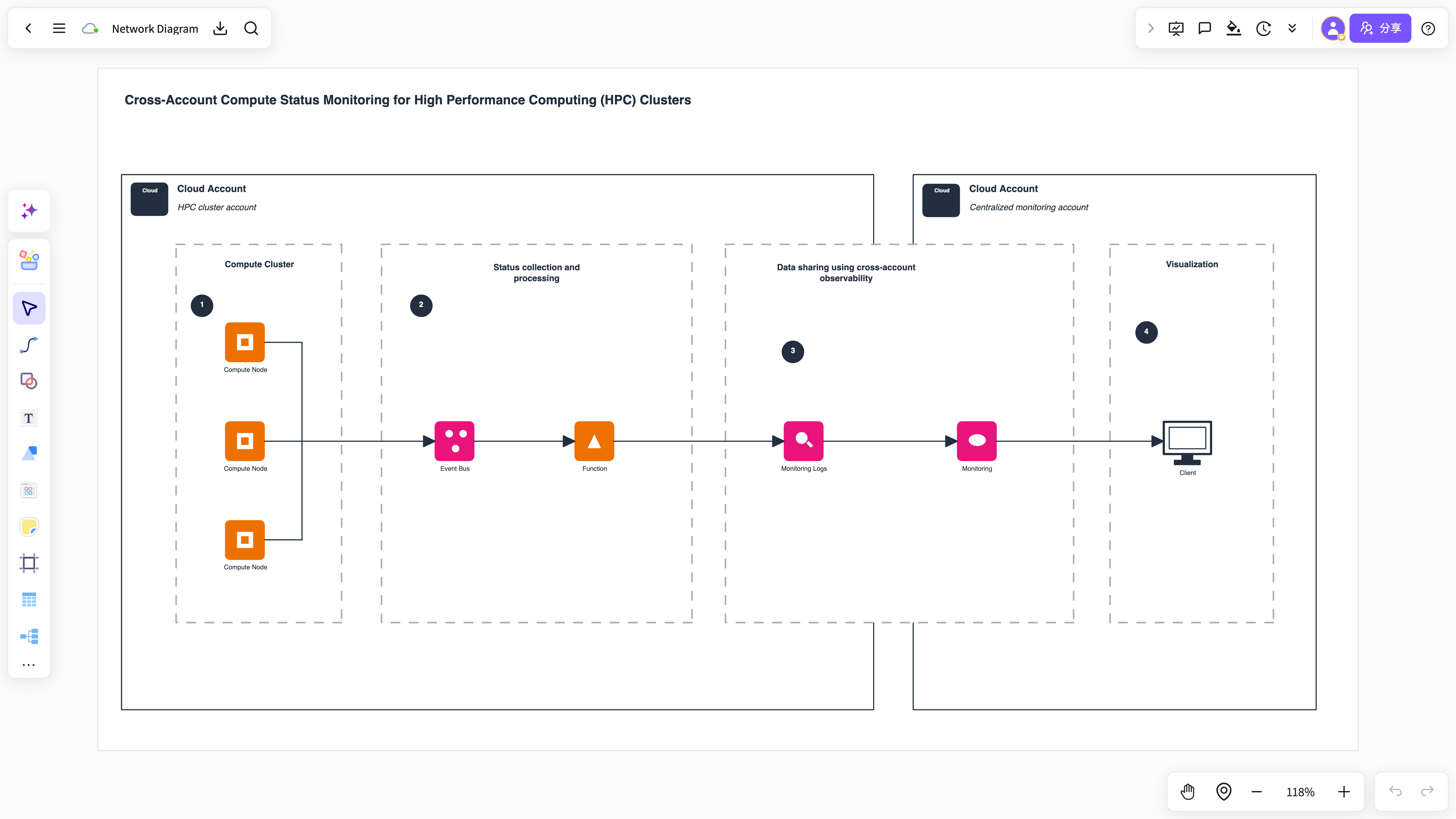
Milestones / dependencies / critical path
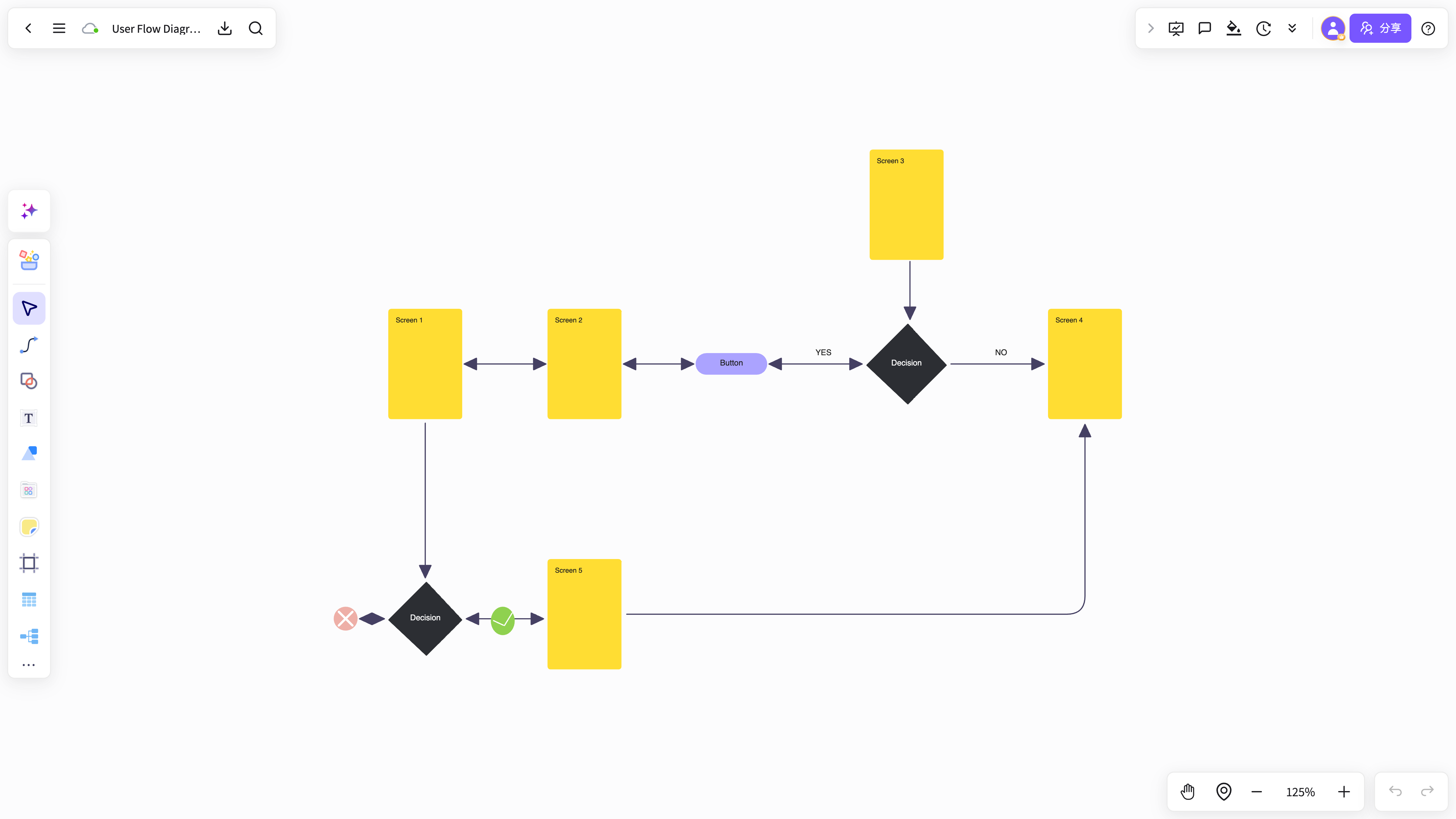
State checks / conditions / execution loops
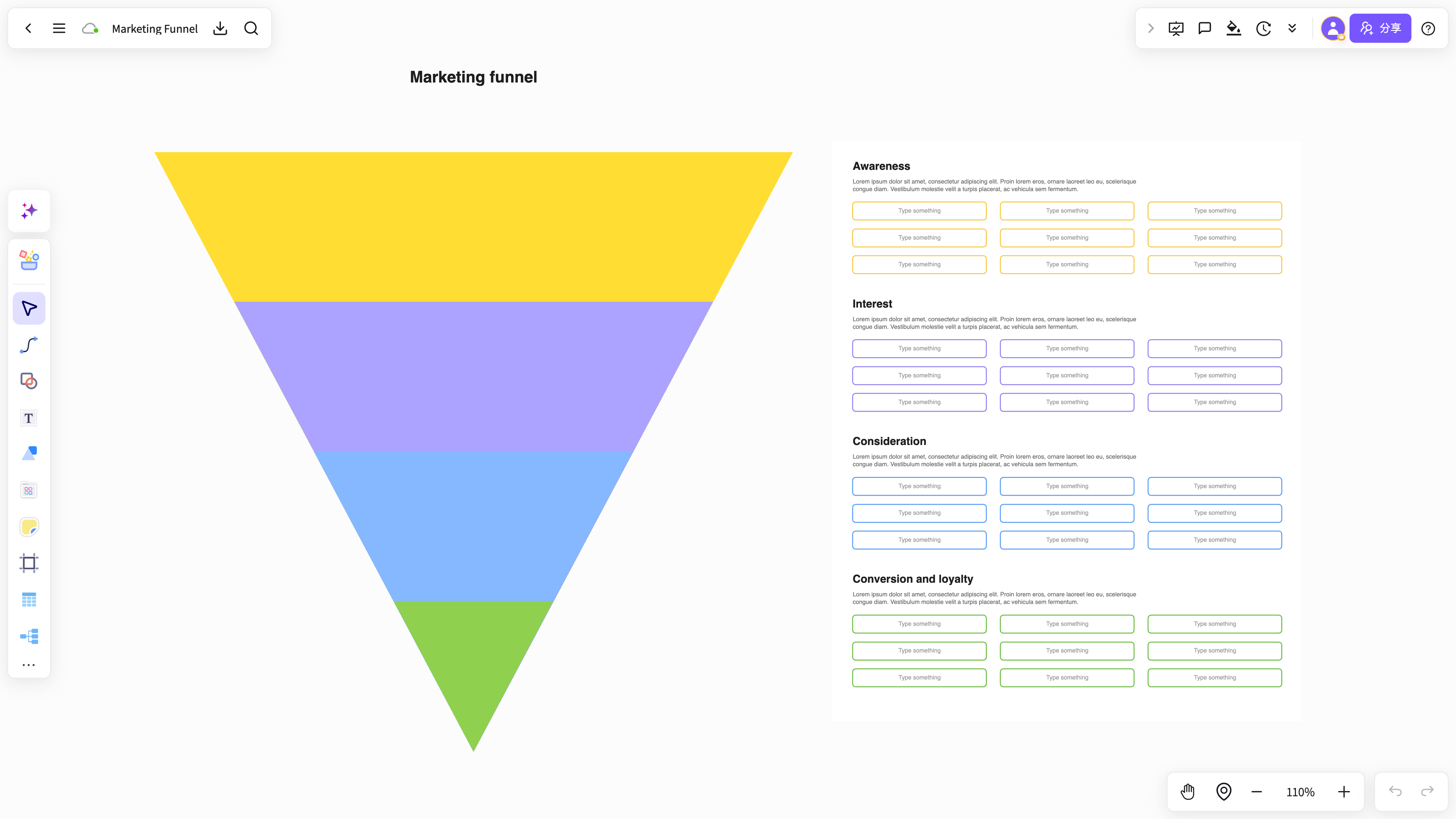
Roles / business flow / financial analysis
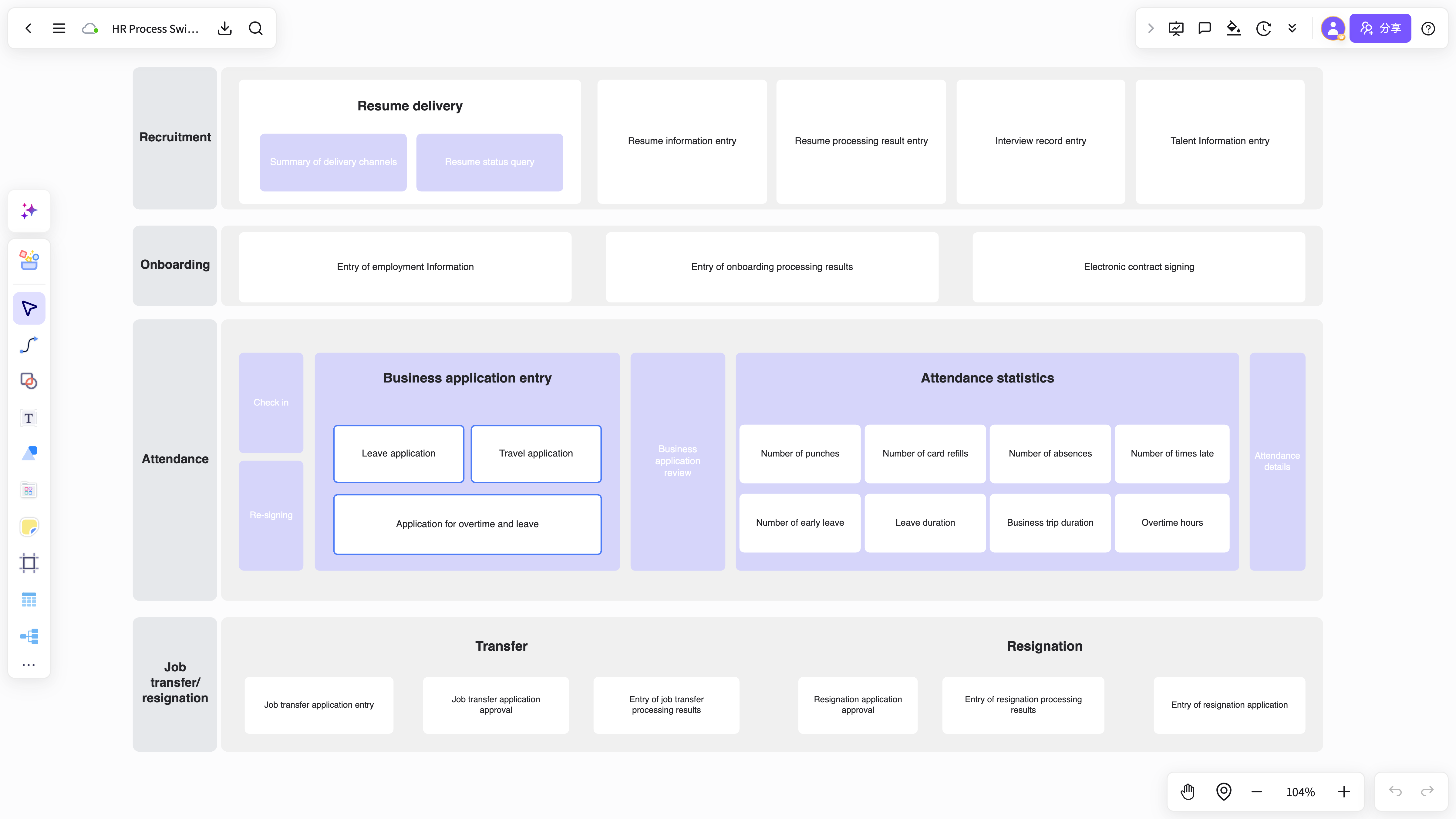
Cross-team handoffs / ownership / work order steps
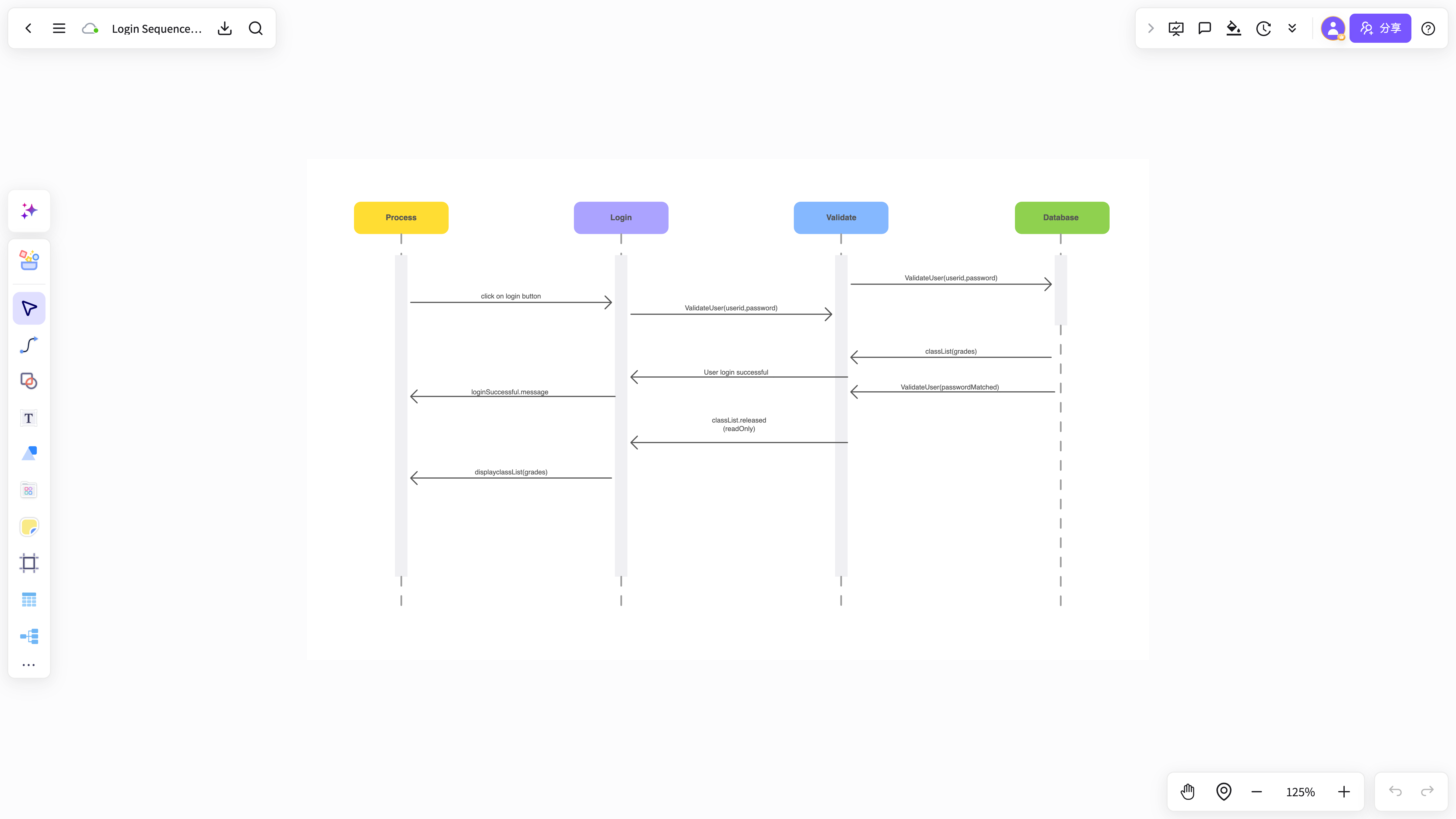
Registration checks / verification / sign-in loop
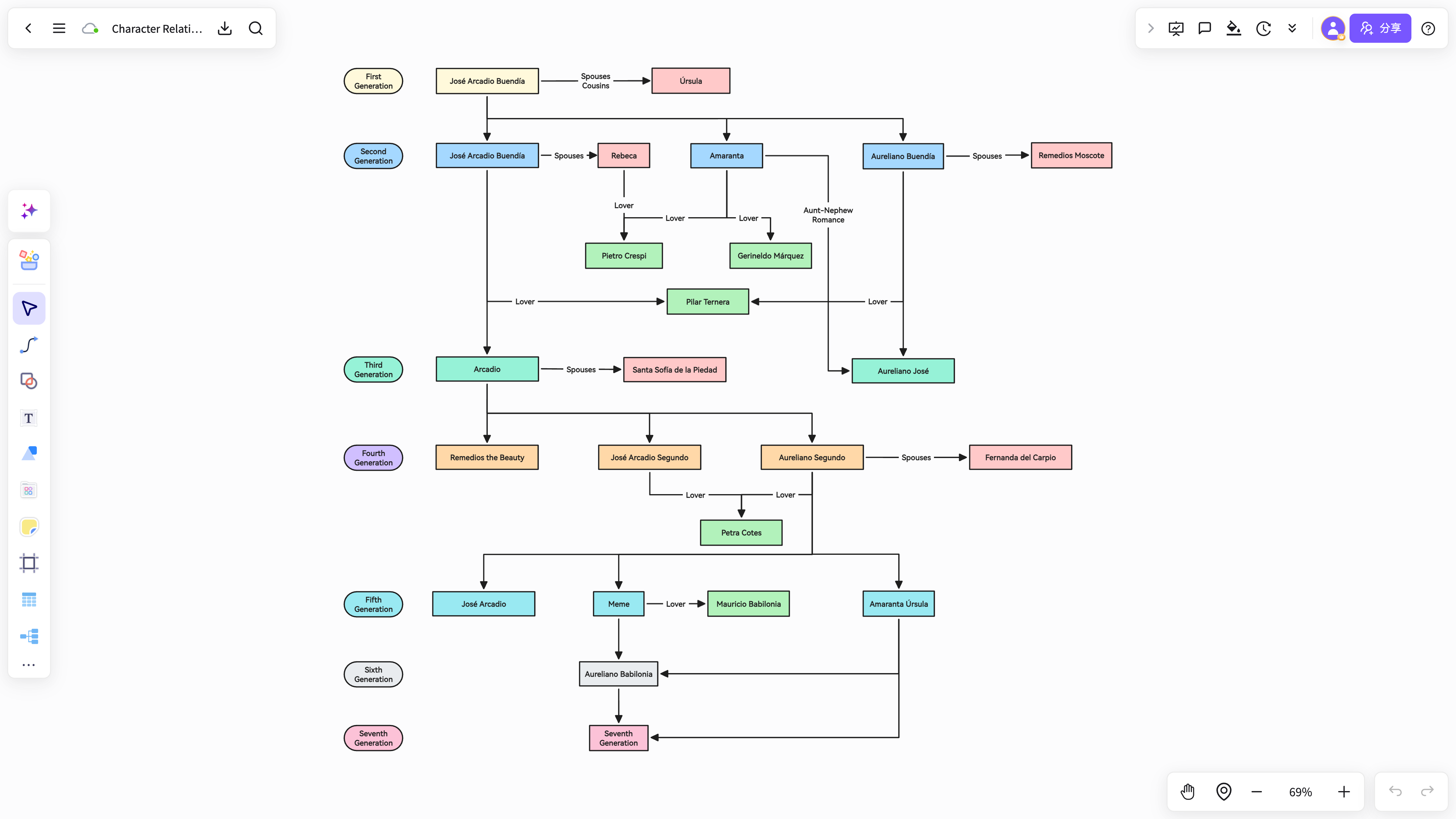
Connections / storyline / relationship structure
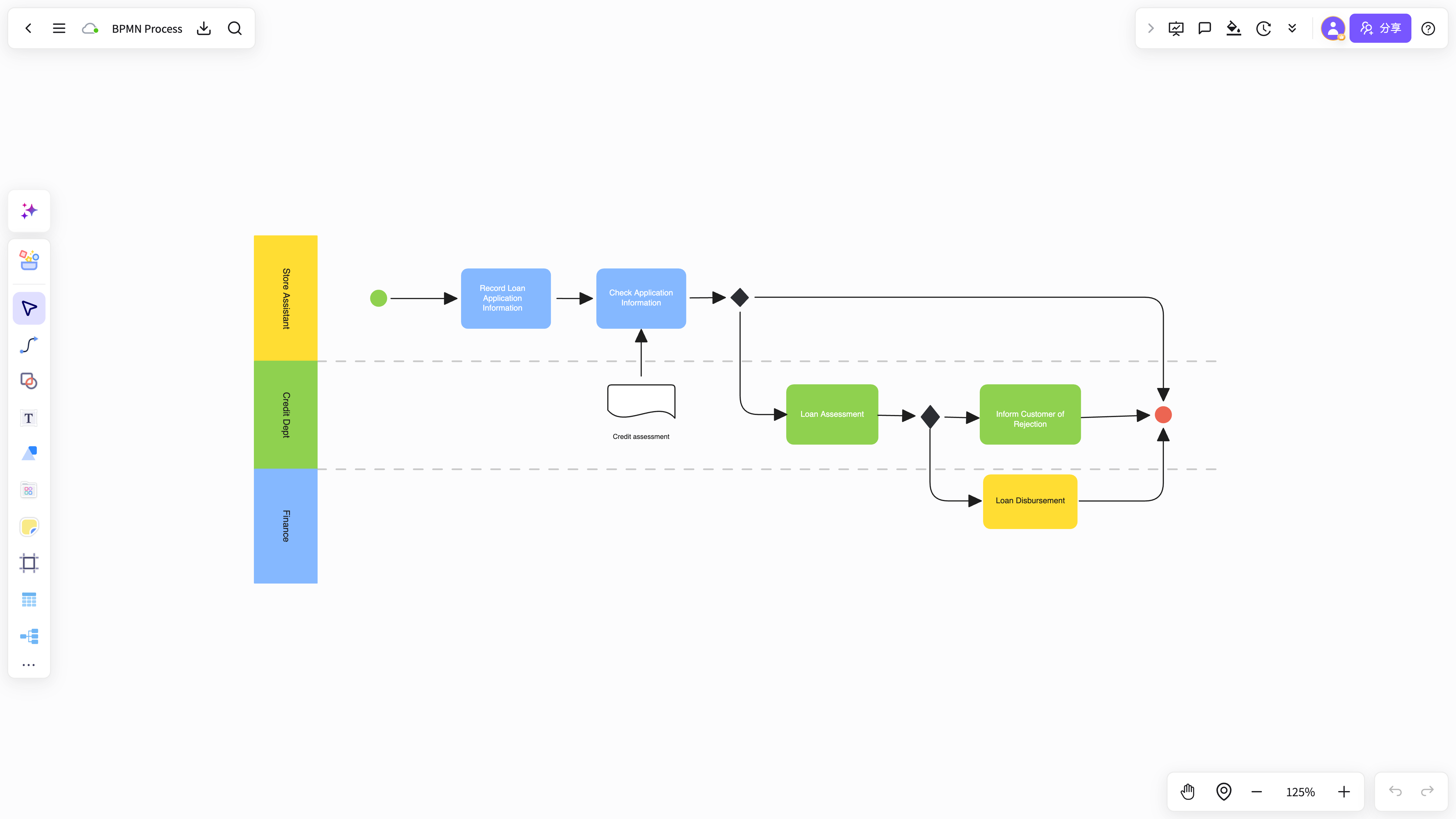
Business events / gateways / coordinated steps
Extract steps, conditions, and relationships from PRDs, meeting notes, and plans into a clear flow you can keep editing — not a one-shot export.
Try it free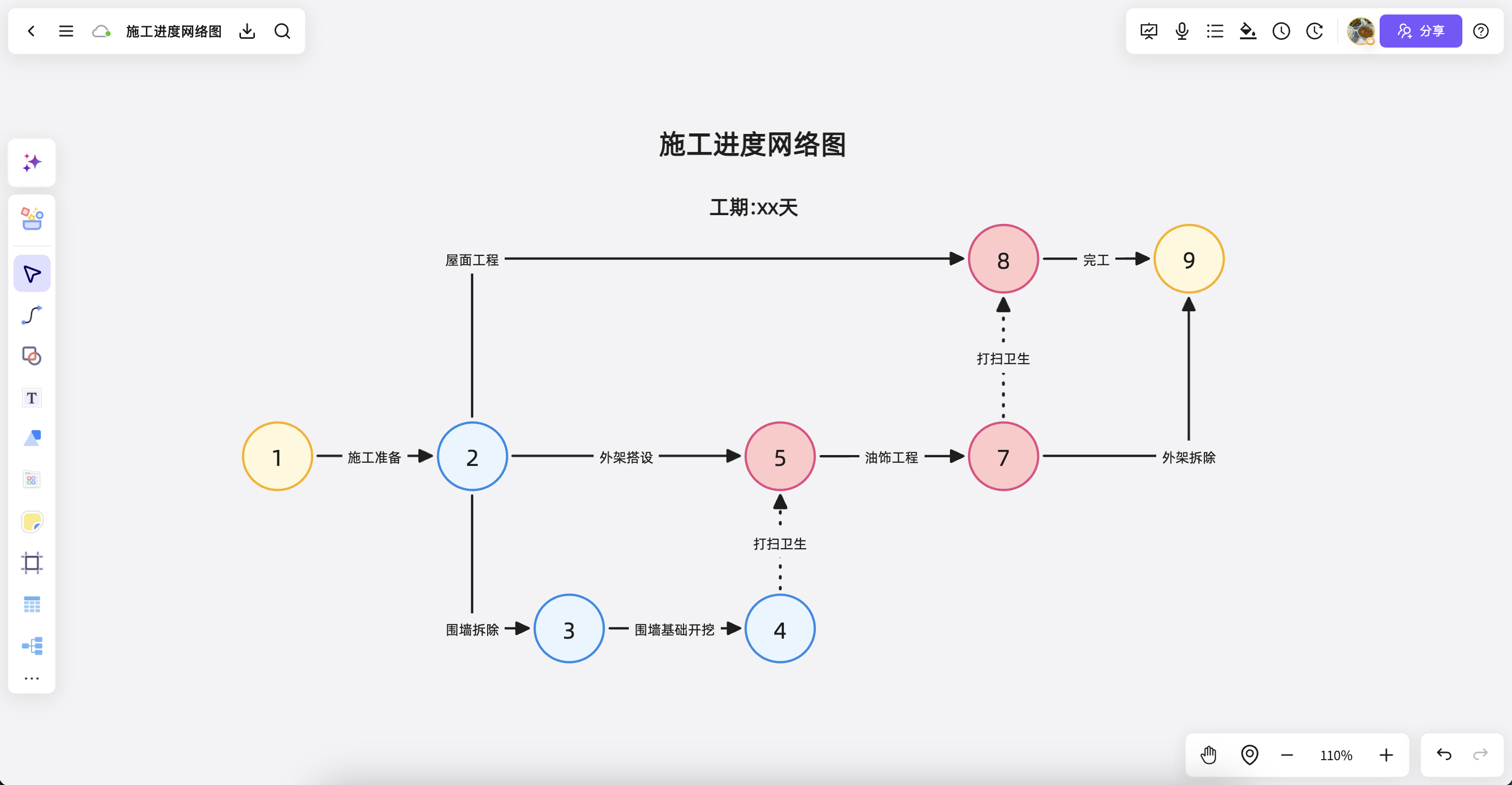
Combine standard flows, swimlanes, BPMN, and relationship diagrams on one canvas for explanation, review, and handoff after the meeting.
Try it free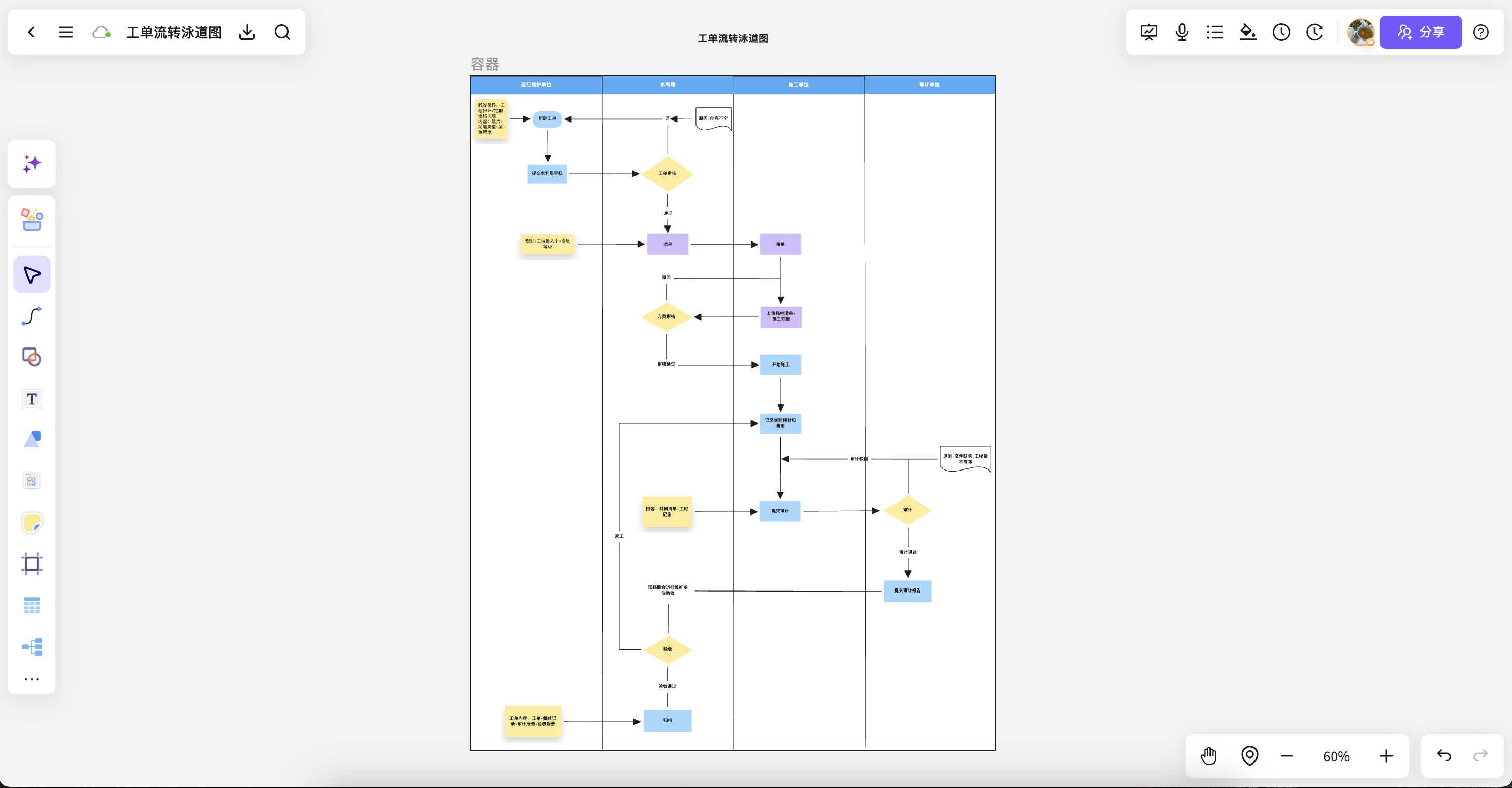
Teams refine ownership, exceptions, and next steps together while discussion and decisions stay with the flow on the same file.
Try it free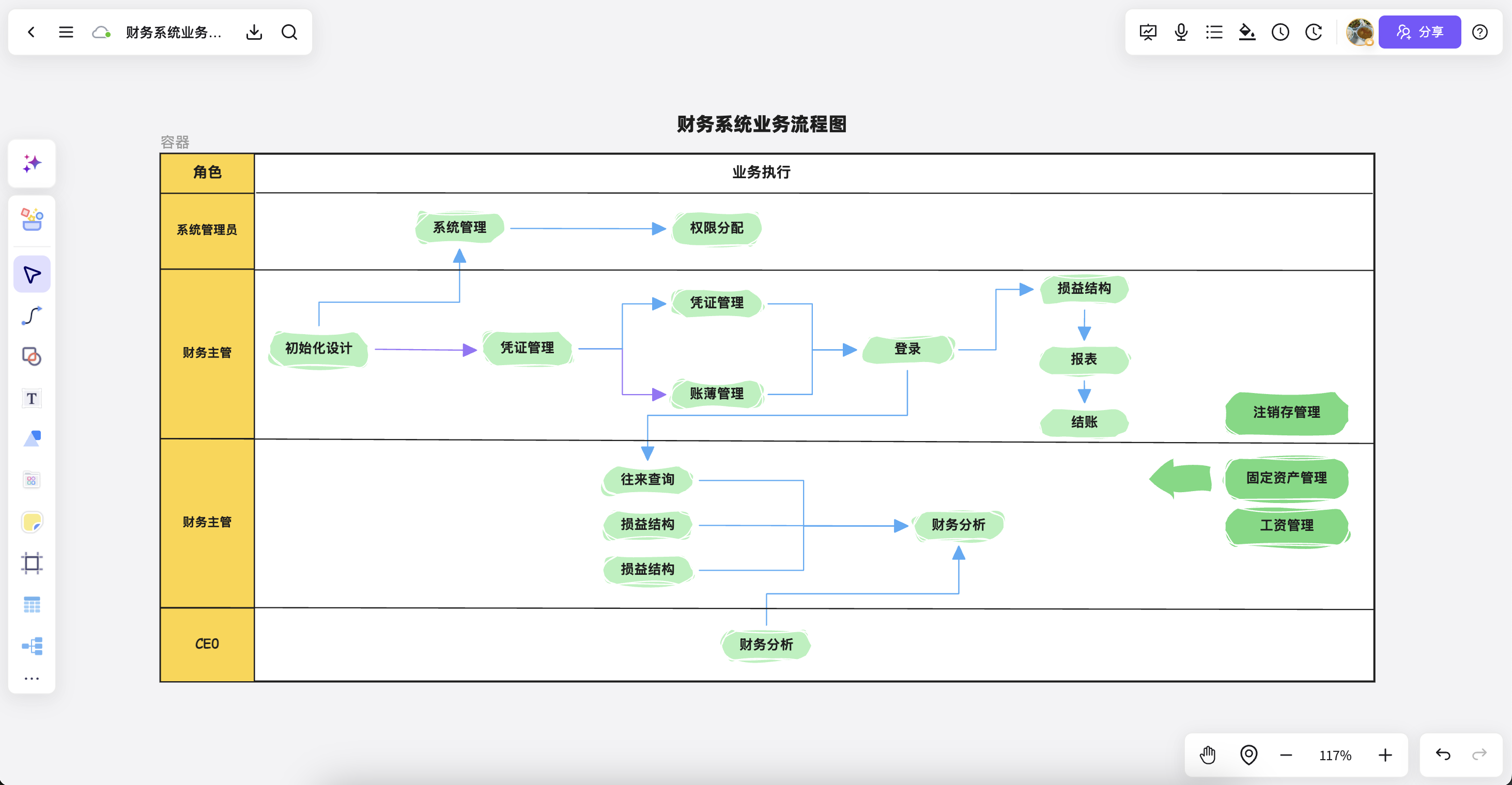
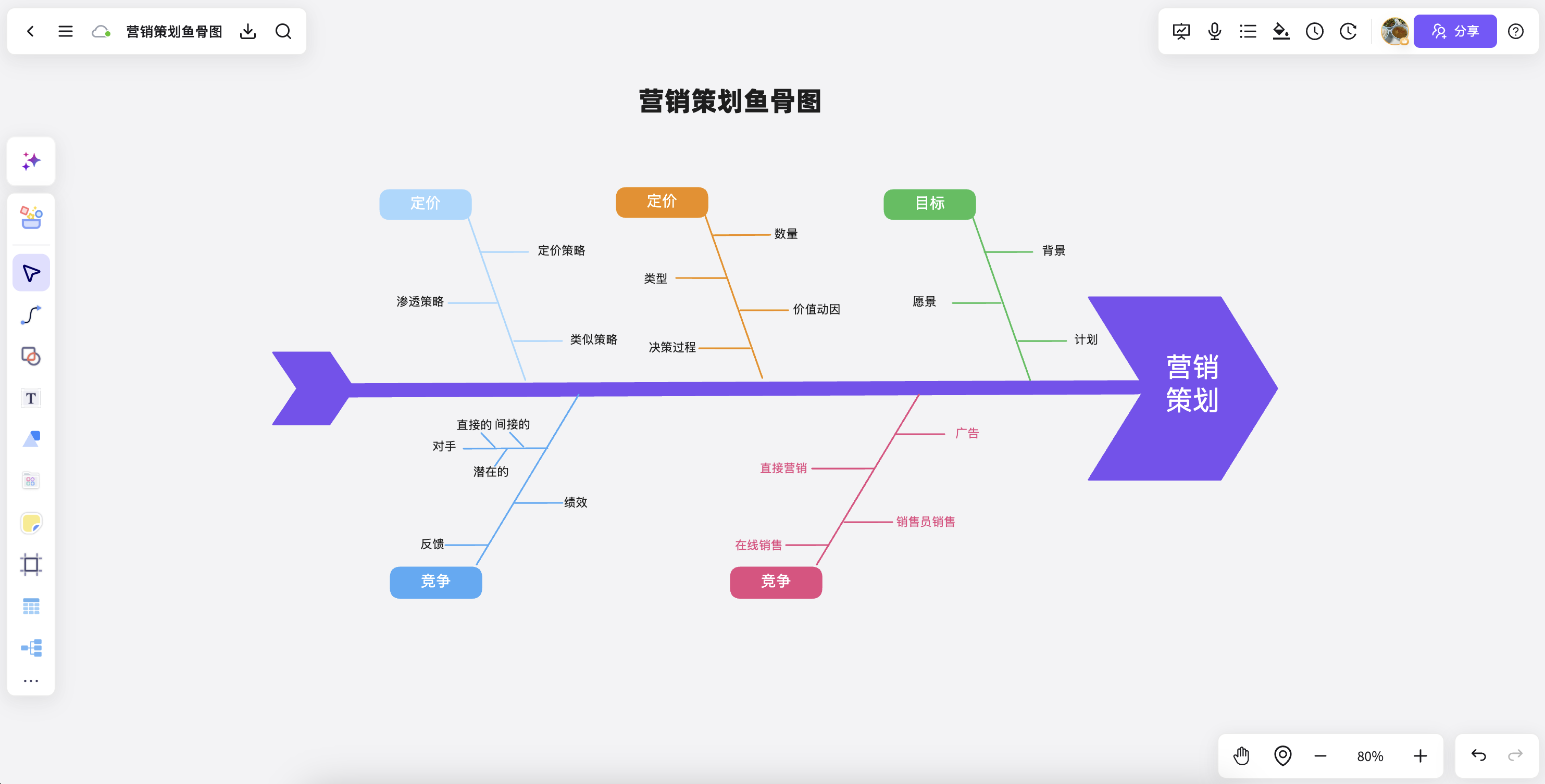
Turn campaigns, root-cause questions, and strategy breakdowns into a fishbone structure that reveals key factors.
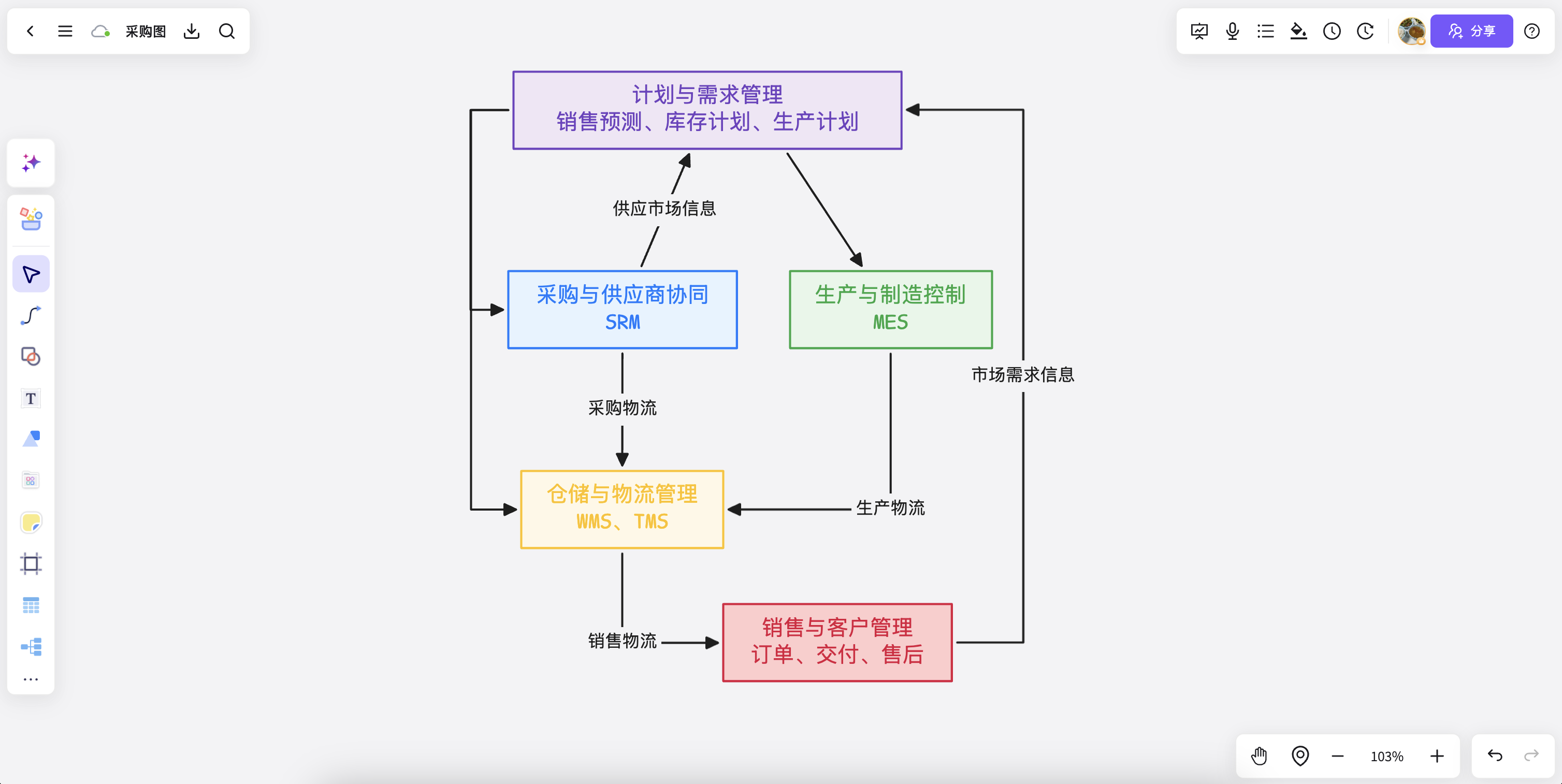
Connect planning, purchasing, production, and sales to clarify business dependencies and handoffs.
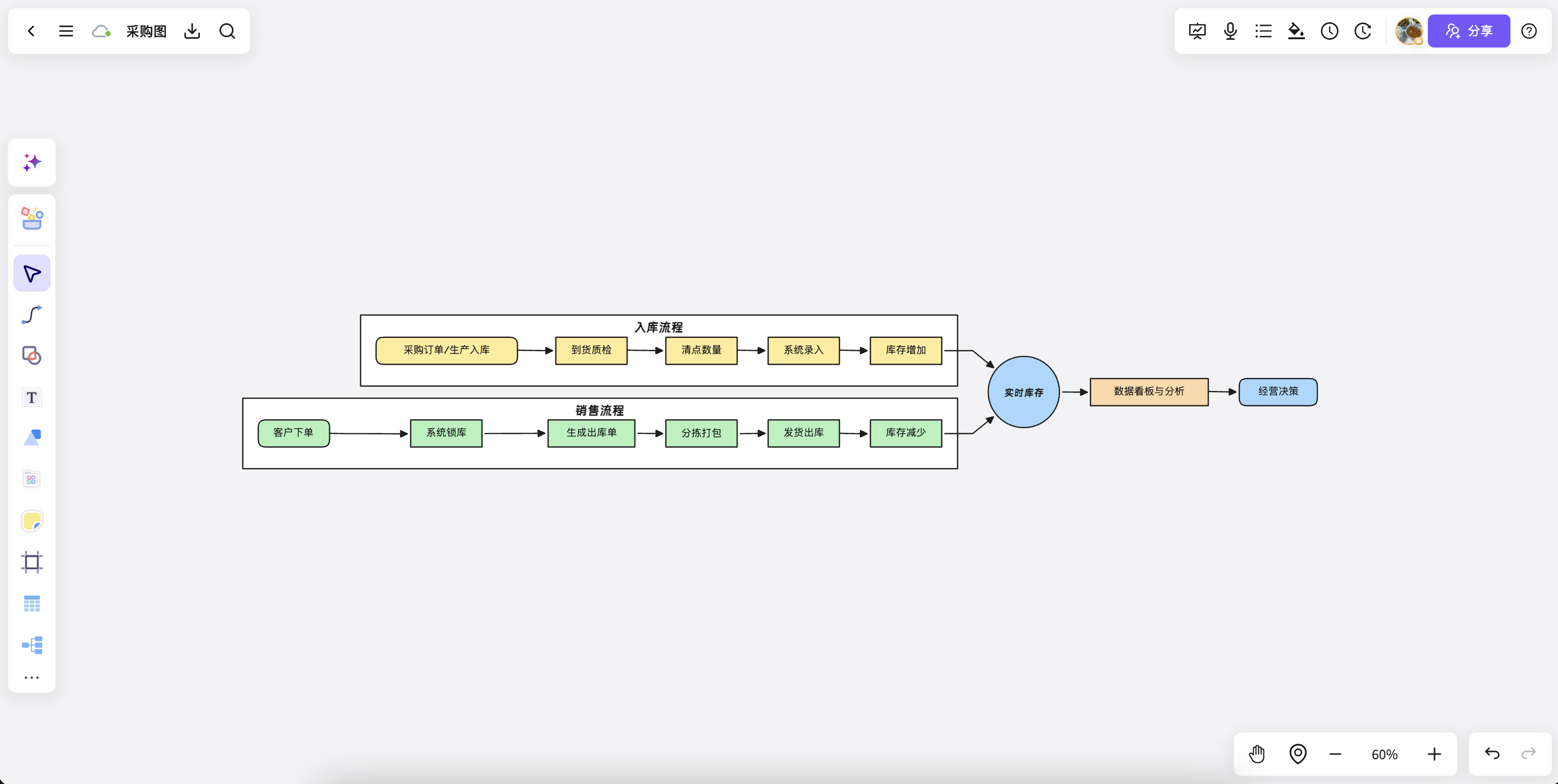
Map receiving, sales, and inventory analysis into a clear end-to-end purchasing workflow.
Make complex steps clear, explain plans simply, and keep editing with your team.
Try it freeAnswers about workflows, collaboration, and structure that lasts after the meeting.
AI flowchart generator helps with brainstorming, planning, business analysis, project work, and team collaboration when ideas and materials need to become a clear, editable result.
NuromBoard turns documents and meetings into editable structures on one shared working file — so AI flowchart generator moves from a draft into something the team keeps refining after the session.
Yes. Teams edit together, leave feedback, share work online, and review versions on the same working file so discussion and decisions stay connected after the meeting.
Yes. Consultants use AI flowchart generator alongside frameworks like SWOT, PEST, and competitor analysis to structure findings and present recommendations, and teams can invite clients to review the same shared working file.