Project inputs are scattered
PRDs, meeting notes, user feedback, and competitor material live in different places, so the project context is never fully in one view.
Put the PRD, meeting notes, user feedback, competitor research, and project ideas on the same board, and let AI sort out the problems, options, decisions, and next actions. Every discussion leaves behind context the team can keep working from.
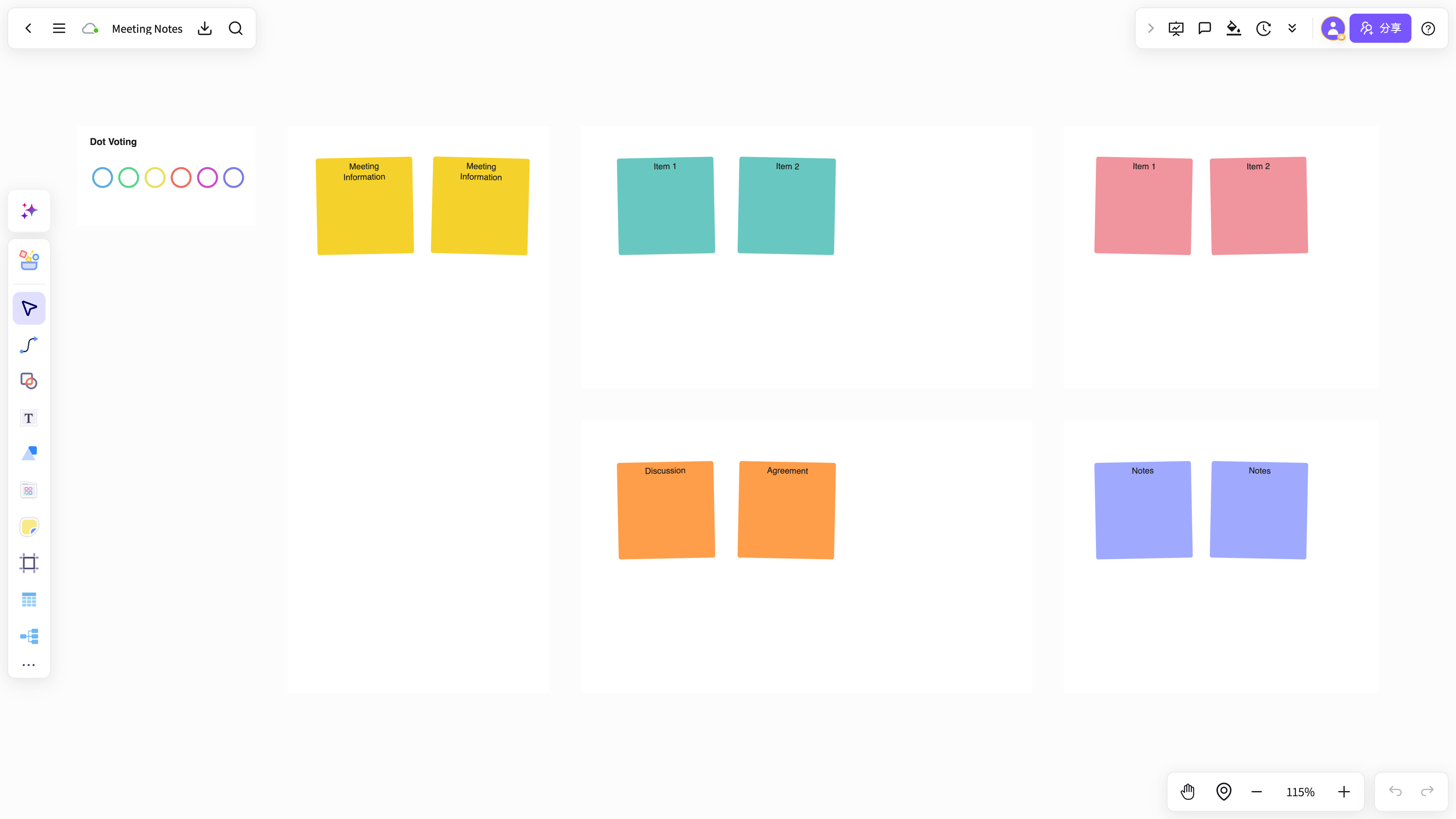
PRDs, meeting notes, user feedback, and competitor material live in different places, so the project context is never fully in one view.
Meetings capture plenty of content, but none of it becomes a reviewable plan, a decision, or a clear next action.
Information, structure, and collaboration sit in separate tools, so the team keeps re-importing and re-explaining the same background.
The project keeps changing, but key decisions, their reasoning, and open items are never captured in the same context.
Gather PRDs, meeting notes, user feedback, competitor research, and early ideas into a single project space.
Lay out the problem, goals, options, decisions, risks, and owners as one clear project structure.
Output a review outline, project map, and action list so the team can keep discussing and moving.
NuromBoard keeps material, structure, comments, and decisions linked, so there is far less re-importing and re-explaining.
The result is not a one-off presentation but a living project document the team can review, extend, assign, and revisit.
Start from the user problem, goals, and constraints, and build a product plan structure your team can review.
Collect the key points, settled decisions, open questions, and owners into one structure.
Group feedback by problem, scenario, impact, and opportunity so the team can agree on priorities.
Keep goals, tasks, risks, and next actions in one project structure that stays up to date.
PRDs, meeting notes, user feedback, competitor research, business briefs, and the loose ideas that come up during a project.
Run a plan review, add comments, record decisions, split out tasks, and hand the next actions to the team to execute.
Yes. One person can break down the problem and shape the plan first, then the team discusses, adds to it, and moves it forward from the same structure.
From reading and annotation to mind-map notes and knowledge capture, NuromBoard turns high-frequency knowledge work into reusable outcomes.