Research overviewKey themes / source notes / clear structure
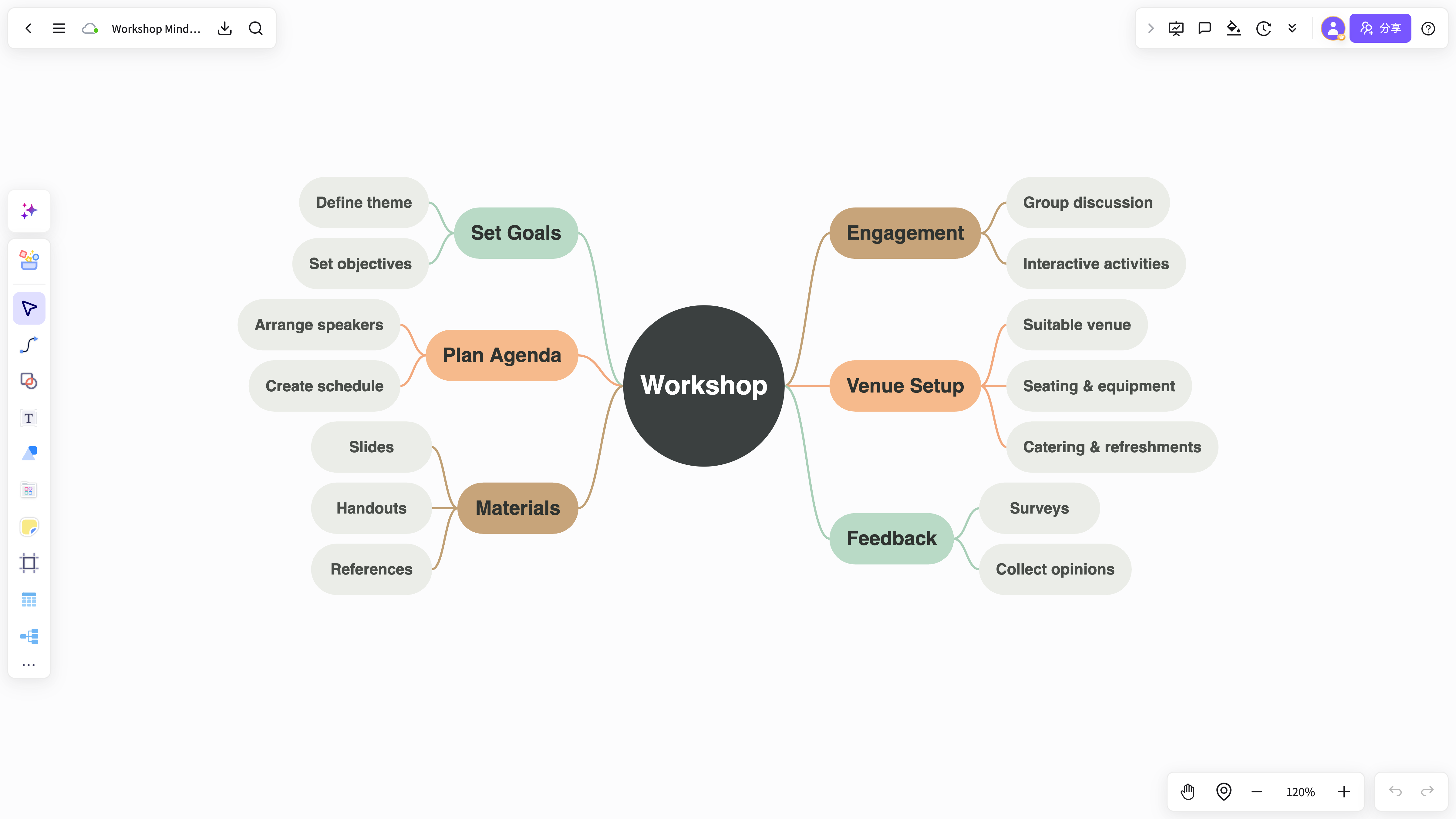
Start with ideas, documents, notes, or project context. NuromBoard helps you create an editable online mind map structure and continue refining it with your team.
Go beyond a one-shot AI diagram. Bring source material, annotations, ideas, cards, and the final map together on one shared working file your team keeps editing.
From a short prompt to a PDF, meeting notes, or research excerpts, NuromBoard helps you create a first structure that you can complete, reorganize, and keep.
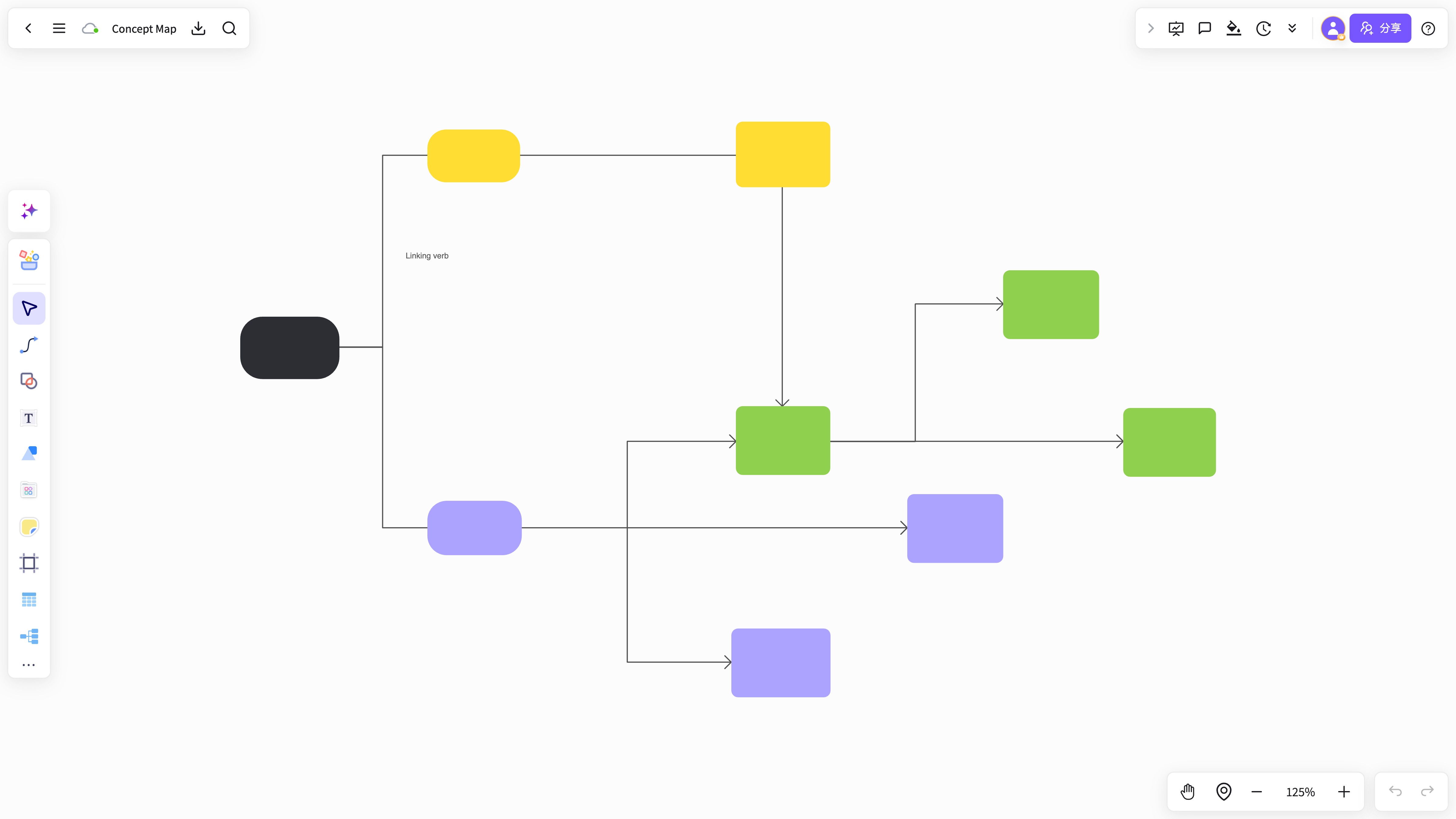
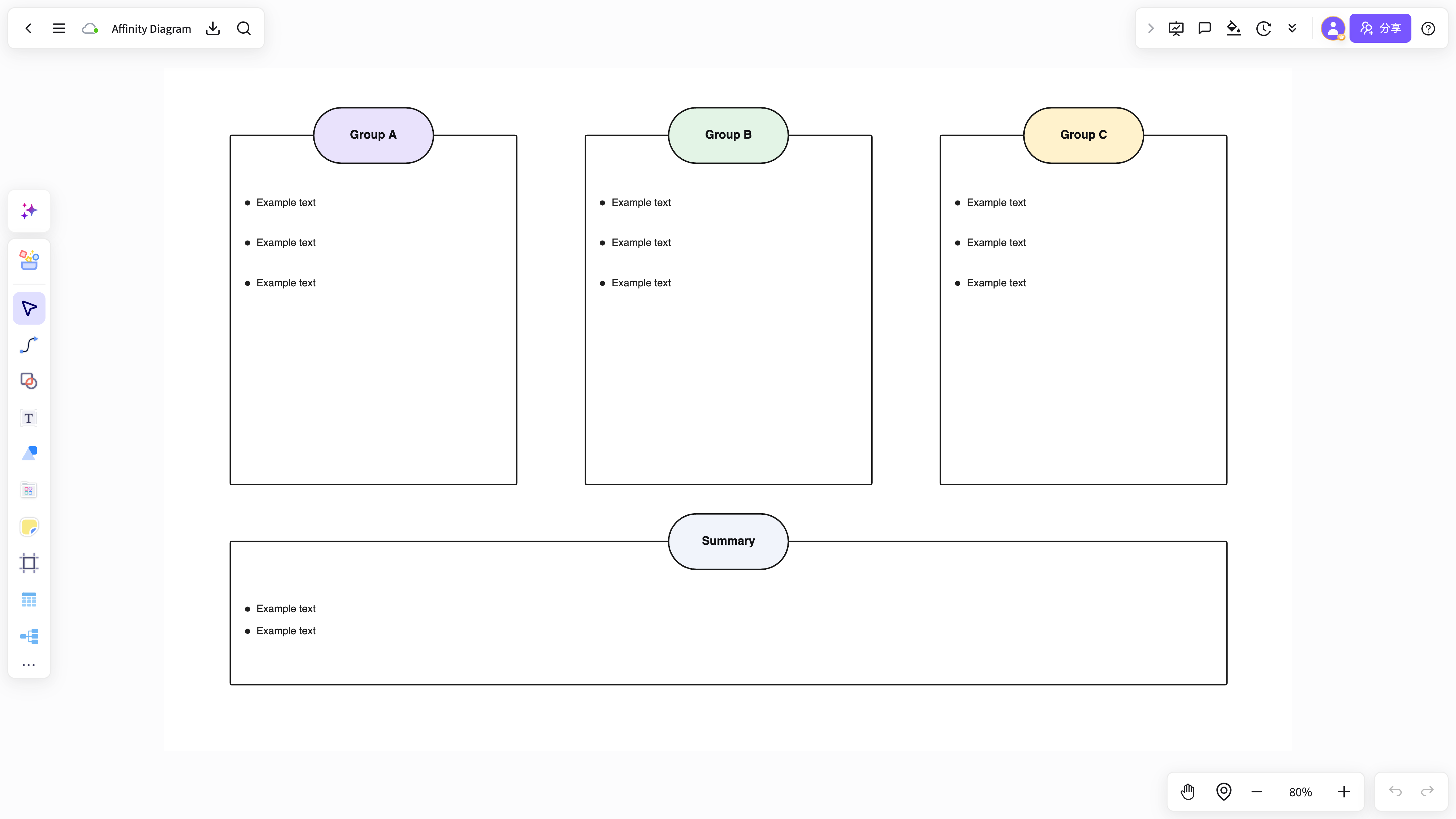
When a fixed map layout is too limiting, place nodes, excerpts, explanations, screenshots, and new ideas on the same canvas. Explore first, then shape the result.
Whether you are shaping a product brief, research framework, retrospective, or meeting decision, NuromBoard turns shared input into a clear structure instead of scattered chat history.
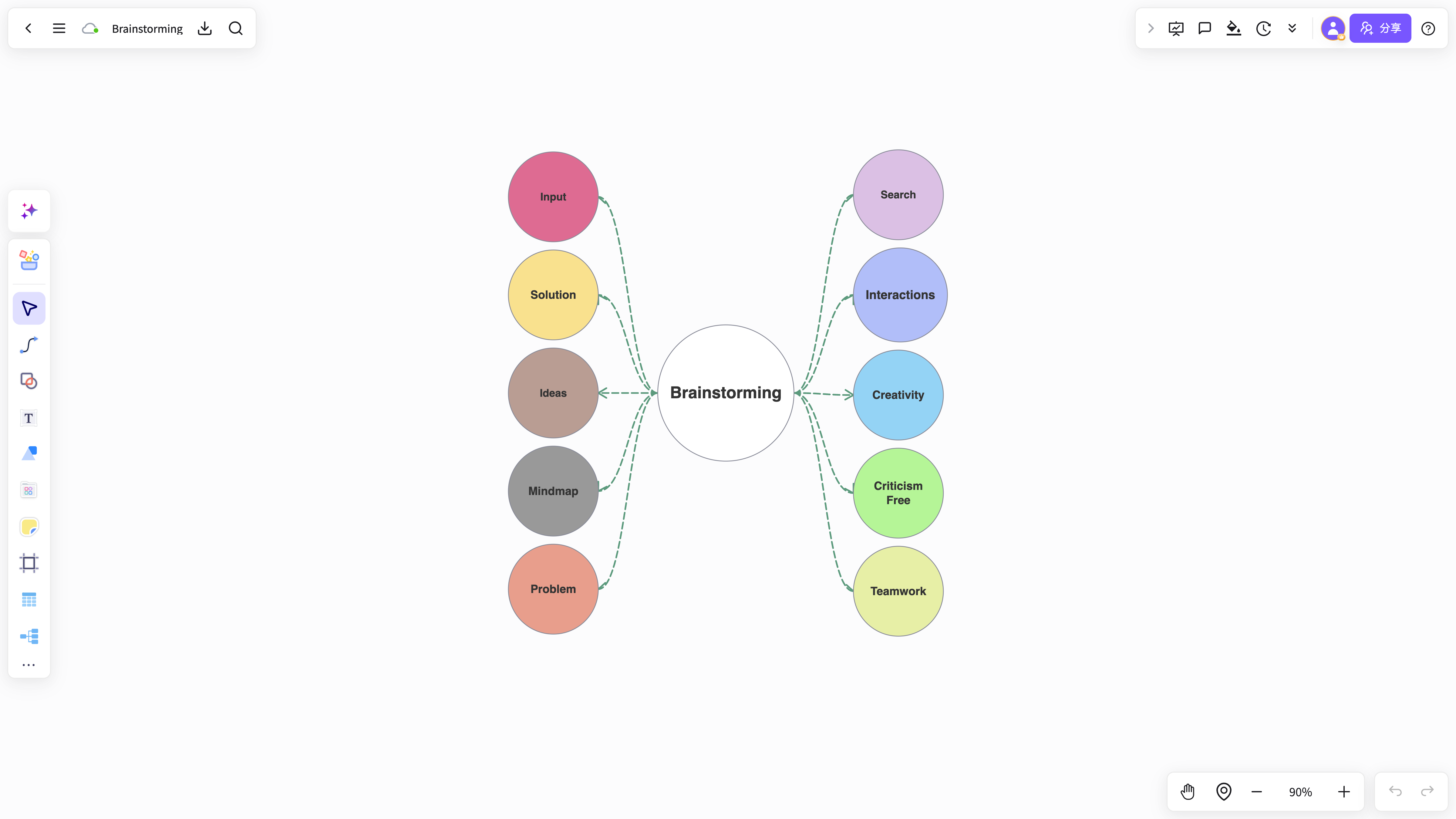
Open NuromBoard and move from source material to a map, from exploration to structure, and from individual thinking to team collaboration.
Try mind maps for free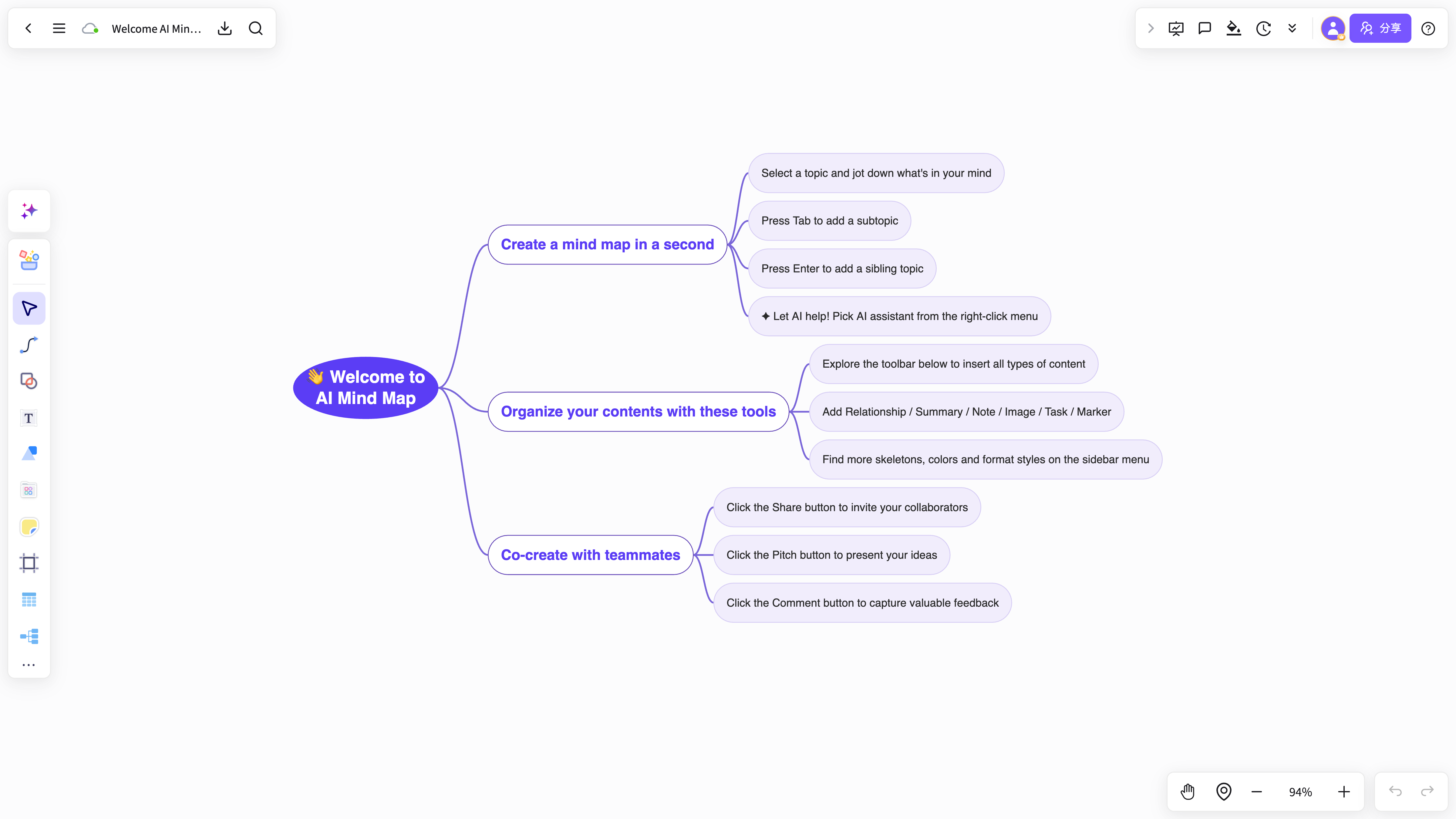 Open the workspace and start creating
Start with a ready-made structure, then add your own content, sources, and ideas.
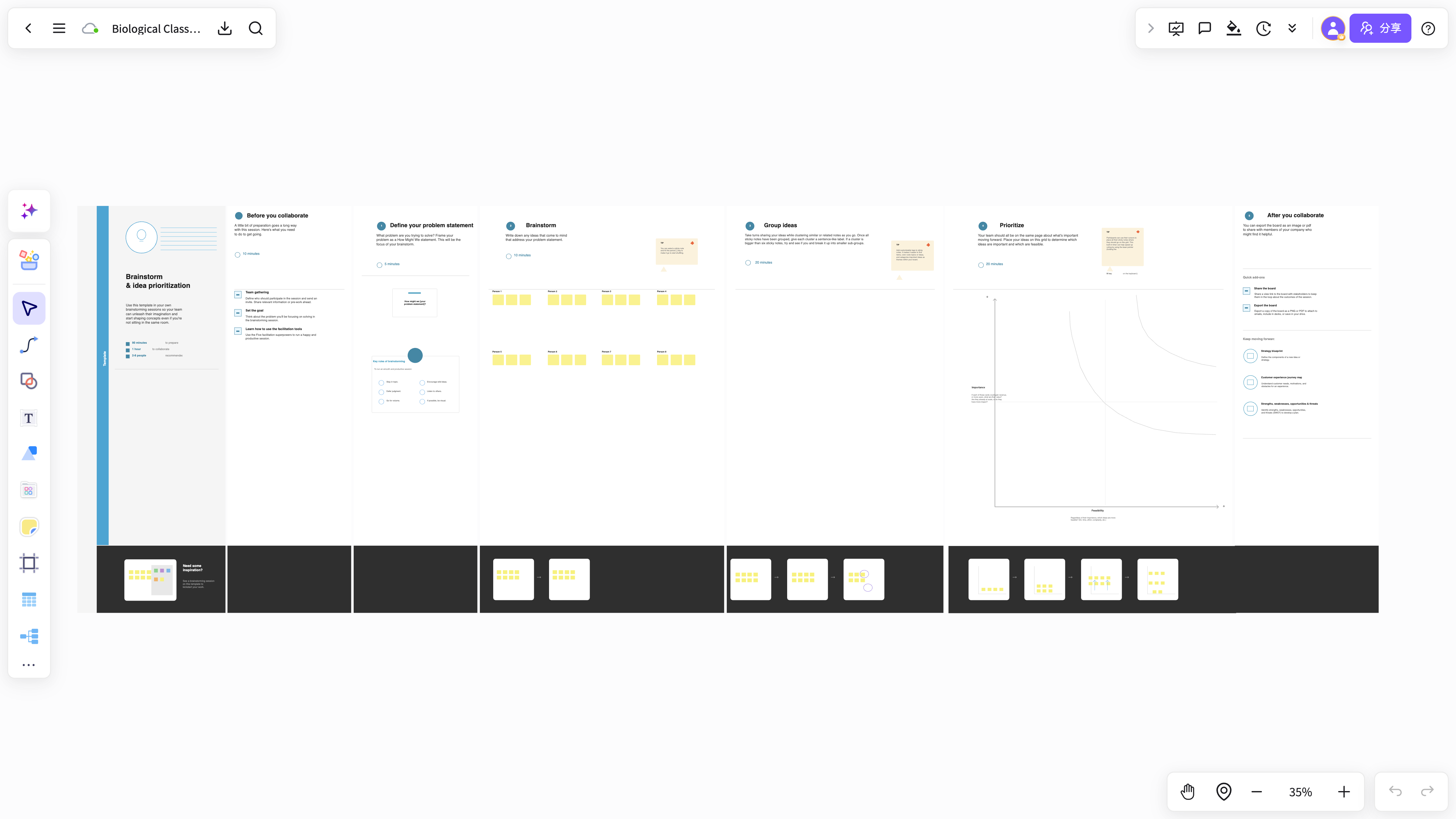
From PDF annotation and whiteboard exploration to AI extraction, diagrams, knowledge cards, and project capture, NuromBoard follows the way real work develops.
Turn a topic, notes, or long-form material into an editable mind map outline.
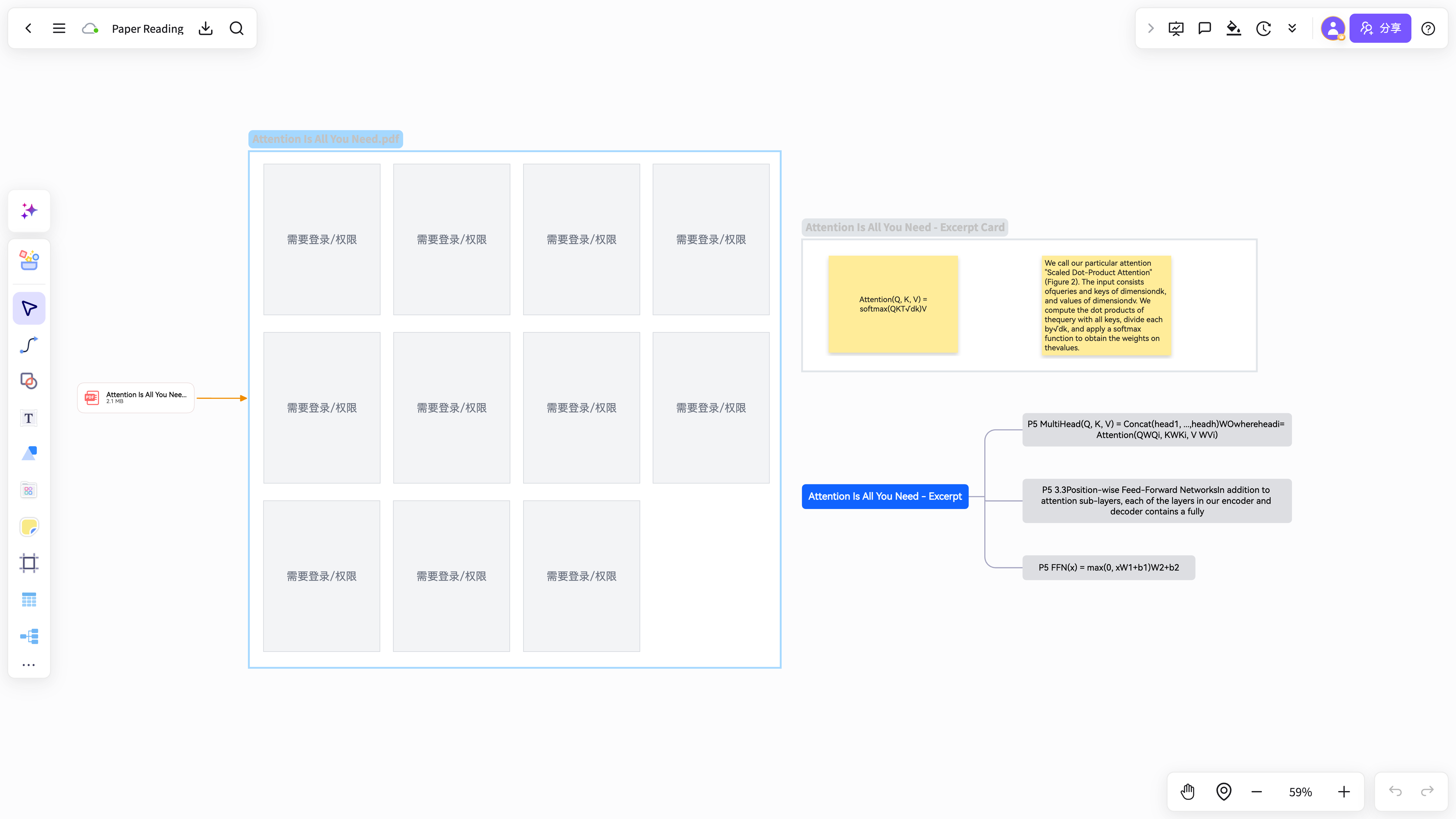
Mark important passages while reading, then organize excerpts into a clear visual summary.
Spread out ideas, screenshots, sticky notes, and source fragments before shaping the result.
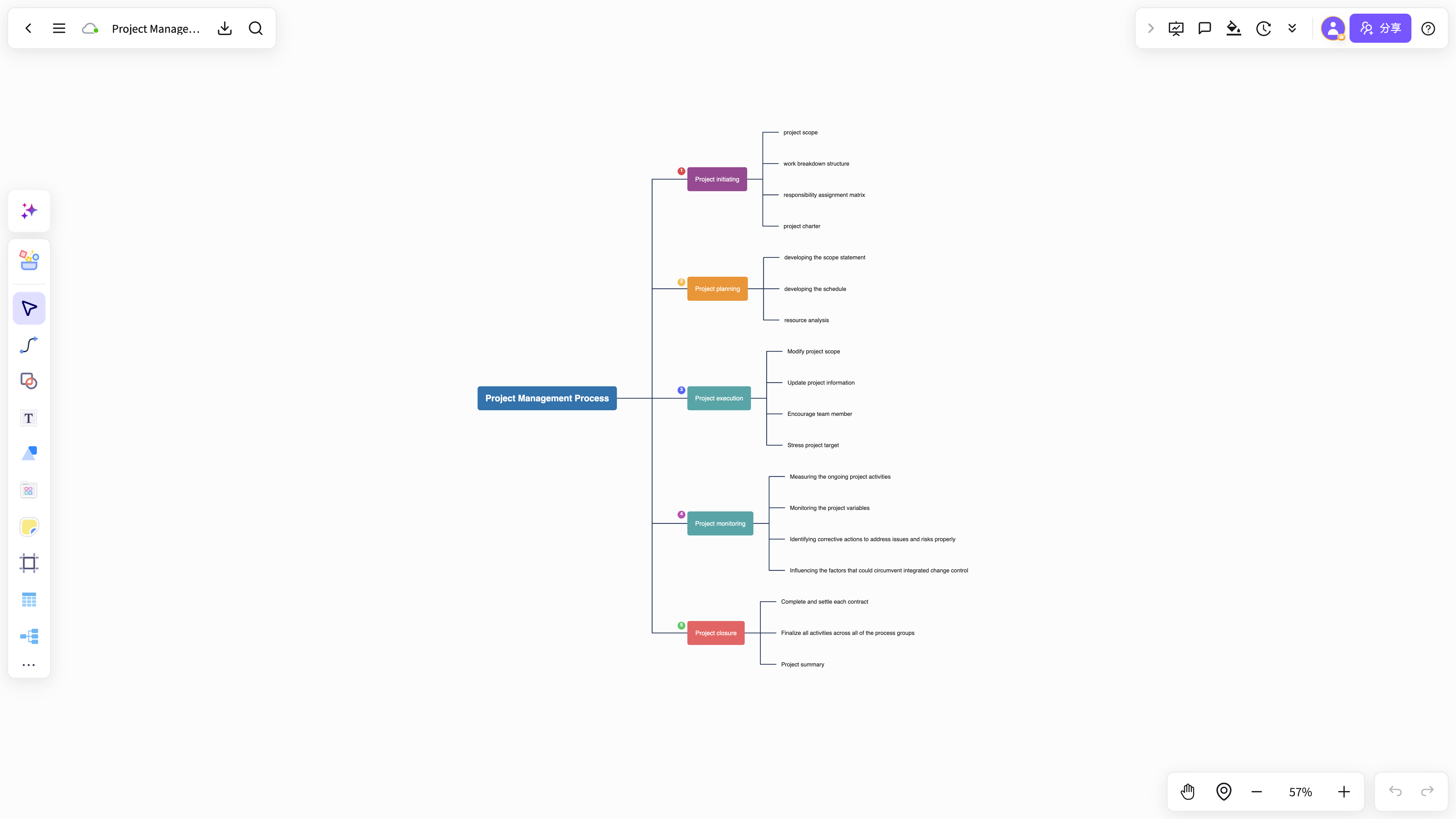
Build product plans, research maps, branches, comments, and action items together.
Capture excerpts, decisions, and conclusions as cards you can reuse in reviews and writing.
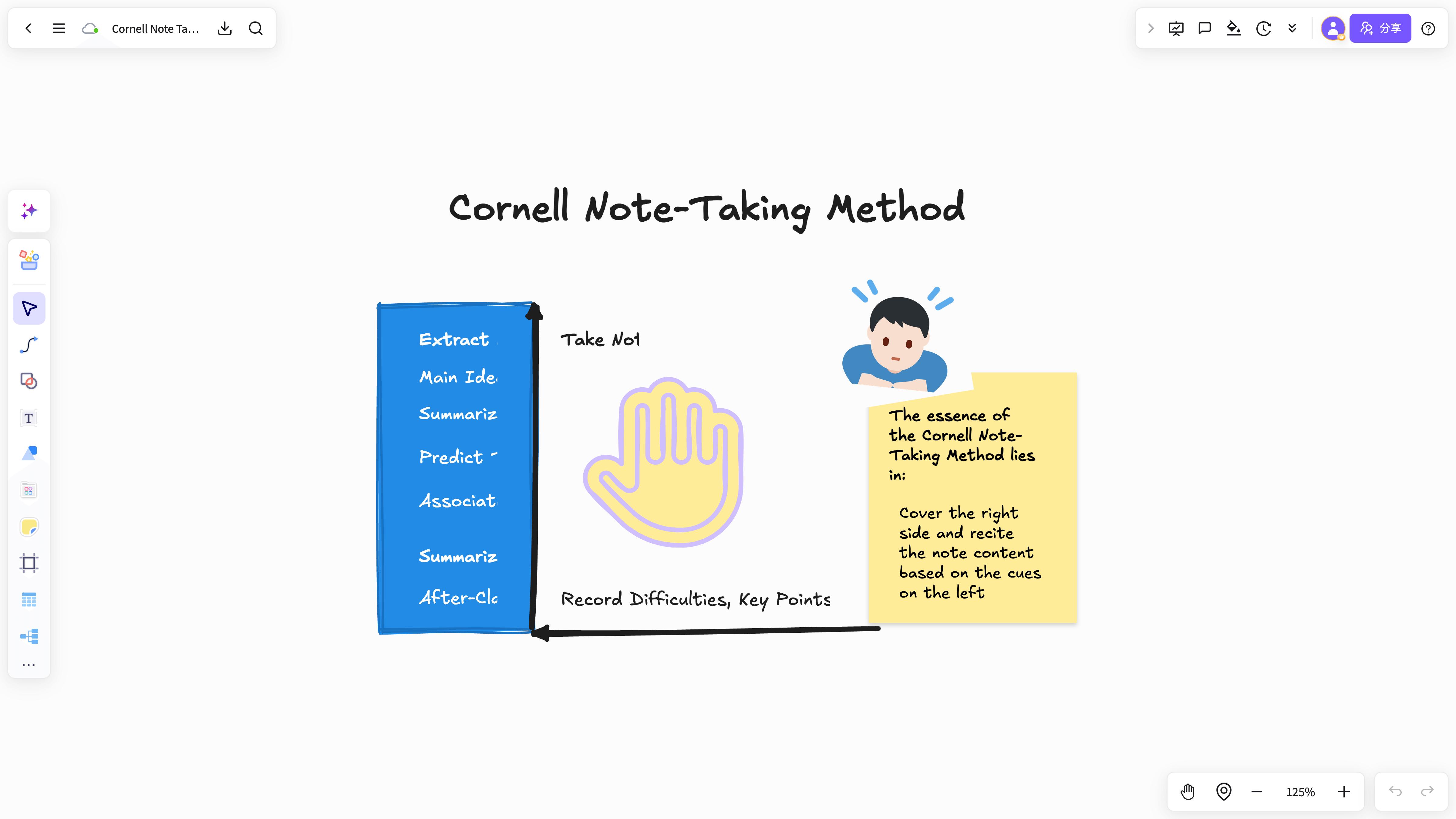
Keep conclusions connected to the PDF, excerpts, and context behind them.
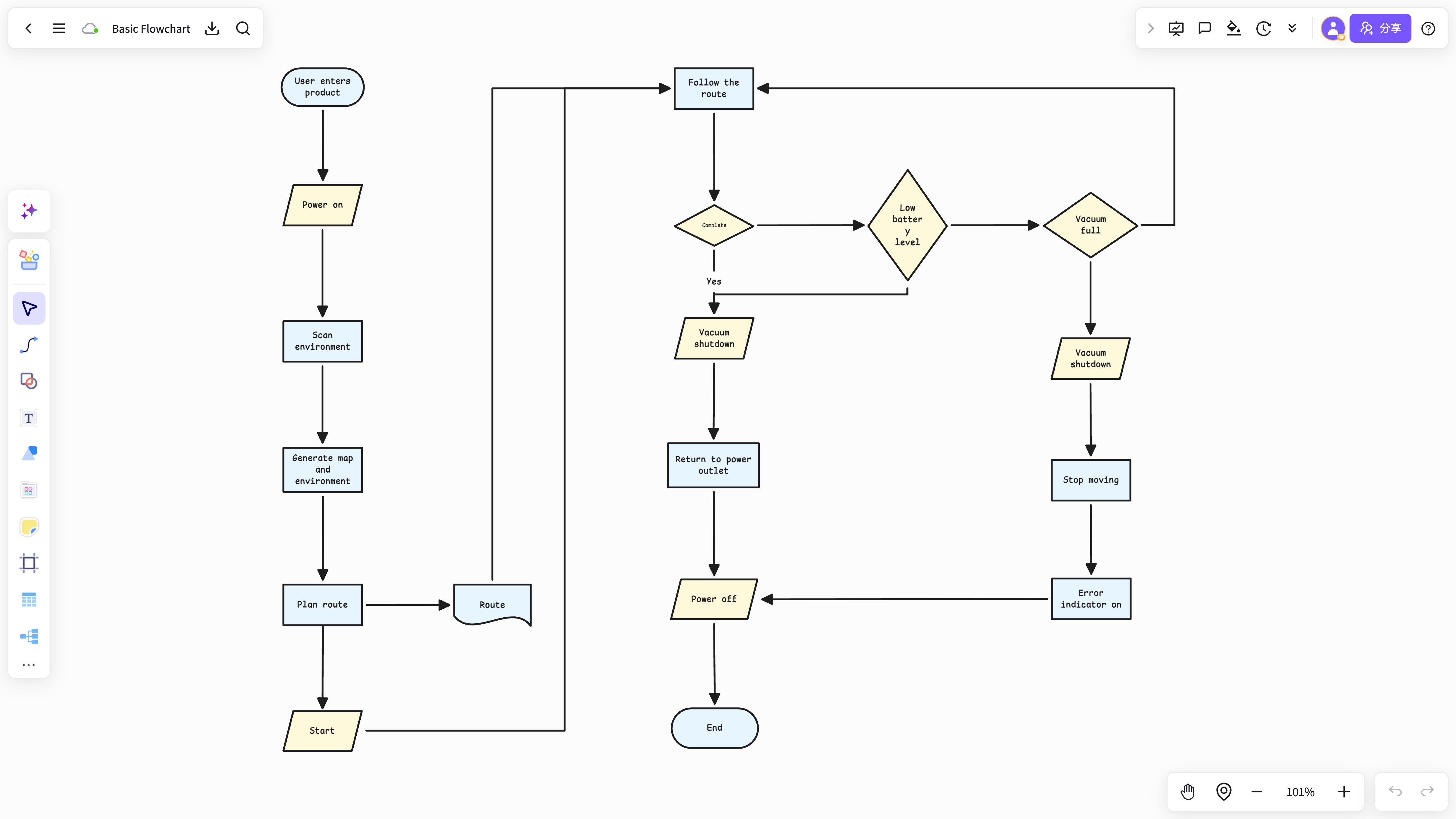
Extend a mind map into a process, project path, explainer, or presentation-ready structure.
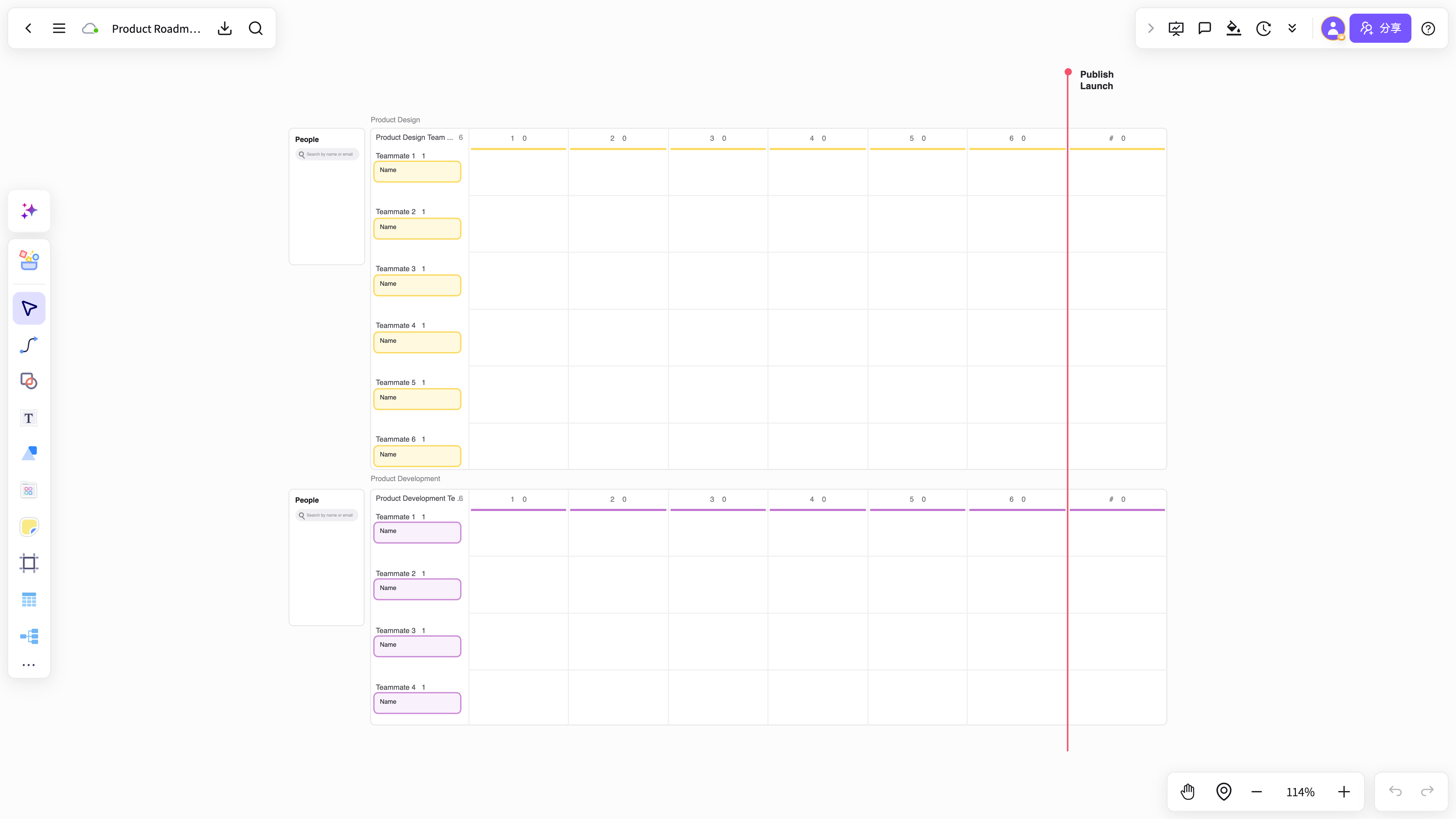
Keep maps, flows, cards, and source material together for review, sharing, and iteration.
Begin with a research, planning, meeting, or product template and adapt it to your material.
Explore ideas, organize the important parts, and build from real sources with a flexible NuromBoard workflow.
Start for freeAnswers about workflows, collaboration, and AI-assisted visual work.
Visual workflow helps with brainstorming, planning, business analysis, project work, and team collaboration when ideas need to become a clear result.
NuromBoard combines AI generation, reusable templates, collaboration, presentation, and long-term project context so Visual workflow can move from a draft to a usable result.
Yes. Teams can edit together, leave feedback, share work online, and review versions so discussion and decisions stay connected.
Yes. Consultants use Visual workflow alongside frameworks like SWOT, PEST, and competitor analysis to structure findings and present recommendations, and teams can invite clients to review shared boards.