When NuromBoard fits better
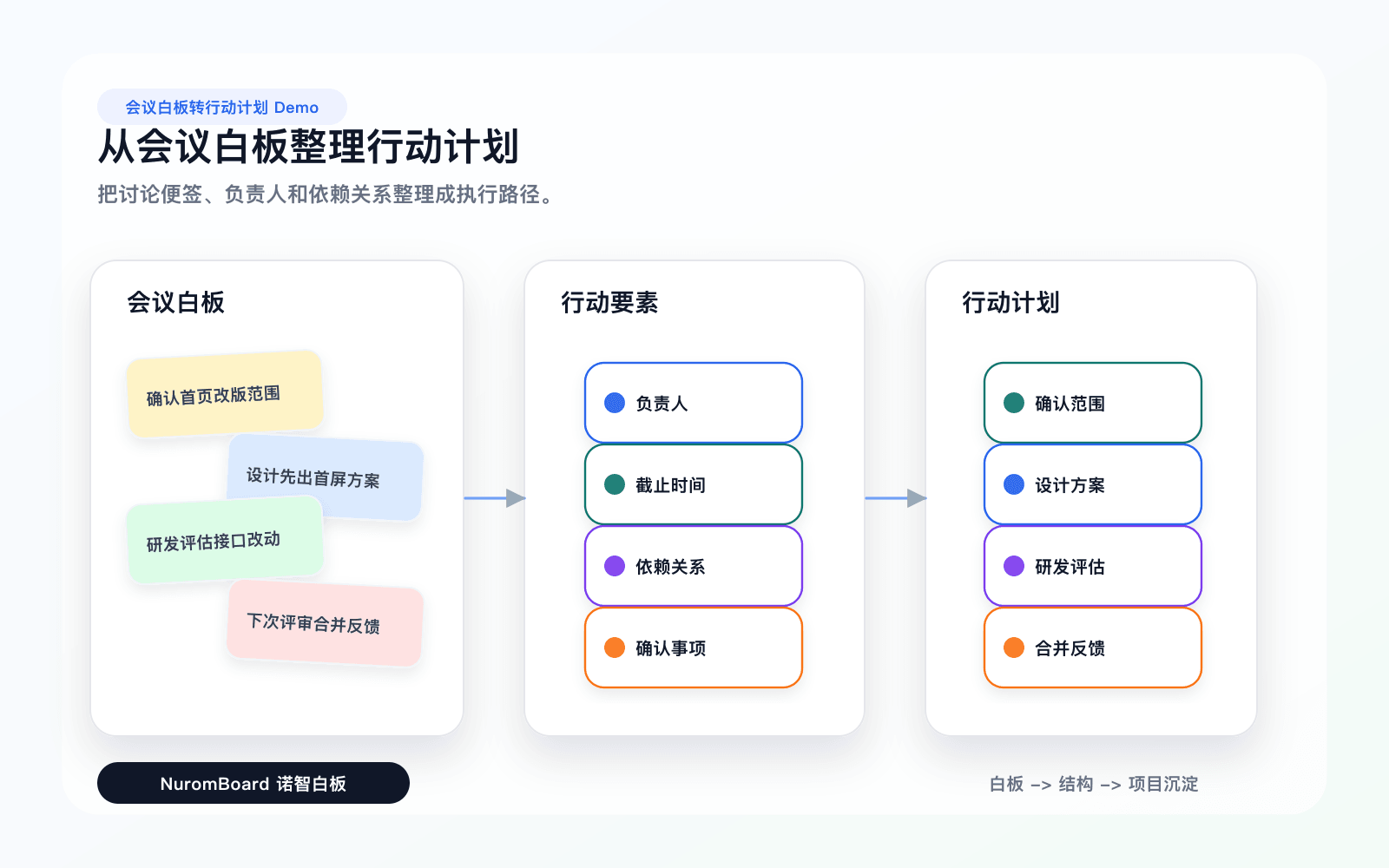
Documents and meetings → editable mind maps and flowsStructure that lasts after the meeting on one shared fileSmall-team review, comments, and handoff without exportPDF, PRD, and research materials as the starting point
Miro is strongest for large live workshops and facilitation. NuromBoard is a team whiteboard for turning documents and meetings into shared, editable structures your team keeps using after the session — on one working file.
| Dimension | NuromBoard | Miro |
|---|---|---|
| Job to be done | Turn documents and meetings into a structure the team keeps editing after the session. | Run live workshops, remote co-creation, and facilitated whiteboard sessions. |
| Starting point | PDF, brief, meeting notes, PRD, or research material. | Blank board, workshop template, sticky notes, and live facilitation. |
| After the meeting | Same working file stays editable — refine nodes, review versions, hand off context. | Strongest during the live session; lasting structure depends on follow-up elsewhere. |
| What we do not compete on | NuromBoard does not try to win on template libraries, Jira depth, or voting timers. | Mature workshop accessories, large template libraries, and enterprise integrations. |
| Best together | Use NuromBoard for what you keep refining after the session. | Use Miro for the live workshop itself when that is the main need. |
Compare whether your work begins with source material or with a ready-to-draw structure.
Choose the workflow that can produce the diagrams, notes, cards, or project structures you will actually reuse.
If real-time workshops or formal diagram standards are central, Miro may be the more direct fit.
Turn documents and meetings into a structure the team keeps editing after the session.
Run live workshops, remote co-creation, and facilitated whiteboard sessions.
PDF, brief, meeting notes, PRD, or research material.
Blank board, workshop template, sticky notes, and live facilitation.
Same working file stays editable — refine nodes, review versions, hand off context.
Strongest during the live session; lasting structure depends on follow-up elsewhere.
NuromBoard does not try to win on template libraries, Jira depth, or voting timers.
Mature workshop accessories, large template libraries, and enterprise integrations.
Use NuromBoard for what you keep refining after the session.
Use Miro for the live workshop itself when that is the main need.
Materials become editable maps and flows on one shared file — not a freeze-frame board or a one-shot AI diagram.
Start from PDFs, notes, and meetings; keep evidence, decisions, and follow-ups connected for review and handoff.
Miro is the stronger choice for large facilitated sessions, voting timers, and workshop ceremony.
Deep integrations, large template libraries, and established remote-workshop habits favor Miro.
| Your task | Recommended choice | Why |
|---|---|---|
| You have complex source material to organize | NuromBoard | It connects documents, notes, visual structures, and project context. |
| You need a focused Miro workflow | Miro | A focused tool can be faster when the input and output are already clear. |
| You need to revisit and reuse the result | NuromBoard | The workspace keeps the result connected to the surrounding context. |
Open the workflow page to see how NuromBoard organizes materials and produces structured outcomes.
View workflowOpen the workflow page to see how NuromBoard organizes materials and produces structured outcomes.
View workflowOpen the workflow page to see how NuromBoard organizes materials and produces structured outcomes.
View workflowNot as a full feature replacement. Miro wins live workshops, voting timers, and deep collaboration accessories. NuromBoard wins when the job is structure that lasts after the meeting — editable maps and flows on one shared working file.
Use Miro for the live session. Use NuromBoard for the working structure you keep refining afterward. If your week is mostly PDFs, briefs, and meeting notes that need lasting structure, start with NuromBoard.