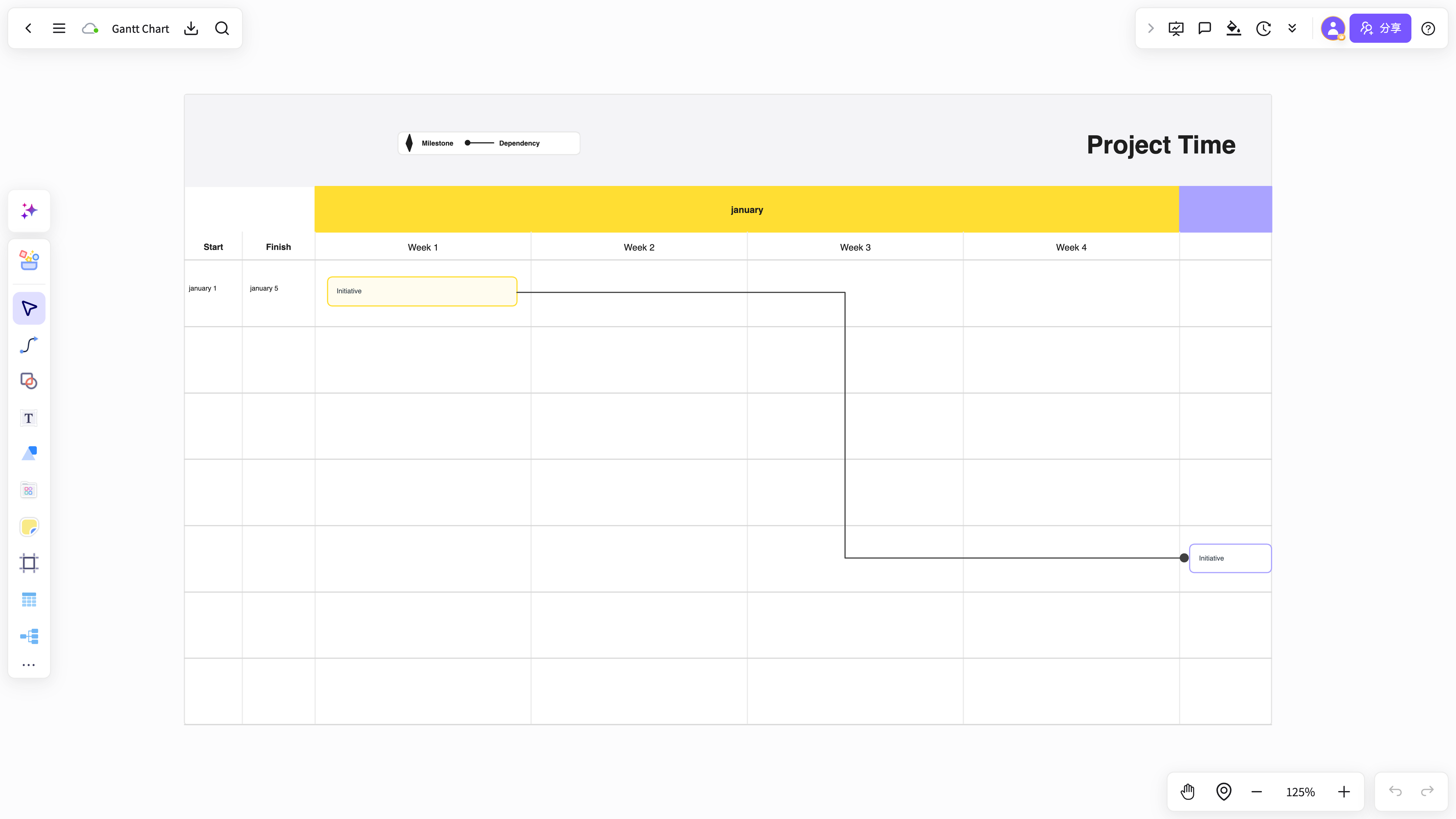
Project schedule Gantt chart
Map tasks, owners, dates, and phase dependencies in one Gantt chart for a clearer project rhythm.
Use NuromBoard to organize tasks, owners, milestones, and dates into a clear Gantt chart, with online editing, reusable templates, and team collaboration.
Start with a draft for project schedules, product development, or team collaboration, then refine it.
Map tasks, owners, dates, and phase dependencies in one Gantt chart for a clearer project rhythm.
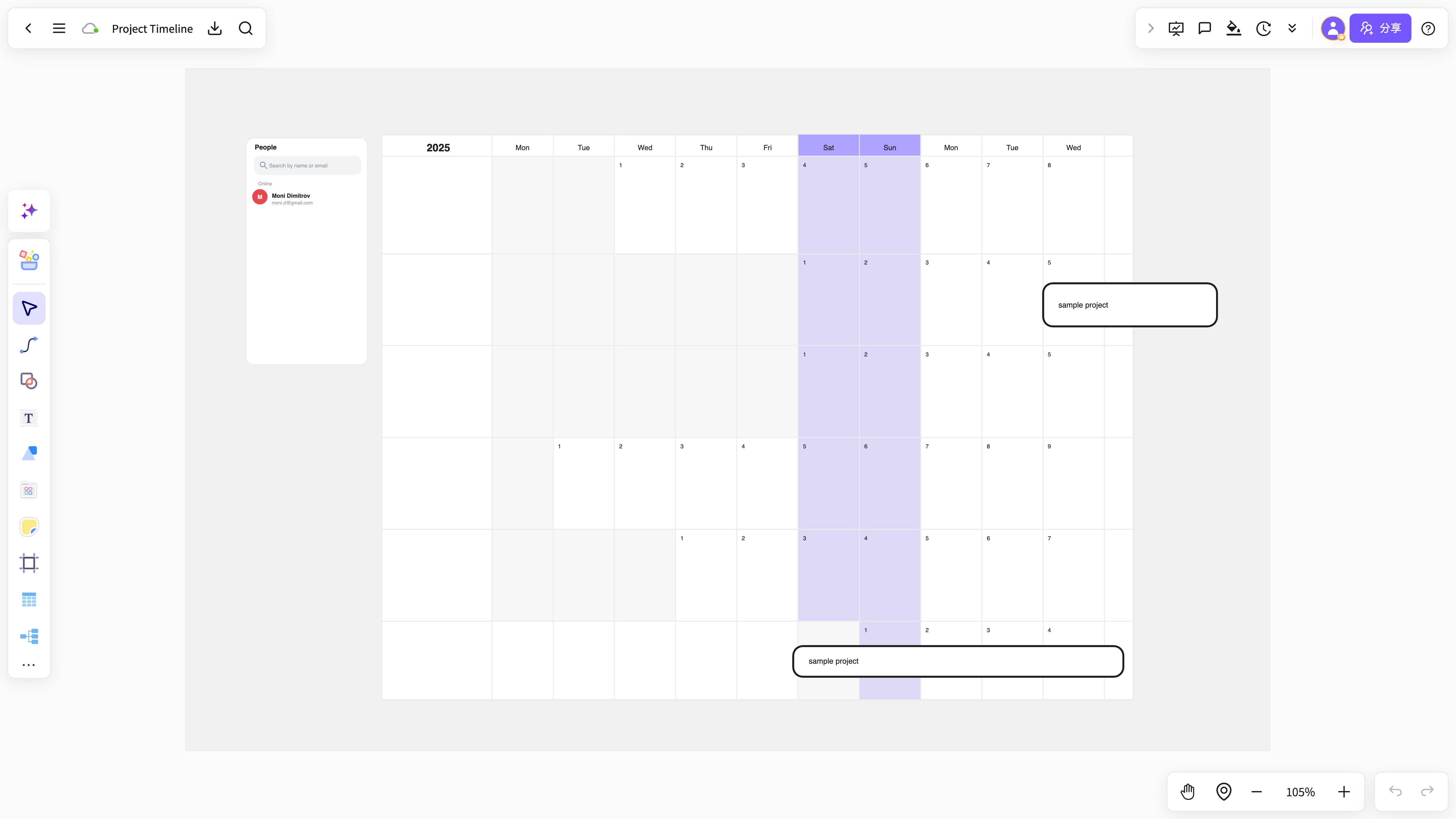
Schedule requirements, design, engineering, testing, and launch for coordinated execution.
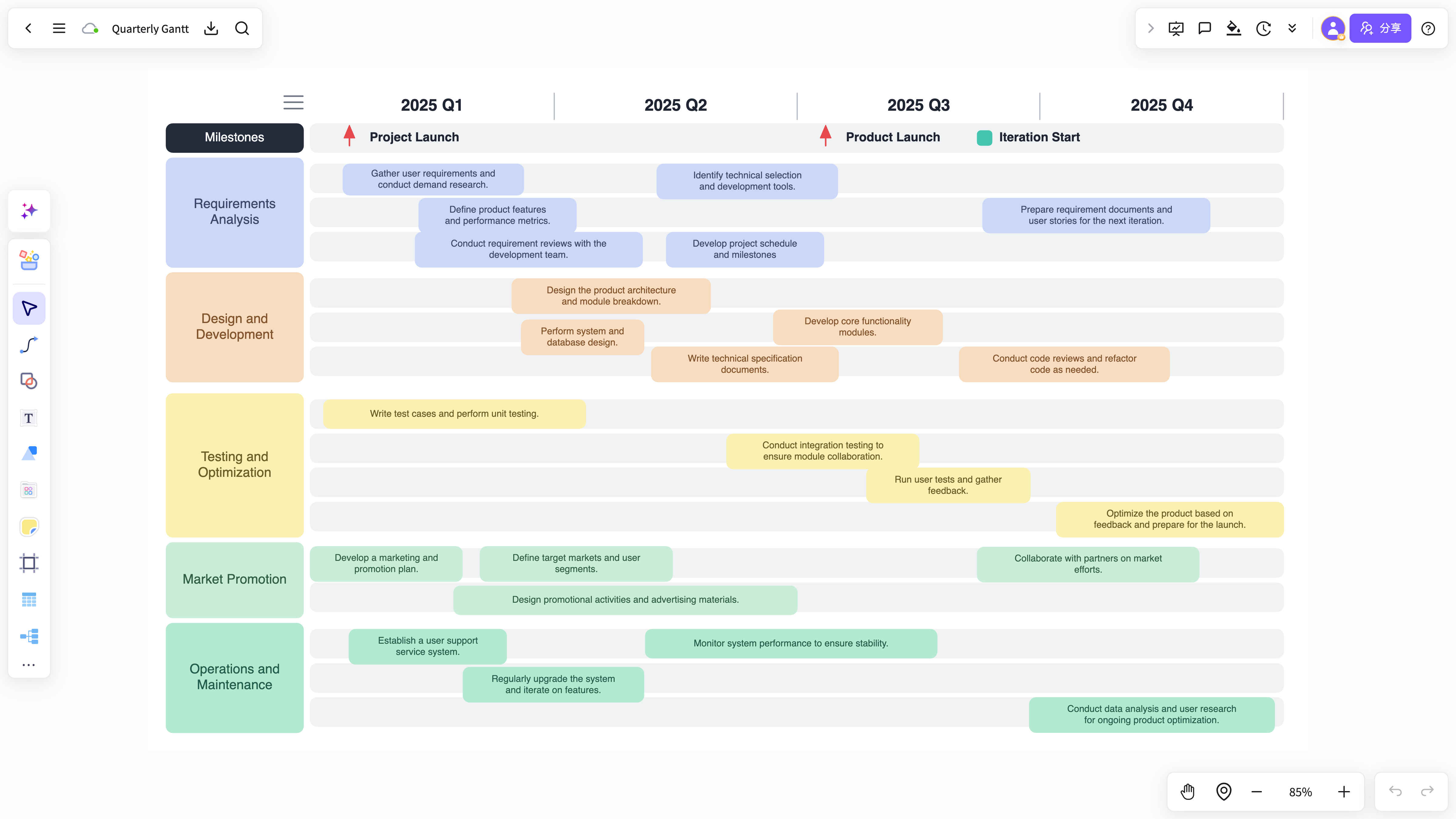
Let project managers, product, engineering, and operations add dates and execution status together.
Add project goals, task lists, or meeting notes to create a Gantt chart with a timeline and task distribution.
Start freeAdd process diagrams, notes, risk details, and meeting conclusions around the Gantt chart.
Start freeTeam members can add task progress, owners, and milestones together so plans translate into execution.
Start freeFrom AI generation and team collaboration to long-term knowledge capture, keep project planning moving beyond one diagram.
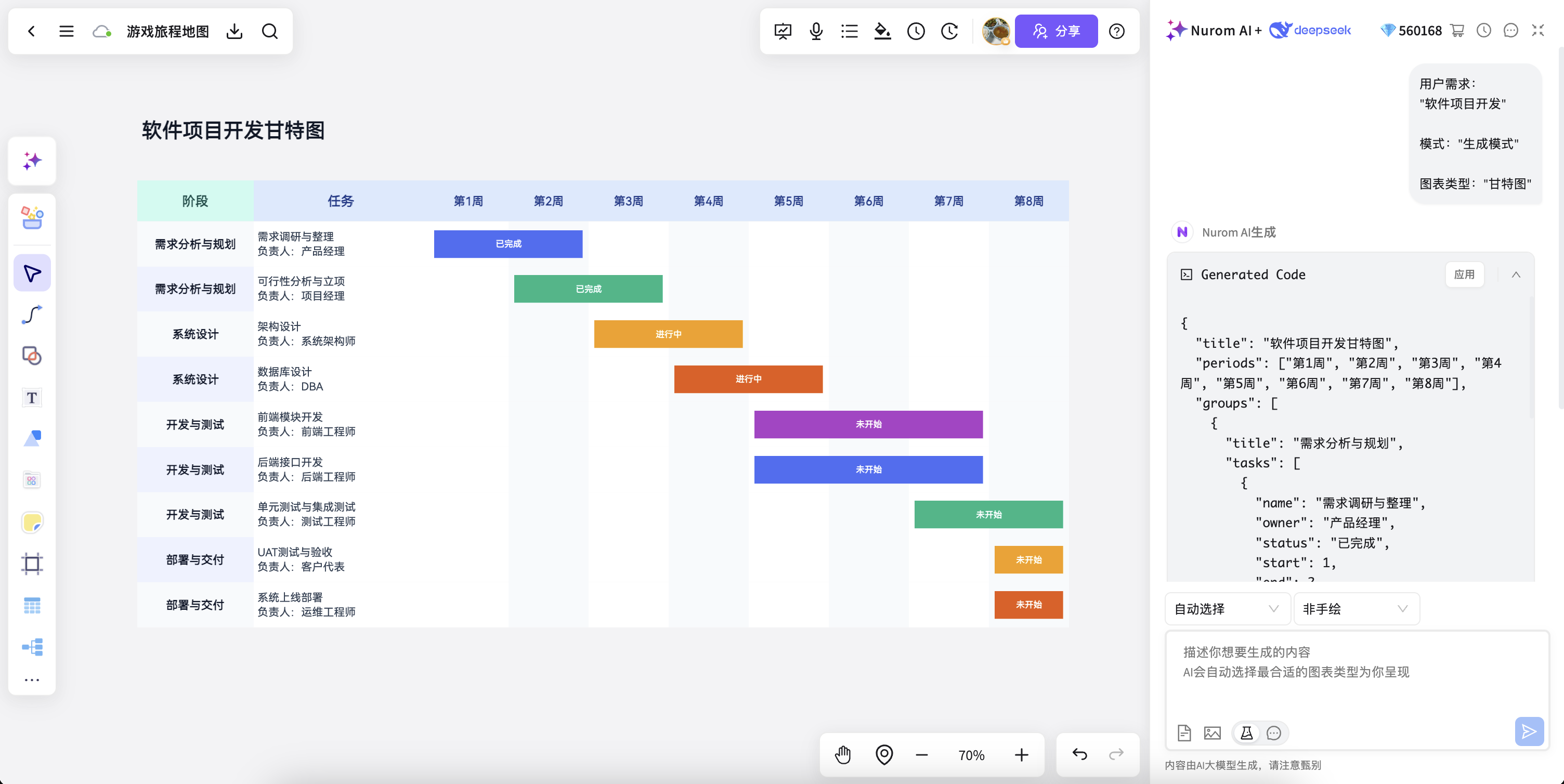
Create a Gantt structure and schedule draft from project context and task information.
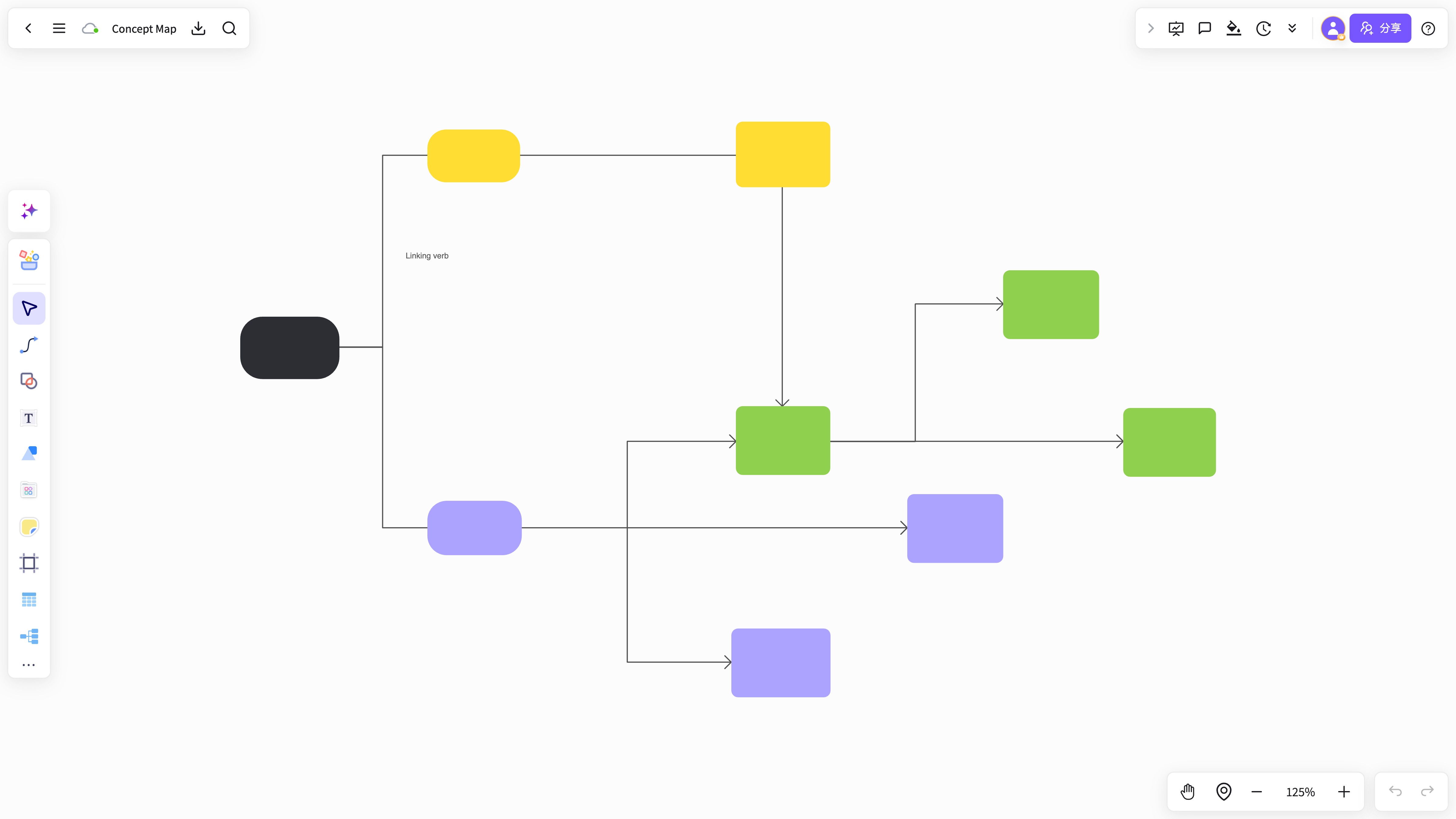
Start with a template for project management, product development, or event execution.
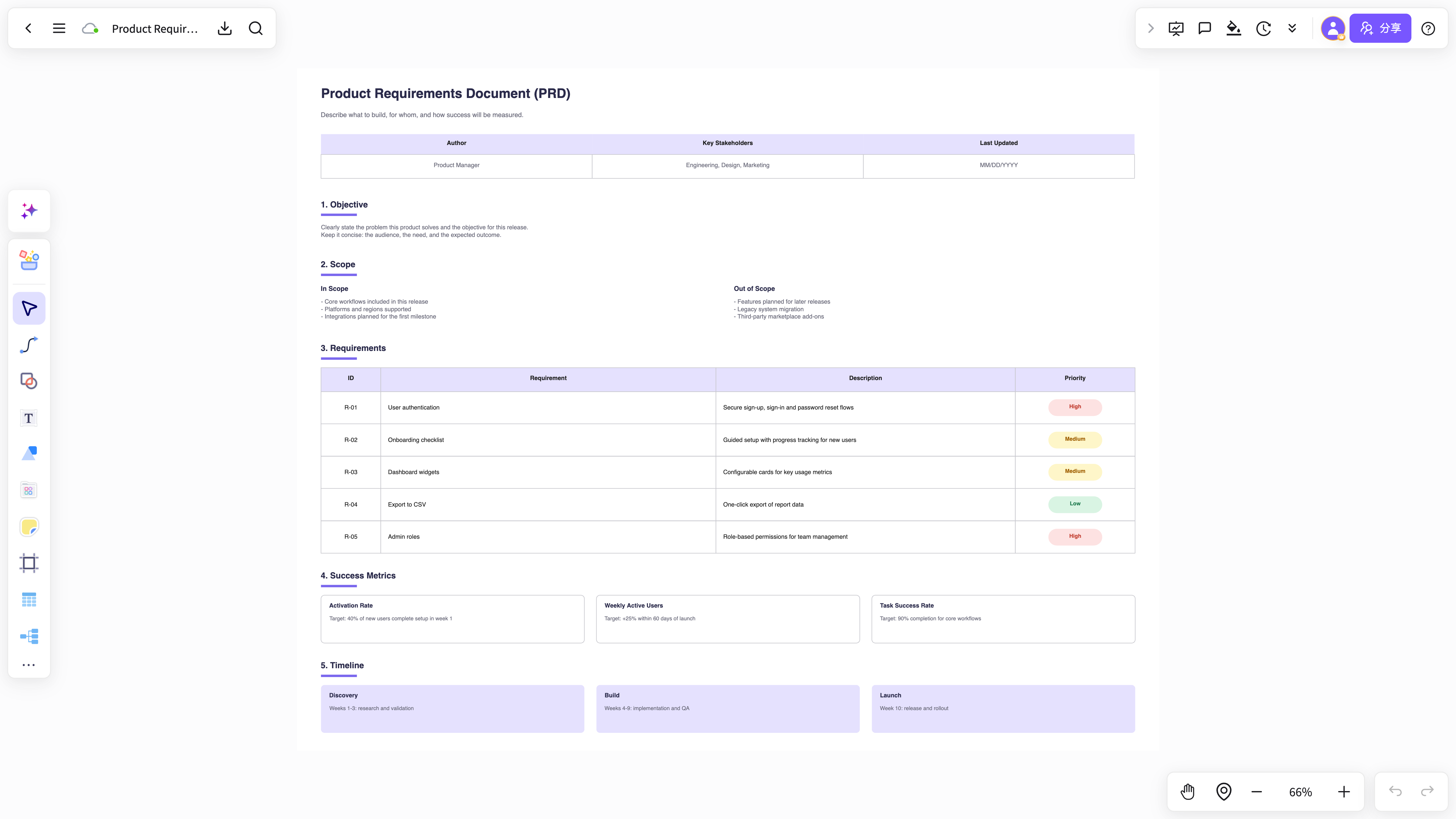
Make timelines, task distribution, and phase dependencies easier to explain and execute.
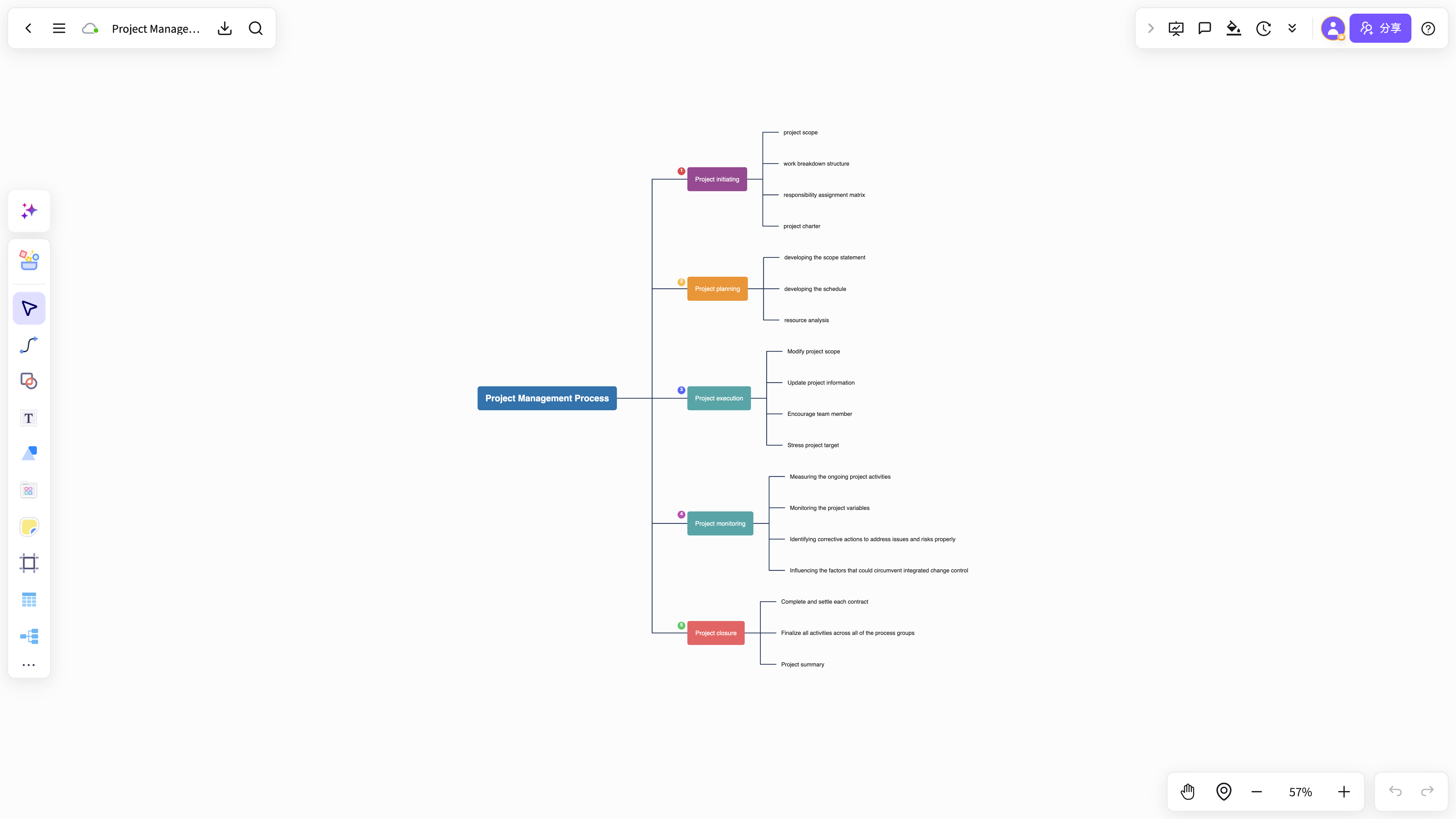
Team members can add progress, owners, and resource plans together.
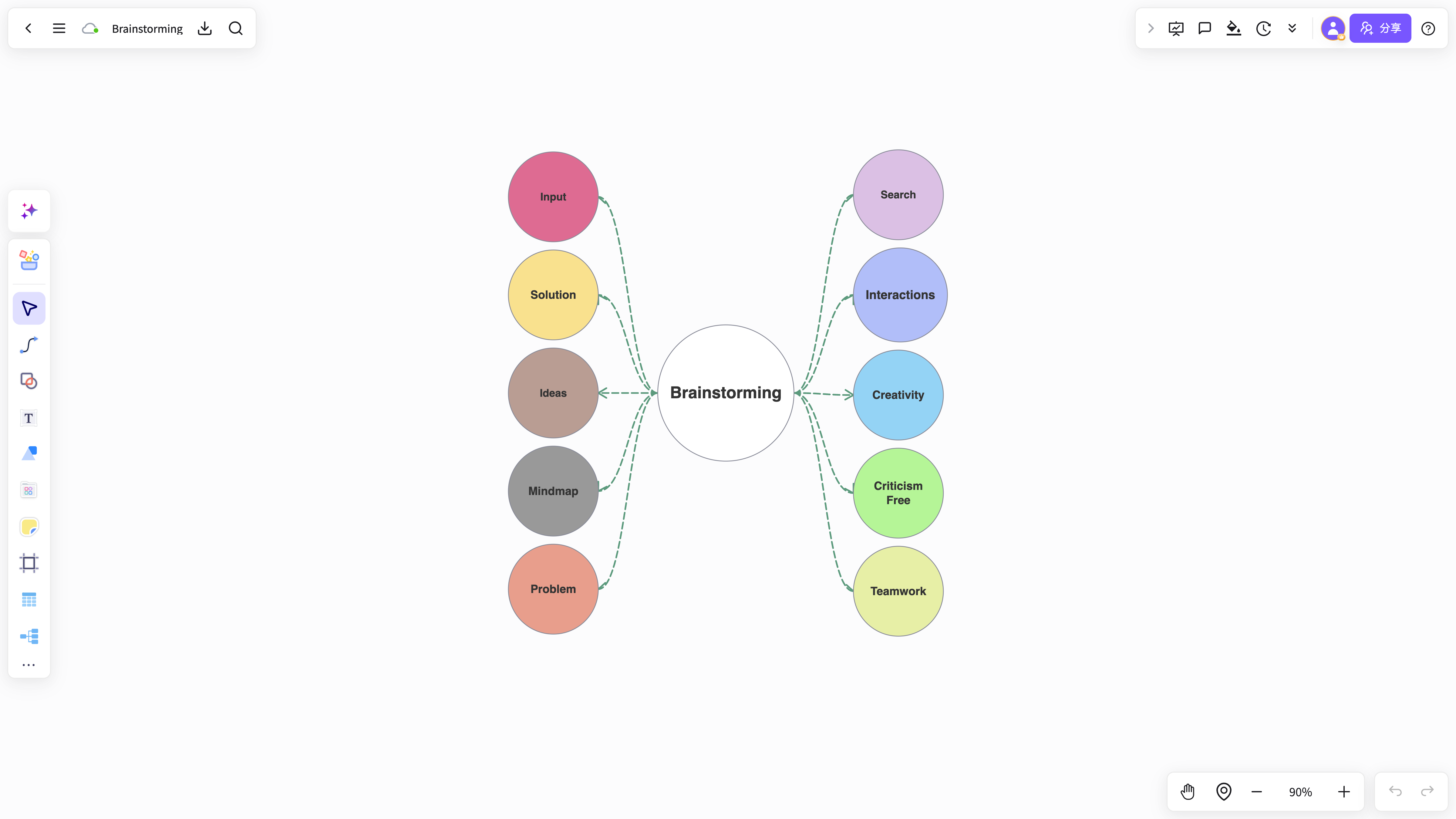
Keep project plans and progress changes from every stage for long-term reviews.
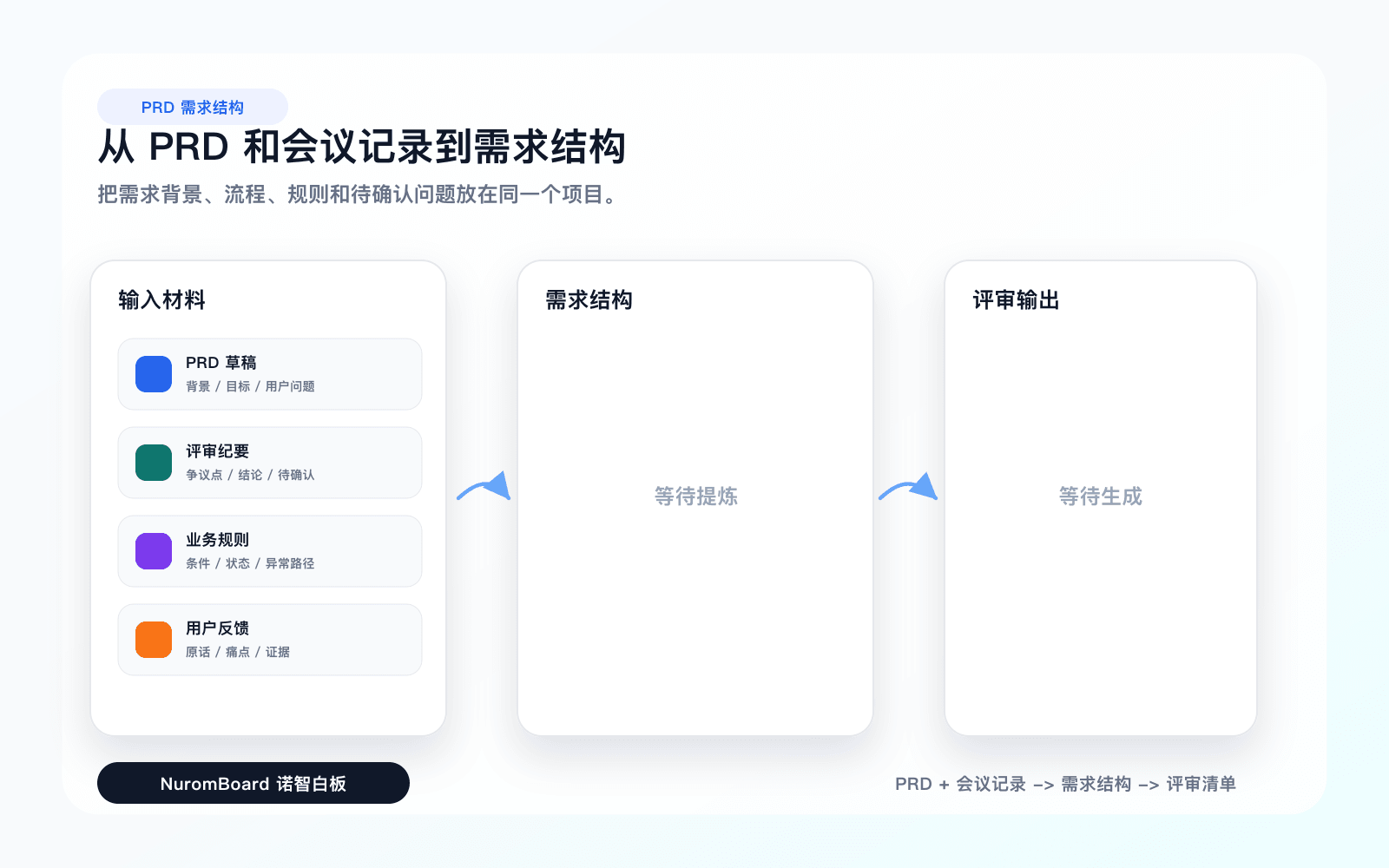
Import spreadsheets, PDFs, meeting notes, and text task lists, then organize them into a Gantt chart.
Turn project context and task lists into a framework built for scheduling, collaboration, and execution.
Start freeAnswers about workflows, collaboration, and structure that lasts after the meeting.
AI Gantt chart helps with brainstorming, planning, business analysis, project work, and team collaboration when ideas and materials need to become a clear, editable result.
NuromBoard turns documents and meetings into editable structures on one shared working file — so AI Gantt chart moves from a draft into something the team keeps refining after the session.
Yes. Teams edit together, leave feedback, share work online, and review versions on the same working file so discussion and decisions stay connected after the meeting.
Yes. Consultants use AI Gantt chart alongside frameworks like SWOT, PEST, and competitor analysis to structure findings and present recommendations, and teams can invite clients to review the same shared working file.