Mural wins guided facilitation. NuromBoard wins structure that lasts after the workshop — on one shared working file.
Bring PDFs, briefs, strategy notes, or workshop fragments into an editable map or flow you keep refining.
Comments, versions, and decisions stay with the structure — not a freeze-frame workshop board.
在寻找 Mural 替代方案?先明确工作目标
不要只比较功能清单。先判断你需要实时工作坊,还是一个能在会议后继续沉淀结构的共享工作文件。
每个平台都有擅长的场景。NuromBoard 专注于把材料变成团队可以持续编辑的结构。
会议或工作坊结束后,团队仍需要可编辑的地图、流程和决定,而不是一张静态截图。
PDF、简报和会议笔记应当成为团队可以继续完善的共享结构,而不是一次性图表。
让协作成果继续向前推进
Support open co-creation, then turn workshop and business discussion into a structure your team keeps editing after the session.
Structure that lasts after the workshop
Turn discussion output into mind maps, flowcharts, and action plans the team keeps editing days later.
免费开始From materials to editable outcomes
Move from PDFs, notes, and board fragments into maps, flows, and cards — without competing on Mural’s facilitation method library.
免费开始One shared working file
Individuals start the structure; teams review, comment, and hand off on the same file with version history.
免费开始NuromBoard 与 Mural 对比
| Dimension | NuromBoard | Mural |
|---|---|---|
| 工作目标 | 把文档和会议变成团队在会后继续编辑的结构。 | 适合实时协作、讨论或绘图的场景。 |
| 起点 | 从 PDF、文档、笔记或会议记录开始,由 AI 协助提取结构。 | 从空白画布或模板开始,在协作过程中添加内容。 |
| 会议之后 | 结构保存在一个共享工作文件中,团队可以继续编辑地图、流程和决定。 | 实时协作体验突出,后续结构取决于团队的跟进方式。 |
| 我们不重点竞争的部分 | 不以投票计时器、破冰活动或最大模板库为核心。 | 在实时协作、活动辅助或平台生态方面各有优势。 |
| 开始使用 | 浏览器中即可免费开始,准备好后邀请团队进入同一个工作文件。 | 通常从账号、模板或团队工作区开始。 |
保留上下文和版本
一键分享链接
实时协同编辑
在线评论与反馈
在线语音会议
白板和页面演示
云端内容同步
灵活的权限设置
版本历史
灵活导入和导出
什么时候选择 Mural,什么时候选择 NuromBoard
如果符合以下情况,选择 NuromBoard
- 你的工作经常从 PDF、文档和会议笔记开始
- 你希望结构在会议后仍保存在同一个共享文件中
- 团队需要持续完善思维导图、流程图和计划
如果符合以下情况,继续使用 Mural
- 你主要组织实时工作坊或现场活动
- 你需要特定平台的生态或深度集成
- 你的团队已经围绕另一套工具建立完整流程
选择一个工作模板
From strategy co-creation and process breakdowns to captured conclusions — keep outcomes editable on the same shared file.
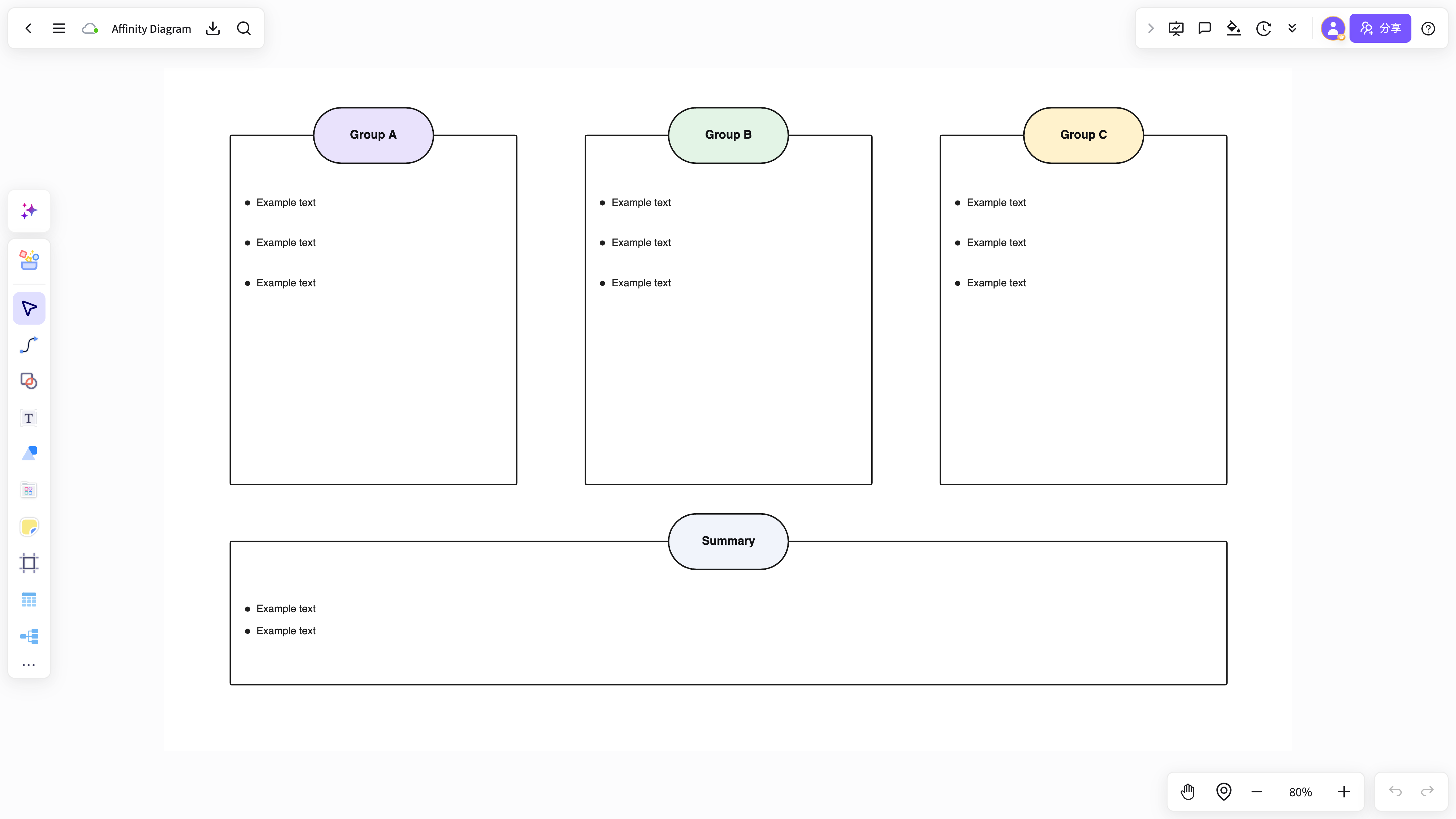
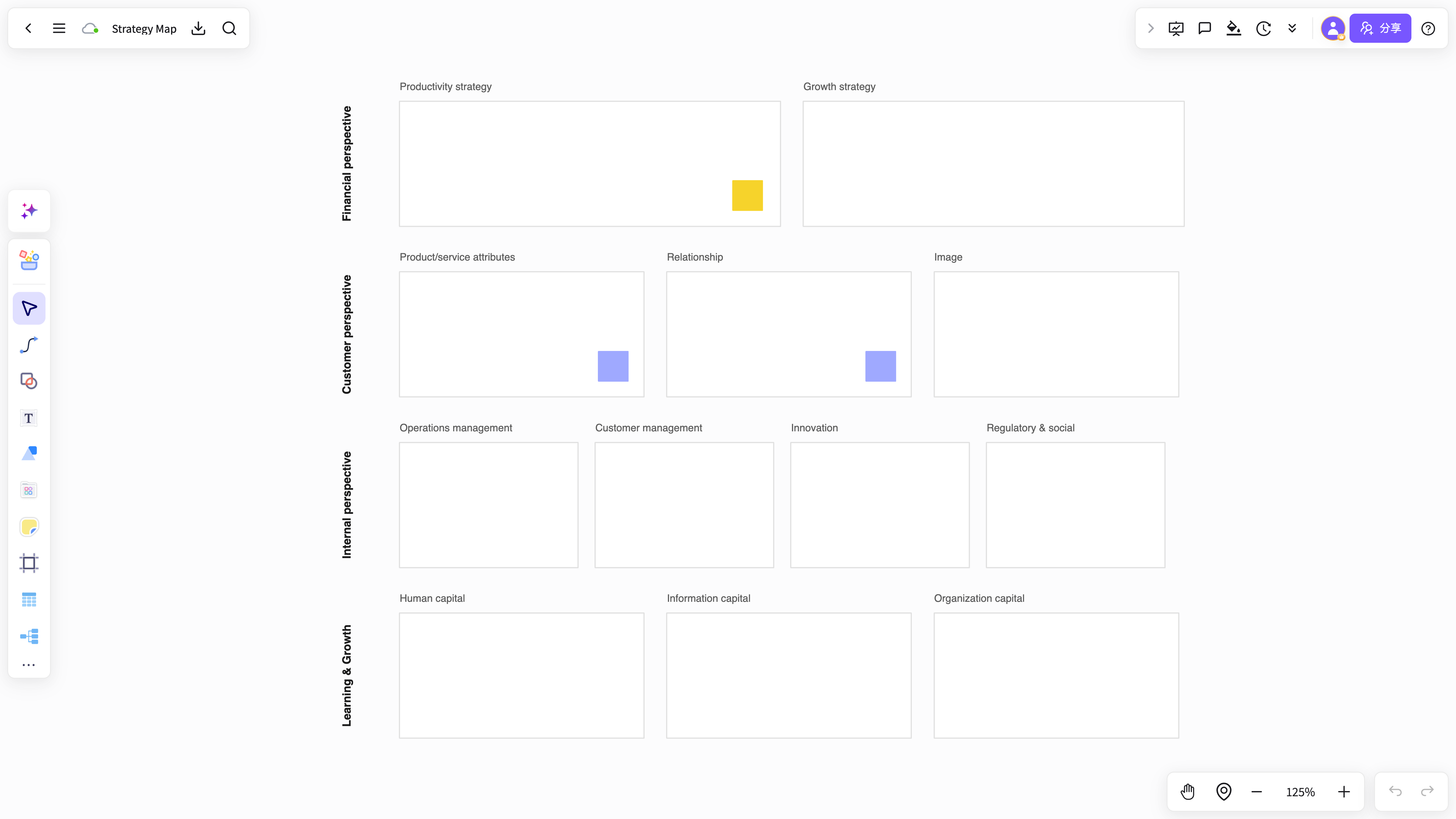 策略共创白板
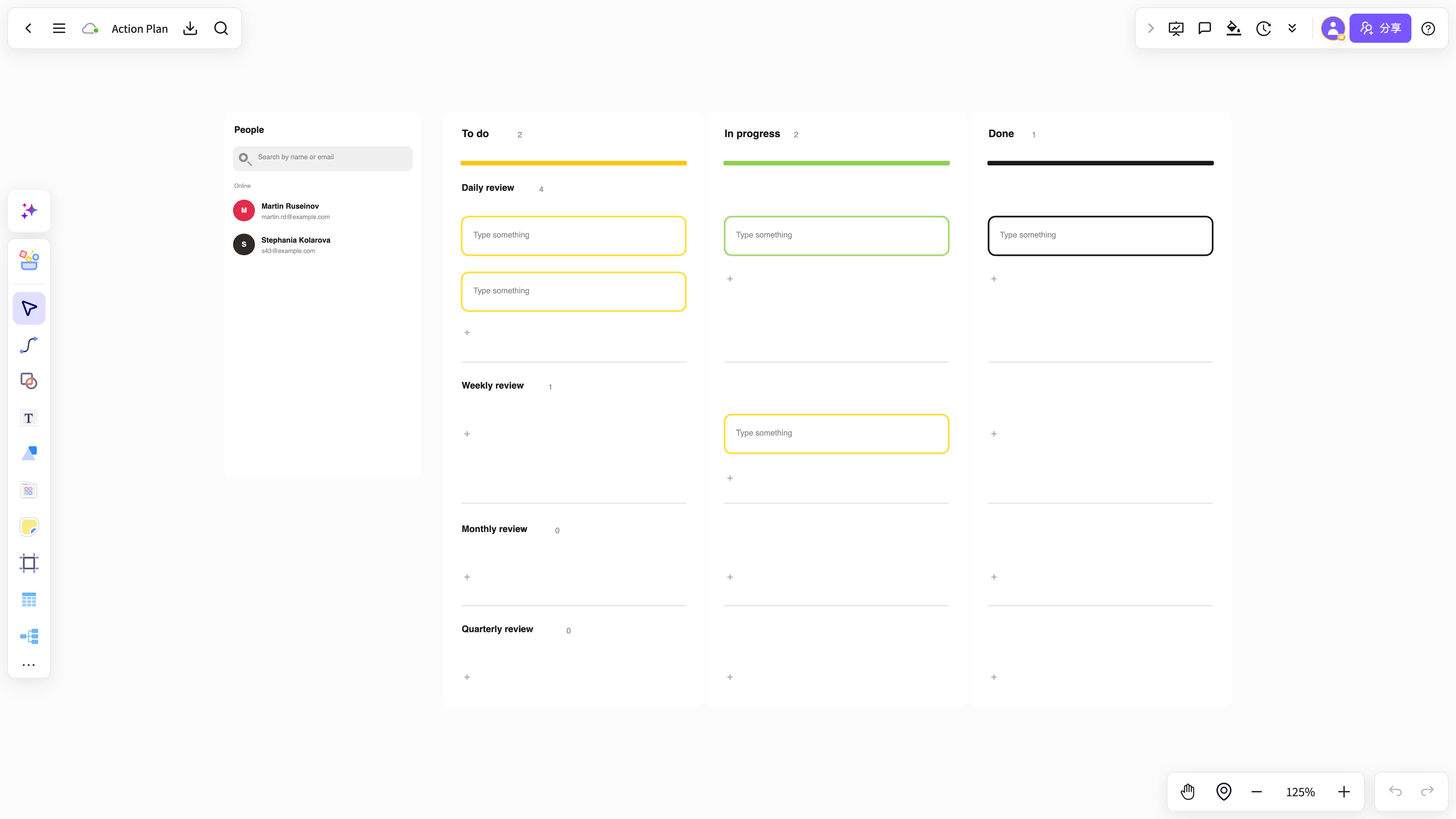 会议行动计划
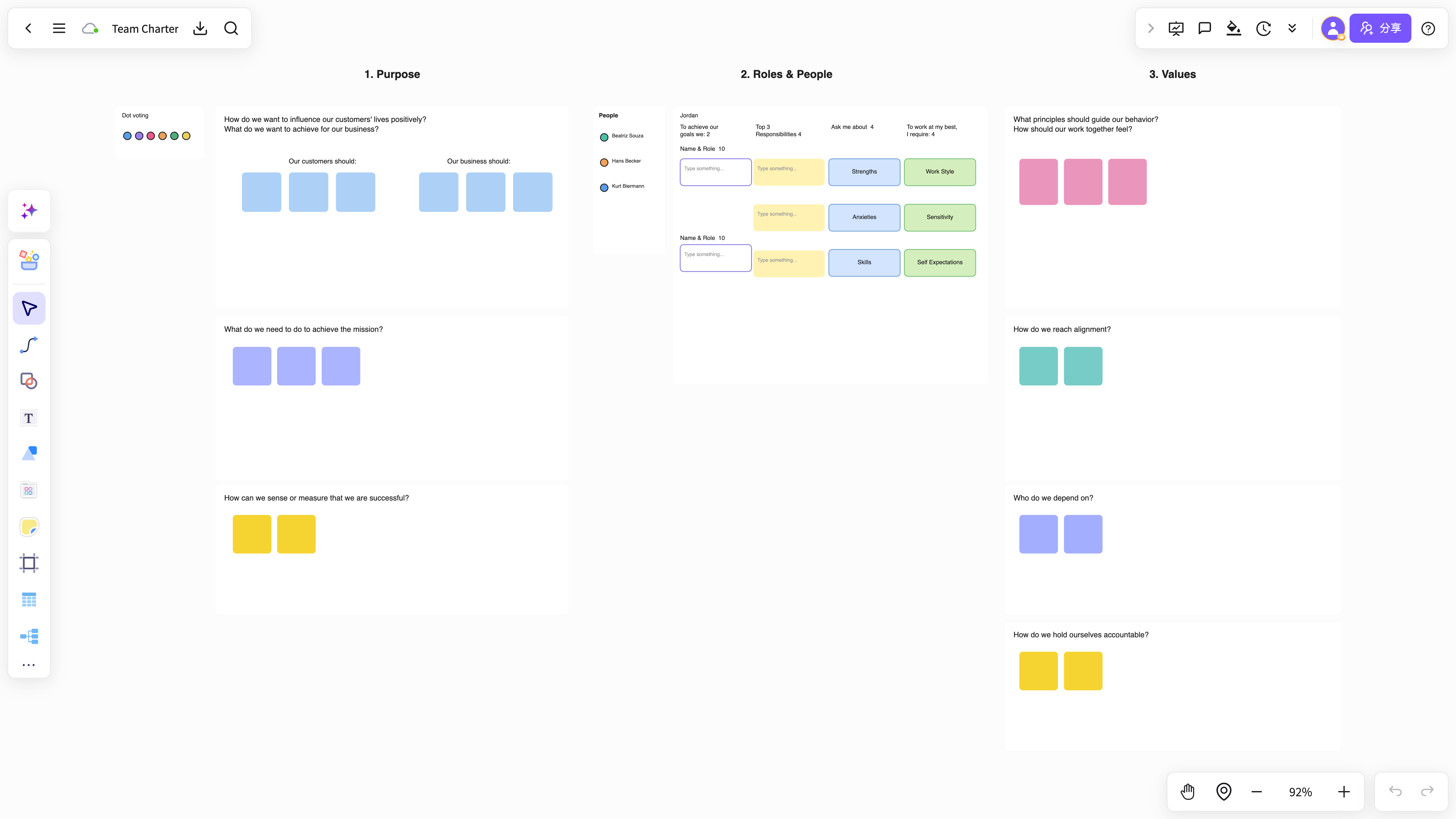 团队工作坊模板
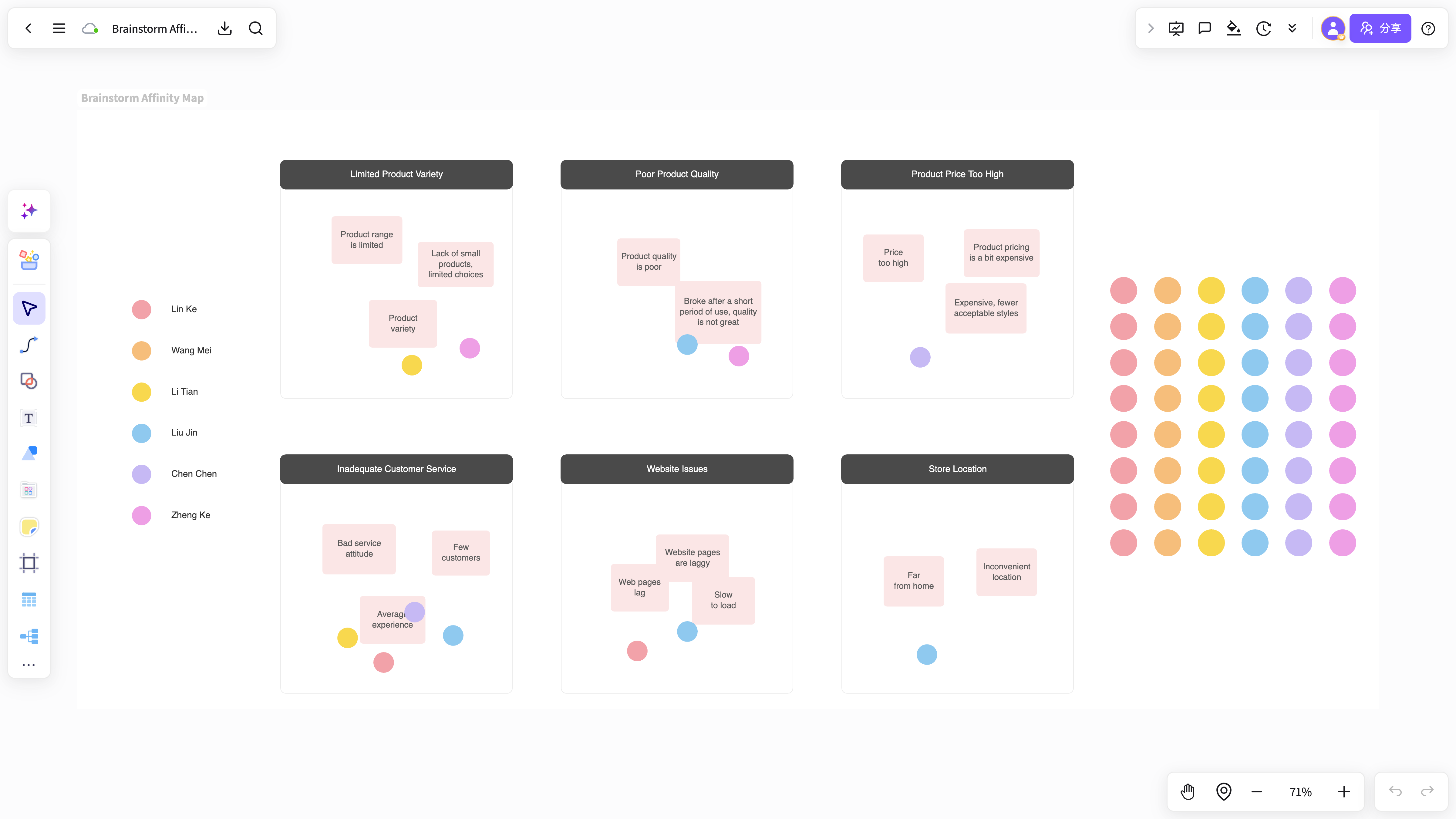 头脑风暴画布
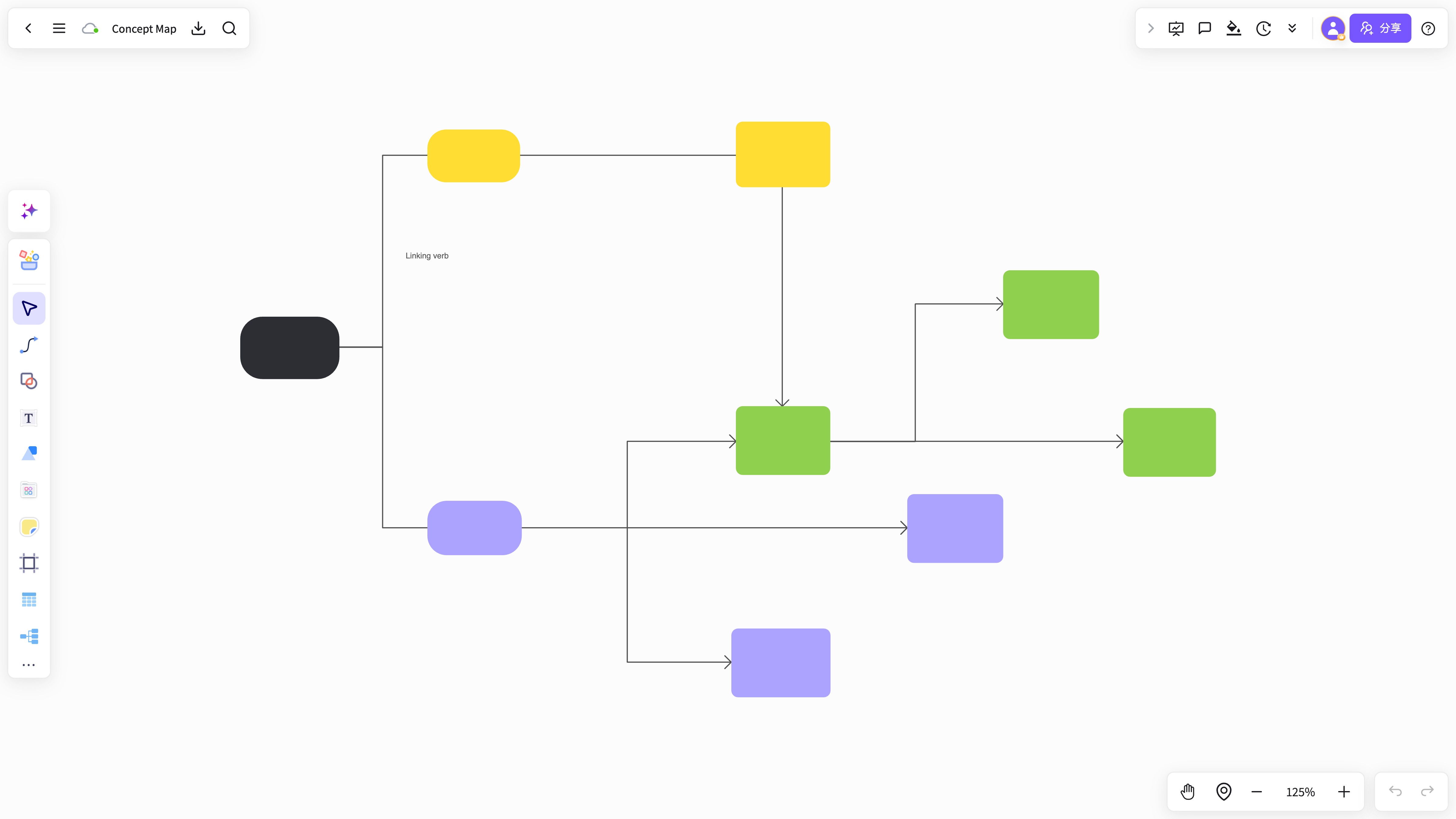 知识卡片整理器
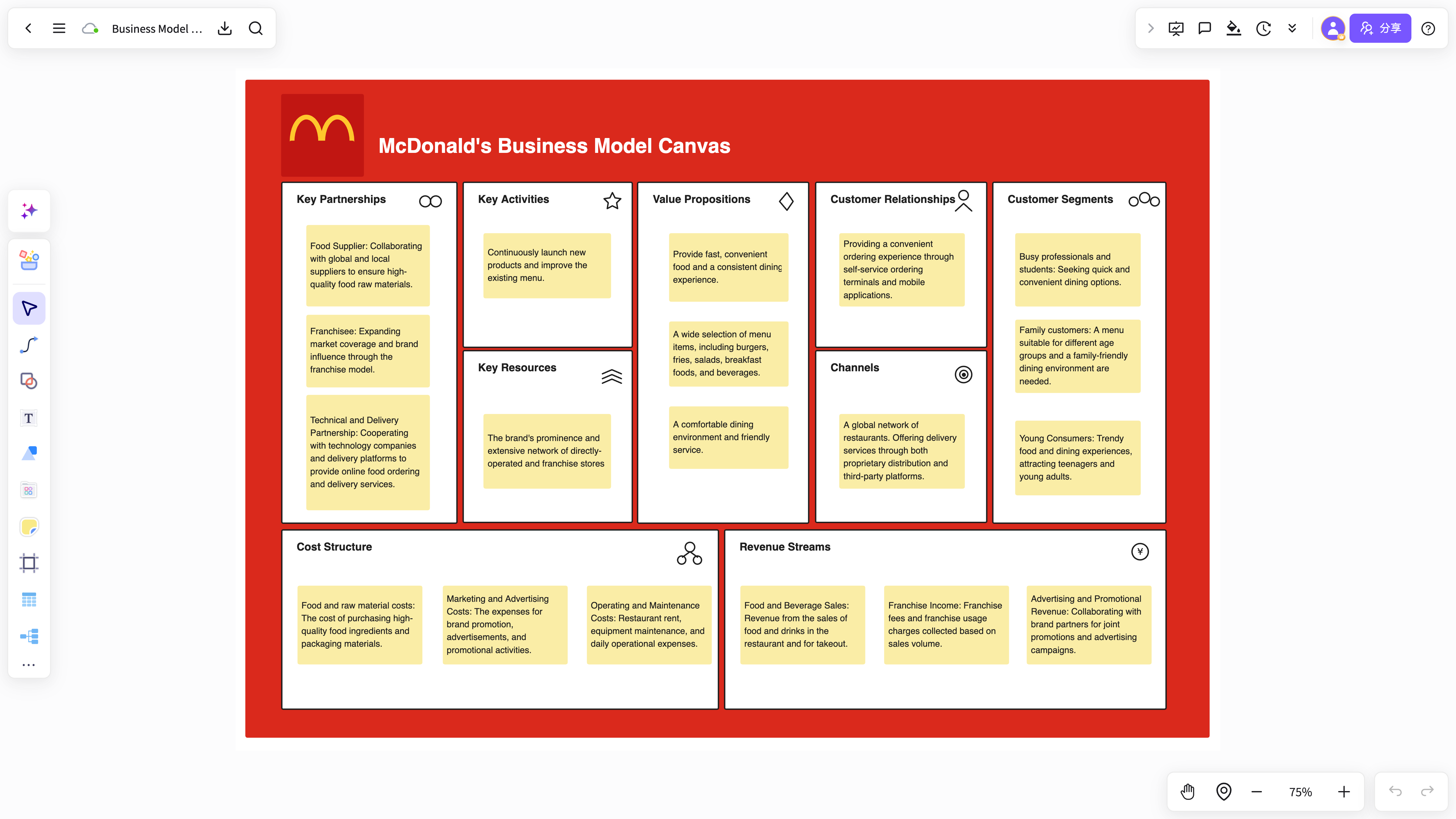 内容整理工作区
从 Mural 迁移到 NuromBoard
导入现有内容,再在一个共享工作文件中持续完善结构。
- 01带入现有内容
导入白板、文档、PDF 和图片,或粘贴笔记与链接开始新的工作区。
- 02让 AI 生成第一版结构
总结材料、提取要点,并生成可编辑的思维导图、流程图和卡片。
- 03会后与团队继续完善
在同一个文件中评论、协同编辑并查看版本,让工作不会停留在截图。
- 04沉淀为团队知识
保留版本和上下文,让下一次评审从上一次结论继续。
Mural Alternative FAQ
Answers about workflows, collaboration, and AI-assisted visual work.
What is Mural Alternative useful for?
Mural Alternative helps with brainstorming, planning, business analysis, project work, and team collaboration when ideas need to become a clear result.
Why use NuromBoard for Mural Alternative?
NuromBoard combines AI generation, reusable templates, collaboration, presentation, and long-term project context so Mural Alternative can move from a draft to a usable result.
Does Mural Alternative support team collaboration?
Yes. Teams can edit together, leave feedback, share work online, and review versions so discussion and decisions stay connected.
Do consultants and teams use it for client work?
Yes. Consultants use Mural Alternative alongside frameworks like SWOT, PEST, and competitor analysis to structure findings and present recommendations, and teams can invite clients to review shared boards.